
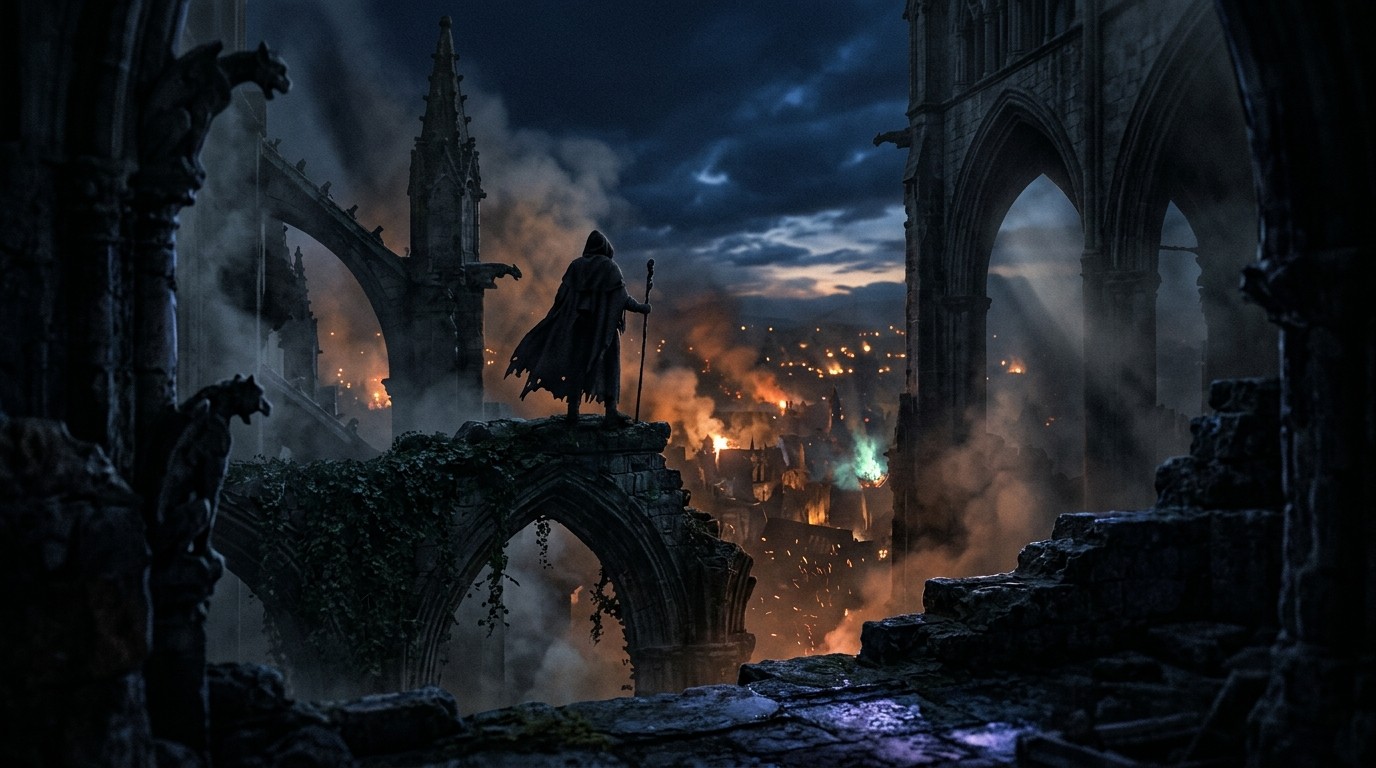
There is a moment, about twenty minutes into a VorpX session, where you stop squinting at the virtual cinema screen and admit what’s actually happening: you’re playing Diablo III on a very large, slightly curved television that happens to be attached to your face. The 3D depth is real. The headset is on. The mouse is still doing all the work.
That’s the whole story. Everything else you’ll read about “Diablo III VR” is either a fantasy or a mislabel. There is no official VR mode. There is no 6DOF community mod. UEVR won’t touch it because Diablo III runs on Blizzard’s own in-house engine, not Unreal. Dolphin VR and PPSSPP VR are irrelevant—the game was never on GameCube, Wii, PSP, or 3DS. The one actual path is VorpX, and even VorpX can’t turn an isometric clicker into a first-person demon safari.
What the “VR” Actually Is
VorpX’s Diablo III profile uses Geometry 3D, which means the game really is rendered twice from two camera positions and you get genuine stereoscopic depth. That’s better than the half-baked Z-buffer hacks some older games suffer through. Diablo’s ground plane, spell effects, and characters pop forward in a way that a monitor can’t replicate. If you have ever wanted to see a loot fountain hovering in front of your eyeballs, this is your chance.
But the camera is still locked in place. You are not standing in Sanctuary. You are not dodging projectiles with your body. You are looking down at the same fixed isometric angle Blizzard designed for mouse and keyboard. VorpX’s own developer put it plainly: Diablo III is “best played in cinema mode.” That is the ceiling here. Headset on, game unchanged.
Getting It Running
VorpX is a paid driver, not a mod. The install is straightforward enough, but the profile tuning is where the time goes. You’re adjusting zoom, depth, FOV, and screen curvature until the UI stops feeling like it was designed for a monitor three feet away—which it was. Expect to spend the first thirty to sixty minutes just getting the image to settle.
Some users report the game inexplicably runs worse under VorpX than it does flat. Diablo III is not a demanding game on modern hardware, yet the injection layer can introduce frame drops that feel out of proportion. It’s stable enough once dialed in, but “stable enough once dialed in” is a phrase that only VR veterans smile at.
How It Actually Plays
The click-and-loot loop is untouched. You still point, you still right-click, you still watch health bars and cooldown timers. The only difference is the screen is enormous and the world has a little extra depth. That depth is genuinely nice for about an hour. Then your brain adjusts, and you’re just playing Diablo III again.
Comfort is actually fine. The fixed camera means no artificial locomotion, no snap turns, no vestibular mismatch. You could grind rifts for hours without getting sick. But comfort without presence is just a really stable way to not feel like you’re there.
The Hard Truth
The game underneath is still Diablo III. The loot treadmill, the season cycles, the character builds—none of that goes away. If you already love the game and you want an excuse to use your headset more, VorpX delivers a polished virtual cinema with a 3D bonus. That’s the entire sales pitch.
For everyone else, this is not a reason to put on a headset. It is not a transformative way to experience the game. It is not “Diablo III in VR.” It is Diablo III, in a headset, looking good on a fake screen.
Save the headset for something that actually needs it. Play Diablo III flat. It was built for that screen, and it still belongs there.