
Minecraft VR Modding Guide: Vivecraft, QuestCraft, and Which Mods Survive VR
Vanilla Minecraft in VR is half the game. This guide covers both routes — Vivecraft on PCVR and QuestCraft standalone — plus the mod compatibility matrix: which loaders, shaders, and performance mods actually work in a headset, and the version-pinning discipline that keeps it all running.
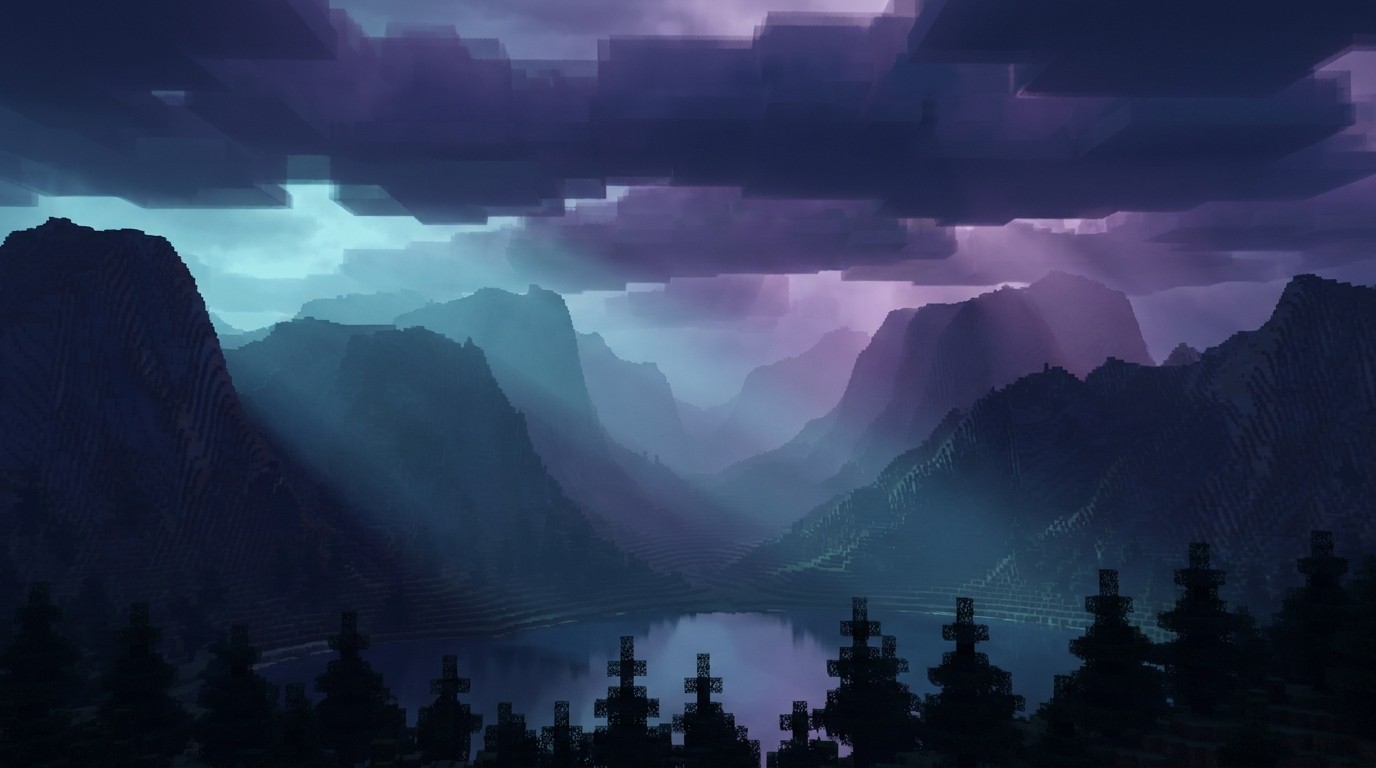
Minecraft in VR without mods is half the game. The base game in a headset is already remarkable — blocks at real scale, creepers at eye level — but anyone who plays Java Edition on flat knows the mod scene is where Minecraft becomes yours: shaders that turn sunsets into events, performance mods that double your render distance, quality-of-life fixes you forget aren’t vanilla. The question this guide answers is which of that survives the jump to VR, because not all of it does, and the failures are confusing.
There are two routes into Minecraft VR, they serve different players, and — here is the part most guides get wrong — they both run mods.
The Two Routes
Vivecraft (PCVR) is the original and deepest path. Its lineage goes back to 2013’s Minecrift for the Rift dev kits, ported to roomscale OpenVR in early 2016, and maintained ever since at vivecraft.org. It runs on a gaming PC and streams to any SteamVR-compatible headset, including Quests running through Quest Link or Virtual Desktop. Full loader support, full shader support, the whole Forge/NeoForge/Fabric universe. If you have the PC, this is the reference standard.
QuestCraft (standalone Quest) is a port of Minecraft Java Edition to Quest headsets — Quest 2 and 3 native, plus Pico — built on Vivecraft’s VR implementation and Pojlib’s Java launcher, maintained at questcraft.org. No PC, no cable, no streaming. Roomscale, full multiplayer, motion controls through Vivecraft. And contrary to the old reputation: it runs mods. The built-in launcher installs and auto-updates mods and components, recent releases added explicit modpack support, and supported versions span 1.19.2 through 1.21.x. The catch is scope, covered below.
Pick your route first. Everything downstream — loaders, shaders, which mods are sane — follows from it.
PCVR: The Vivecraft Stack
Vivecraft rewrites enough of Minecraft’s rendering and gameplay code that mod compatibility is a real question, not a formality. The project maintains a Forge mod compatibility spreadsheet — check it before building a loadout, because “works on flat” and “works in VR” are different claims.
Three things to know about the current stack:
The loader situation improved. The official continuation of the project moved to a multiloader setup — Fabric, Forge, NeoForge, and Quilt from one codebase using mixins instead of patches. Practically, this means you pick the loader your favorite mods target instead of contorting your loadout around Vivecraft.
OptiFine is legacy baggage. Older Vivecraft bundled OptiFine, which carried its own incompatibility list on top of VR’s. The multiloader rewrite removed OptiFine as a dependency. If a guide tells you OptiFine is required, that guide is old. The modern performance-and-shader stack is Sodium plus Iris, both confirmed working with Vivecraft — Iris’s documentation even maintains a Vivecraft reference page for shader authors. Sodium for frames, Iris for shaders, no OptiFine required.
Version-pin everything. Vivecraft targets specific Minecraft versions, and each Forge/Fabric mod targets specific loader versions. The failure mode is always the same: update one piece and the Jenga tower falls. Pick a working combination — say, one Minecraft version, one Vivecraft build, one loader generation — and freeze it. Add mods one at a time, keep a backup of the working profile, and treat “update all” buttons as hostile.
Standalone: The QuestCraft Pipeline
QuestCraft’s mod story lives in its launcher. It handles versions, components, and mod installs in one place — closer to a console experience than the PC’s manual JAR-shuffling. Modpack support means curated lists install as units rather than piece by piece.
The constraints are real and worth stating plainly:
Fabric only. QuestCraft’s mod pipeline is Fabric-based. The Forge and NeoForge catalogs that PCVR players browse are out of reach on standalone. This cuts the available mod universe substantially — but Fabric’s catalog is large, and most performance and QoL essentials exist there.
The hardware ceiling decides. A Quest is a phone chip. Lightweight content mods, performance mods, and interface tweaks run fine. Heavy world generation, giant modpacks, and shaders are where standalone hits the wall. Shaders on QuestCraft specifically are unverified territory — assume no until proven otherwise, and enjoy being wrong.
Versions are narrower. QuestCraft supports a defined version range (currently 1.19.2 through 1.21.x across point releases). Mods must match. The launcher manages this, but it means chasing the newest Minecraft release is not the game here — stability on a supported version is.
The Compatibility Matrix
| Vivecraft (PCVR) | QuestCraft (standalone) | |
|---|---|---|
| Loaders | Forge, NeoForge, Fabric, Quilt | Fabric only |
| Shaders | Yes (Sodium + Iris) | Unverified — assume no |
| Modpacks | Manual / Wabbajack-style | Built-in modpack support |
| Performance ceiling | Your GPU | Quest silicon |
| Version range | Broad (check per build) | 1.19.2 – 1.21.x |
| Needs a PC | Yes | No |
Which Mods Are Worth It in VR
Curation principle: a mod earns its place here by paying off in a headset, not on a monitor. That filter changes the rankings.
Shaders (PCVR only). The single biggest visual upgrade in VR Minecraft. Iris plus a performance-friendly shader pack turns the blocky world into something with atmosphere — light shafts in caves, water that reflects. This is the “VR tax refund”: VR costs performance, shaders cost performance, Sodium pays for both. Start here on PC.
Render distance and performance. Sodium first, always — frames are comfort in VR, and dropped frames in a headset are nausea where on flat they’re annoyance. Beyond that, check the compatibility spreadsheet before adding world-gen or render-distance extenders; these touch the same rendering code Vivecraft rewrites, so they’re the highest-risk category and the highest-reward one.
Quality-of-life and interface. The unglamorous winners. Inventory management, minimaps, waypoints — everything that reduces menu-fumbling with motion controllers. These are lightweight, usually Fabric-available (so QuestCraft players get them too), and they compound: ten small frictions removed equals a different game.
Content mods. New biomes, creatures, dimensions — the “different game” layer. Compatibility here is mostly fine since content mods rarely touch rendering. The constraint is performance budget, especially standalone: add them last, one at a time, and watch frame times.
The discipline for all four categories is the same: working profile backed up, one addition at a time, spreadsheet checked first. Boring advice that saves entire evenings.
The Version-Pinning Box
Write this down: Minecraft version, Vivecraft or QuestCraft build, loader + loader version, mod list with versions. When something breaks — and something will break — this list is the difference between a ten-minute rollback and a lost weekend. Never update more than one layer at a time. Never update before a play session you care about. The modded-Minecraft veterans learned all of this the hard way so you don’t have to.
Modded Minecraft is the best-selling game on earth with a decade-plus mod scene behind it, and VR is the most transformative way to play it. The two facts took years to properly meet — first through Vivecraft on PC, now through QuestCraft with no PC at all. The compatibility matrix above is the whole ballgame: pick your route, respect the ceiling, pin your versions, and the blocky world gets a lot bigger.