
Beat Saber Modding Guide: Custom Songs, From First Install to Playlist
The single best upgrade for Beat Saber is the community's custom-song scene — thousands of maps, from ranked expert challenges to silly memes, for any song you can name. Here's the definitive guide to installing the mod toolchain, finding great maps, building playlists, and staying safe.
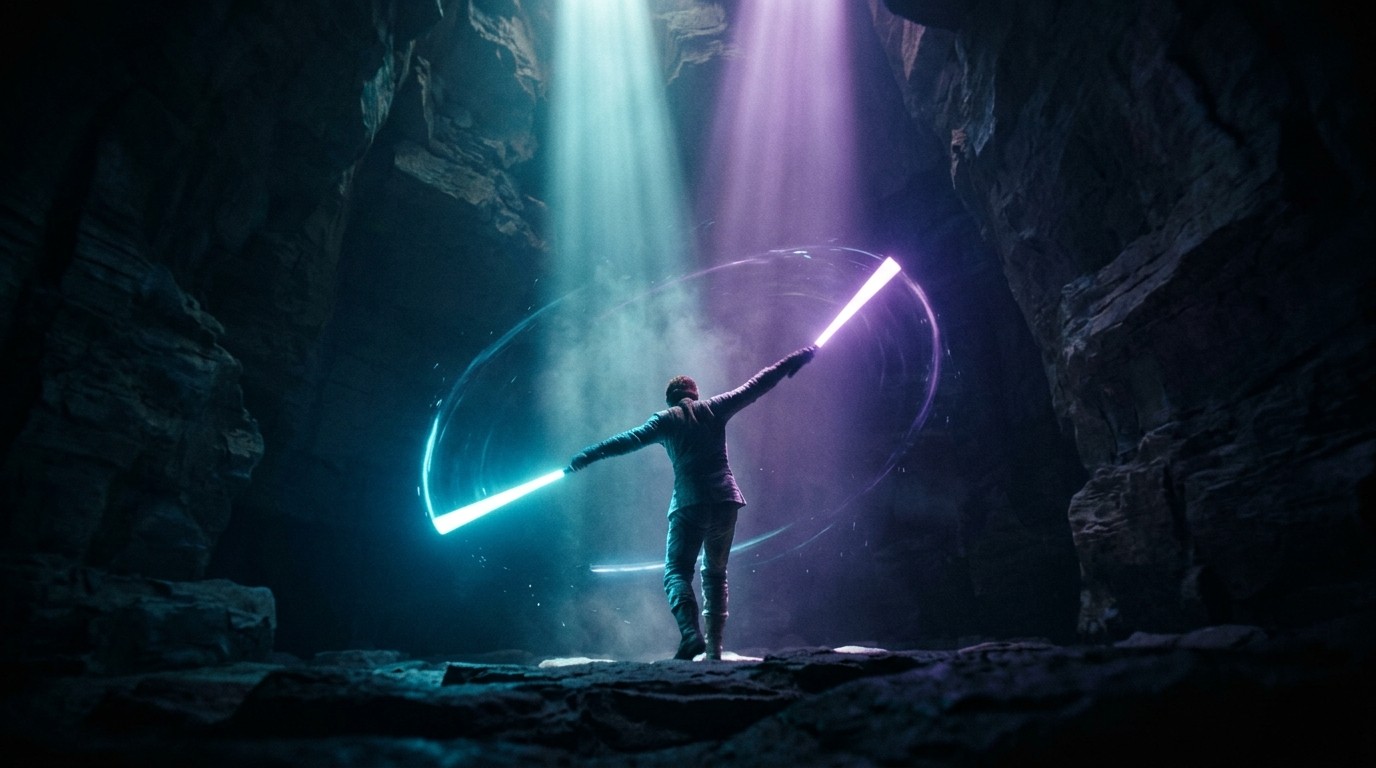
Beat Saber launched in 2018 with a decent soundtrack and a huge hidden feature: the community could add custom songs. That one capability turned a good rhythm game into a phenomenon. Today, BeatSaver hosts well over a hundred thousand community-made maps — official tracks, ranked competitive challenges, and thousands of songs the developers never touched, from pop hits to entire video game soundtracks to absolute nonsense that has no business being a beatmap.
But here’s the thing: the best content in Beat Saber isn’t in the game. It’s behind a modding setup that intimidates a lot of players. This guide is the whole path — how to get the mod toolchain running on PC or Quest, where to find great maps instead of chaff, how to build playlists, and how to stay safe doing all of it. Let’s get your saber swinging at songs that aren’t in the base game.
Before You Start: PC vs Quest
The first decision is which platform you’re modding, because the paths are different.
PC VR (Steam or Oculus PC): This is the full, easiest modding experience. The PC modding scene is the reference standard — a mature toolchain, the whole map library, and the widest range of mods. If you own Beat Saber on PC VR, you’re in the best position.
Quest (standalone): The Quest path is more locked-down. Meta restricts what you can run, so modding a Quest requires a developer mode toggle, downgrading to a moddable game version, and sideloading — and Beat Saber’s modding has historically lagged behind the official Quest updates, sometimes forcing you to stay on an older version to keep your mods working. It’s doable and widely documented, but it’s more fragile than PC. If custom songs matter to you a lot, PC is the smoother road.
This guide focuses on the PC path (the reference standard), with notes on where Quest differs.
The Toolchain: What You Actually Need
You don’t need to be a tinkerer to mod Beat Saber on PC. The modern tooling does almost everything for you. Here’s the stack:
BSManager is currently the recommended all-in-one tool. It manages Beat Saber versions (so you can run an older, moddable version if the newest isn’t supported yet), installs mods, downloads maps, and handles playlists. If you only download one tool, make it BSManager — it replaces the older separate tools.
BSIPA (Beat Saber IPA Reloaded) is the plugin loader that mods actually hook into. It patches the game so mods in the Plugins folder load on startup. BSManager handles installing and running this for you, but it’s worth knowing the name because it’s the foundation everything else sits on.
SongCore is the mod that expands custom-song support — better loading times and the framework other song mods (in-game downloaders, custom leaderboards, playlists) build on. The game actually natively supports custom songs now, but SongCore makes the experience dramatically better.
Legacy note: ModAssistant was the older recommended installer. It’s now legacy software with known bugs and is no longer recommended. If a guide or video tells you to use ModAssistant, use BSManager instead.
Finding Good Maps (Not Just Any Maps)
Having access to 100,000+ maps is a curse as much as a blessing. Sorting BeatSaver by “Top All” or “Most Downloads” surfaces a lot of maps from the early days, before good mapping practices were established — many of those feel terrible to play. The best custom levels come from maps released from around late 2019 onward.
The reliable ways to find good maps:
BeatSaver (beatsaver.com) is the master repository where every custom song lives. The in-game downloader mod (BeatSaverDownloader or BetterSongSearch) pulls directly from it via a “MORE SONGS” button on the mods menu.
Beast Saber (bsaber.com) is the curated layer on top of BeatSaver. Its most valuable feature is the “Recently Curated Maps” feed — a team of curators plays through most songs released each day and flags the ones that meet a quality bar and have that subjective “fun factor.” If you want to skip the chaff, this is your feed. It also surfaces maps from verified mappers and a rotating “Map of the Week.”
Verified mappers are the community’s proven mapmakers — people like Joetastic, Bytrius, and the ranked-map curators. Following their profiles on BeatSaver is a reliable way to get consistently well-made maps. The “Map of the Year” awards and the ranked map system (for competitive play) are strong signals too.
Building Playlists
Once you have a handful of maps you like, playlists turn them into curated albums. Install the PlaylistManager mod, then either import playlists through BSManager’s maps tab or drop a playlist file into Beat Saber/Playlists and hit “download all songs” in-game. The community shares full playlists — everything from “best of the year” roundups to themed collections — so you can install someone’s curated list and get an instant library of quality maps.
The Install Path, Step by Step (PC)
- Make sure you own the game on Steam or Oculus PC. Run it once so the game files are fully set up before you touch anything.
- Download BSManager from its GitHub releases and install it. It’ll walk you through pointing it at your Beat Saber install and setting up a modded version.
- Let BSManager install the mod stack — it handles BSIPA and the core mods (SongCore, the in-game downloader, PlaylistManager).
- Get maps. Either use the in-game “MORE SONGS” downloader, or grab individual maps from BeatSaver and install them via BSManager’s OneClick install or maps tab.
- Add playlists through BSManager or the Playlists folder.
- If the newest game version isn’t moddable yet, use BSManager to run an older version that is. The BSMG Discord’s
#modding-announcementschannel tracks which versions are supported.
That’s it. The modern toolchain collapses what used to be a fiddly multi-step process into a few clicks.
Staying Safe (This Part Matters)
The BSMG community is emphatic about this, and so am I: Beat Saber will never ask you to run it as Administrator. If you install a mod and get a User Account Control prompt asking you to accept something running with admin rights, do not click accept — that’s a malicious mod. Report it. Only install mods from the official sources: BSManager, BeatSaver, the BSMG Discord, and BeatMods. The unverified-mod channel in the community Discord carries malware risk, and the game’s own tools are the safe path.
Also: back up your CustomLevels folder periodically (it lives at Beat Saber/Beat Saber_Data/CustomLevels). There’s a small chance a game update resets it, and you don’t want to lose a library you spent months building. Updates do break mods — that’s normal, and the modders are volunteers who fix them on their own schedule. Don’t attack the developers or the modders over it; it’s the cost of the ecosystem.
Where to Go Next
Once the custom-song pipeline is running, the scene opens up further. Beyond songs, the community makes custom sabers (replacing your light sticks with lightsabers, katanas, or anything else), custom avatars, custom platforms, and even custom note blocks and walls. There’s a whole mapping scene if you want to make your own beatmaps — a genuinely creative pursuit where you design the notes, patterns, and flow. And you can play custom songs in multiplayer through the community’s MP mod.
Beat Saber’s modding scene is one of the biggest and most passionate in VR, and it’s the reason the game never got stale. The base game is a great rhythm title; a modded Beat Saber is a bottomless one where you’ll find a map for literally any song you can think of. Get the toolchain running, trust the curated feeds over the raw download counts, and enjoy the thousands of hours of community-made content waiting for you on BeatSaver.