
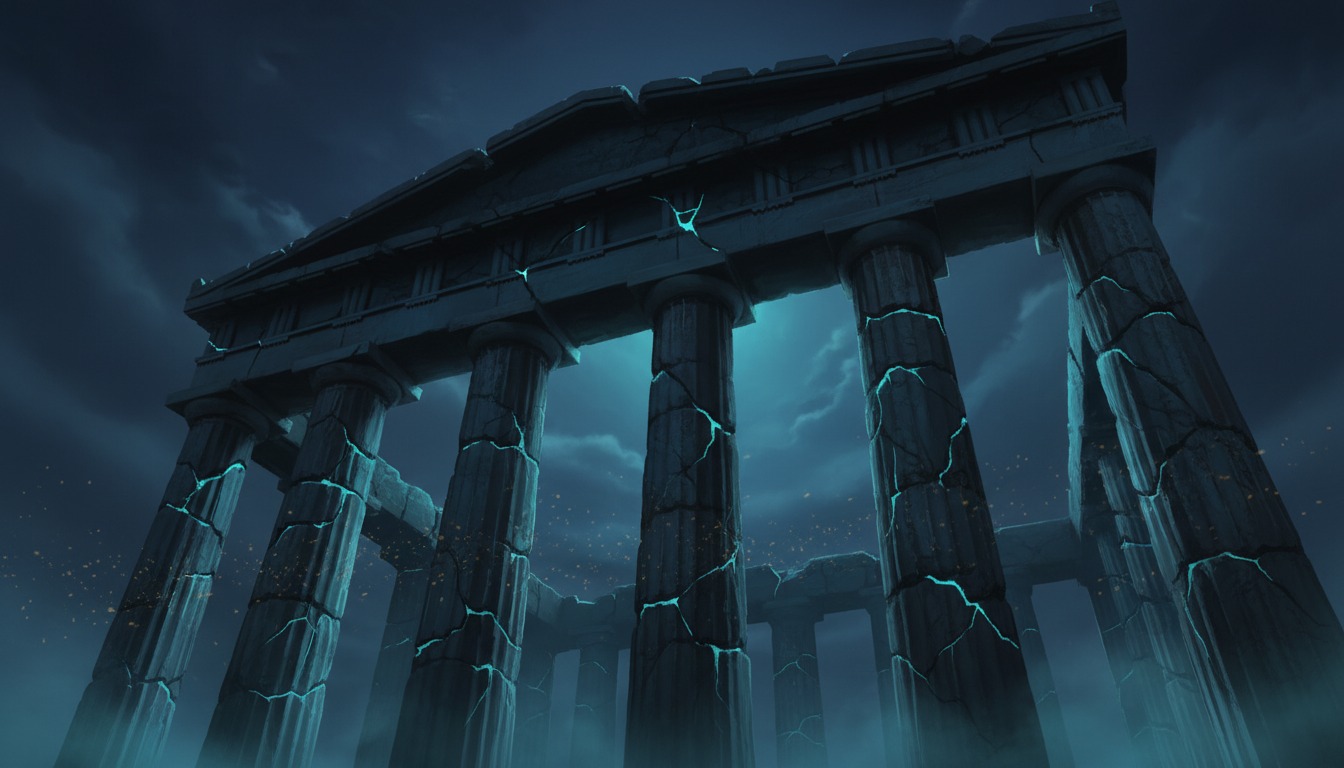
I wanted to love this. Titan Quest is one of those games I keep reinstalling every few years — a loot-driven ARPG through ancient Greece, Egypt, and beyond, with that satisfying Diablo-like rhythm of click, kill, collect, repeat. The Anniversary Edition bundles the original game, its expansion, and years of community fixes into a surprisingly durable package. So when I heard there was a way to play it in VR, I got curious. Maybe the old girl could feel fresh again.
Here’s the thing: there is a way. But “way to play in VR” and “experience worth putting a headset on for” are two very different things.
What You’re Actually Getting
The only path into VR for Titan Quest Anniversary Edition is vorpX — a commercial injection driver that costs about as much as the game itself. There is no community mod, no OpenXR wrapper, no framework hack. UEVR won’t help you here; this game predates Unreal Engine by a wide margin.
vorpX gives you two things: stereoscopic 3D and head tracking mapped to camera movement. The official profile uses Geometry 3D mode, which renders the scene from two distinct camera angles — one per eye — producing genuine depth. It is not a fake depth effect; the world actually has volume. That’s the good news.
The less good news is that the profile requires you to launch the game in DirectX 9 mode, which hasn’t been the default since 2019. You either add a launch parameter or dig through Steam’s start options every time. The profile also expects windowed mode with a custom resolution that matches your monitor, which means a bit of menu-hopping before you even see the title screen.
What It Feels Like to Play
Let’s be honest about what this is. You’re not inside Titan Quest. You’re sitting in a dark virtual theater staring at a very large, very three-dimensional screen. vorpX’s Cinema Mode is the sensible choice here — the game was built for an isometric camera locked high above the action, and no injection driver can change that fundamental design.
In Cinema Mode, the screen fills your vision. The Greek ruins pop with depth. The Nile delta stretches back in a way that flat-screen play never quite captures. It’s pleasant. Occasionally it’s even striking, like when a massive boss fills the screen and the scale finally registers. But the moment-to-moment loop — click to move, click to attack, click to loot — is unchanged. Your hands are still holding a gamepad or resting on a keyboard. There is no sword-swinging, no gesture casting, no physical dodge. The VR is a visual filter, not a mechanical transformation.
Some users try Full VR mode or Immersive Screen with head tracking enabled, and that’s where the experience starts to fight itself. The camera in Titan Quest was never meant to respond to head movement; mapping it to mouse input creates a subtle but persistent tug-of-war between where you look and where the game thinks the camera should be. For an isometric game with a fixed vantage point, this can feel off in a way that’s hard to describe but easy to notice after twenty minutes. Cinema Mode sidesteps this entirely by decoupling your head from the in-game camera, and that’s the configuration most experienced vorpX users recommend for this title.
The Friction
Setup isn’t brutal, but it isn’t effortless either. The DX9 requirement is the first hurdle. Then there’s the controller situation: multiple reports describe the game flipping between mouse/keyboard and gamepad input layouts when used with certain controllers through wireless streaming, eventually freezing the VR view while the game keeps running on the PC. The workaround is to stick with mouse and keyboard, which feels slightly absurd for a couch-friendly ARPG but apparently keeps things stable.
There’s also a UI quirk in DX9 mode where location names fail to display if you use the Large UI setting. Medium UI works fine, but discovering this means either reading forum threads or squinting at broken text for a few hours.
Performance in Geometry 3D mode is respectable on modern hardware but noticeable on mid-range rigs. True stereo rendering effectively doubles the GPU load, and Titan Quest Anniversary Edition is not exactly optimized like a modern title. You may find yourself dialing settings back to keep frame times smooth, which for a game this old feels mildly embarrassing.
Who This Is Actually For
If you already own vorpX, already love Titan Quest, and want an excuse to replay a twenty-plus-hour campaign with a little extra visual punch, this profile delivers exactly that. The stereoscopic 3D is genuine, the campaign is complete, and co-op works the same way it always has. It’s a comfortable, low-intensity way to spend a headset evening.
If you’re looking for a VR ARPG that justifies the headset, this is not it. The lack of motion controls means nothing about the core interaction changes. The isometric camera means you’ll never feel present in these mythological worlds. And the setup friction — DX9 mode, resolution matching, input quirks — means you’re working harder than the payoff deserves.
The Bottom Line
Titan Quest in VR is a technically competent vorpX profile wrapped around a fundamentally flat game. The 3D effect is real, the campaign is intact, and the experience is stable once configured. But it’s a wrapper, not a reinvention. You’re paying for vorpX, wrestling with DX9 launch options, and troubleshooting UI bugs to get a very pretty, very large, very three-dimensional screen.
For fans with vorpX already sitting in their library, it’s a nice bonus. For everyone else, there are better ways to spend your evening — and your money — in VR.