
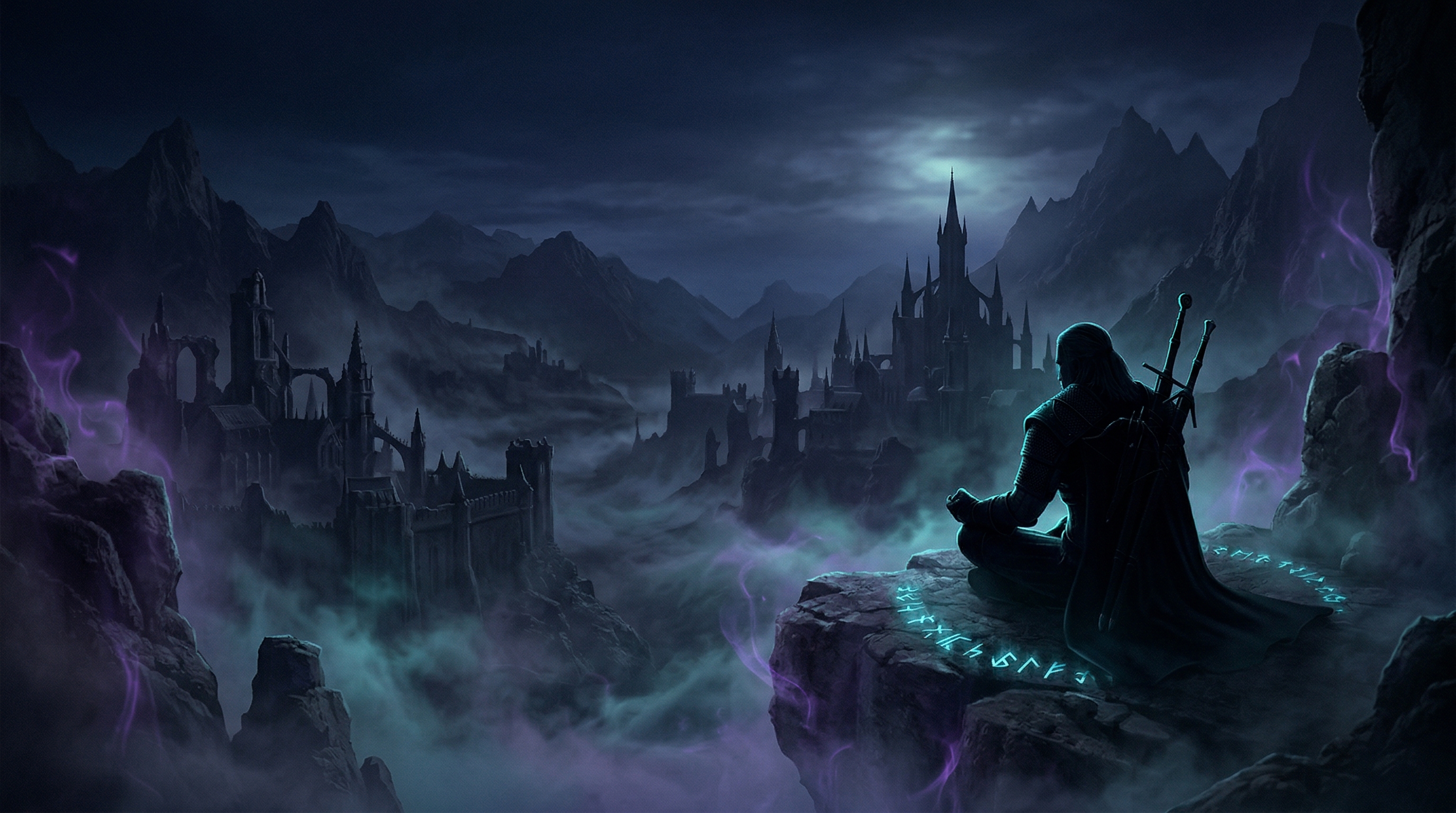
The Witcher 3: Wild Hunt in VR: A Legendary World, Finally Given Real Headroom
Stepping into the Continent in VR is both exactly what you imagine and nothing like you hoped. The Witcher 3: Wild Hunt is widely regarded as one of the finest role-playing games ever crafted—an expansive fantasy epic with rich storytelling, morally complex choices, and a world that rewards exploration. In VR, through a dedicated open-source mod built for the Next-Gen DX12 build, that world is now rendered in stereo with 6DoF head tracking and a first-person option. The gap between “wrapper” and “transformation” is smaller than it used to be, but VR is still not a magic spell: this is the same flat game, and its flat-game bones show.
What This VR Option Actually Is
This is now a full VR mod called witcher3-vr, a free open-source project for The Witcher 3 Next-Gen DirectX 12 build. It is not an injection driver or a paid middleware layer. It is a dedicated stereo VR layer with its own launcher, render pipeline, HUD editor, and first-person camera, informed by the same DX12 VR architecture lineage as praydog’s REFramework and UEVR. That means it goes deeper than wrapping the final image: it reworks how the camera, HUD, and image are produced for a headset.
What you get:
- Configurable stereo rendering with three distinct modes and 6DoF head tracking
- Head-tracked camera control through your OpenXR runtime
- First-person exploration, combat, horseback riding, and sailing
- A movable, savable HUD editor for different play styles and presentation modes
- Cinema modes at 5:4, 4:3, 16:10, and 16:9
- Optional DLSS, DLAA, TAAU, and optical-flow frame generation
- OpenXR support, with VDXR recommended for Quest headsets
What you still do not get:
- Motion controls of any kind
- VR-specific interactions or hand presence
- Ray tracing or High screen-space reflections
- A fully corrected far/distant camera
- Redesigned menus, dialogue, or inventory built for VR
The mod is under active development, shipping eleven releases in roughly two months. It is alpha software with an explicit warning that features may be incomplete or unstable. Intermittent crashes can occur when using DLSS 5 Neural Rendering through OptiScaler. This is the real deal in terms of intent, but it is still a work in progress.
If you already own VorpX, the legacy injection path still works. It remains a mature commercial option for the flat-game-with-headset use case. The mod supersedes it as the primary path not because VorpX is broken, but because a free, dedicated mod now exists that does more and does not require buying anything extra. Locomotion is still the flat game’s smooth stick movement; the 6DoF tracking applies to your head, not to walking around in a playspace.
What You Need to Get In
This is the part where I tell you the mod is free but not effortless. You need The Witcher 3 Next-Gen DX12 build, a working OpenXR runtime, Windows 10 or 11, a VR-ready GPU and CPU, and a mouse and keyboard or gamepad. The current Microsoft Visual C++ Redistributable is required. DLSS and DLAA only work on compatible NVIDIA hardware. If you want OptiScaler’s DLSS 5 Neural Rendering path, you also need to supply your own compatible nvngx_dlssnr.dll for RTX 40-series or 50-series cards; the mod does not bundle it.
Setup itself is extract-and-merge into the game folder, then launch through Witcher3VRLauncher.exe. There is a one-time settings application step that backs up your original configuration. The launcher handles the optional OptiScaler and ReShade integrations. On paper it is moderate. In practice, anyone who has installed a BepInEx-based mod or wrestled with OpenXR runtimes will recognize the rhythm: copy files, run the launcher, realize something else needs toggling, restart.
How It Plays
Controls: Gamepad Required
There are no motion controls. The README is explicit about it and even says they are not currently planned. You will play The Witcher 3 in VR exactly as you would on a monitor, with mouse and keyboard or a gamepad, while 6DoF head tracking handles the camera. Combat, signs, menu navigation, horseback riding, and conversation all run through traditional inputs.
For a game built around swordplay and signs, the disconnect is real. You are not swinging a silver sword or casting Igni with a gesture. You are pressing buttons while a stereo image surrounds you. That limitation is the single biggest reason this mod does not feel like a native VR RPG, even though the visual presentation is dramatically better than running the flat game on a monitor.
Comfort: Manageable with Caveats
The Witcher 3 VR sits in the moderate intensity category. Head tracking for camera control reduces some motion sickness risk—you rotate your head naturally rather than relying entirely on analog stick movement—but the game still features smooth third-person locomotion, sprinting, horseback galloping, and fast combat animations.
Comfort settings are minimal. There is no teleportation, no snap turning, no comfort vignettes, and no room-scale locomotion. The mod does not rewrite game systems; it changes how the image is presented and how the camera responds to your head. Players sensitive to smooth locomotion or rapid camera shifts during combat should approach with caution.
Performance: Bring Your Best Hardware
The Witcher 3 was demanding in 2015. The Next-Gen update made it more demanding. In VR, rendering a stereo pair at headset refresh rates is a serious hardware load. This is super-computer territory if you want the full experience at high settings.
The mod gives you three render modes for this exact reason. AER + AFW is the fastest and the practical default for most people. Stereo renders both eyes every frame, which gives better image consistency at a higher cost. Mono is the lightest option and drops stereo depth entirely; the README marks it as preliminary, but it is there if you need it. AER + AFW is the mode most people will use to keep things playable.
Beyond that, the mod supports DLSS, DLAA, and TAAU depending on the render mode, plus optional optical-flow frame generation through OFXR. The author reports around a 40% frame-rate gain in testing, but results vary by GPU, scene, resolution, and headset refresh rate. Some overlays may report half the perceived frame rate while OFXR is active. Even with all that help, dense areas like Novigrad will stress the CPU hard.
Stability: Alpha Means Alpha
This is not a polished commercial product. It is an alpha mod shipping rapid releases, and the README does not pretend otherwise. I would not install this for someone who expects a plug-and-play experience. Crashes, hangs, and black-screen starts are still under investigation, especially with OFXR and the OptiScaler/ReShade integrations enabled. Ray tracing is unsupported because it currently breaks with the mod’s default asymmetric projection. High screen-space reflections can produce distracting stereo artifacts. Motion blur, bloom, and lens effects can look detached or uncomfortable in VR.
The safest troubleshooting route is to start with OFXR off, the integration dropdown set to Off, and DLSS Override disabled, then turn features on one at a time. Save backups matter here.
What Works Well
The scale of the world is undeniable. Standing on a hill overlooking Novigrad, watching the sun set over the harbor, or riding Roach through a forest with actual stereo depth—these moments deliver something the flat game cannot. The Continent feels more tangible when you can look up at towering trees or lean to peer around corners. The first-person camera, toggled with F11, makes this even stronger: the world is no longer framed around a distant character model, it fills your actual view.
First-person mode changes the math. Pressing F11 drops Geralt from the frame entirely and turns every view into your own. It is the single most meaningful change to how the game actually plays. The README is honest that some animations and unusual camera moments still look better in third person, so I would treat it as a per-scene decision rather than a permanent switch. For meandering exploration, first-person wins. For chaotic combat or sequences where the camera gets busy, switching back to third person is not a defeat—it is the mod giving you a choice.
Head tracking enhances exploration. The slow-paced moments—investigating monster nests, surveying landscapes for treasure, sailing between islands—benefit from natural head movement. It is not transformative in the motion-control sense, but it is pleasant in a way a flat game on a monitor never quite managed.
The HUD editor is a real upgrade. You can reposition HUD elements in-game, save layouts for different play styles, and switch between VR and Cinema3D layouts. It does not fix menus, dialogue, or inventory screens, which are still flat-game UI built for a monitor, but it does go after the problem that the HUD hovers in unhelpful places. For the first time, you can tune the interface to your headset instead of just accepting what the flat game gave you.
What Doesn’t Work
The combat disconnect is real. Third-person action combat with gamepad inputs in VR still feels hollow. You are not Geralt—you are a person pressing buttons while watching Geralt fight. The lack of motion controls removes the physicality that VR excels at delivering. First-person mode removes the character from the frame entirely, which changes the perspective, but the buttons remain buttons. You still cannot swing or parry with your hands.
Menus and inventory are still flat-screen systems. The HUD editor helps with combat and dialogue text placement, but the underlying UI is not built for headset legibility. You will still crane your head to read panels, and text can still be too small or too far from center. The mod improved one part of the UI problem, not the whole thing.
The visual compromises are real. To maintain performance, you will likely reduce settings. Ray tracing is off the table. High screen-space reflections are not worth the artifacts. The mod can hold up well, but it demands sacrifices, and some effects simply behave differently or not at all in stereo.
No motion controls means no VR magic. The moments that make VR gaming compelling—reaching for items, physically blocking attacks, intuitive spellcasting—are absent. This is a first-person, head-tracked, stereo viewing experience with traditional inputs, not a VR-native design.
The Verdict
Tier: B
Game Quality: S The Witcher 3: Wild Hunt is a masterpiece of the role-playing genre. Its narrative depth, world design, and character work represent the medium at its best. This rating reflects the underlying game, which remains exceptional regardless of VR implementation.
VR Implementation Quality: B The dedicated mod is a genuine step up from an injection driver. Stereo rendering, 6DoF head tracking, first-person view, a movable HUD, and active development make this feel like someone finally built the VR layer the game deserved. But the lack of motion controls, the alpha stability profile, the unsupported RT/SSR features, and the persistent flat-game UI keep it from feeling like a true native VR RPG.
Overall Tier: B The Witcher 3 VR is now a solid recommendation with caveats. If you want to stand in Novigrad at sunset, ride Roach with stereo depth, look up at the trees in Crookback Bog, or lean around a corner in a monster nest, the mod delivers that in a way VorpX never quite did. The compromises are still real—the hands stay on the gamepad, the crashes can still happen, and the setup is not trivial—but the fantasy of being inside the Continent is finally plausible enough to be worth the trouble.
Want to make the most of it? The right flat mods—HD Reworked textures, lighting overhauls, and movement tweaks—still help. See The Witcher 3: 1st person view and other mods that improve the VR experience.