
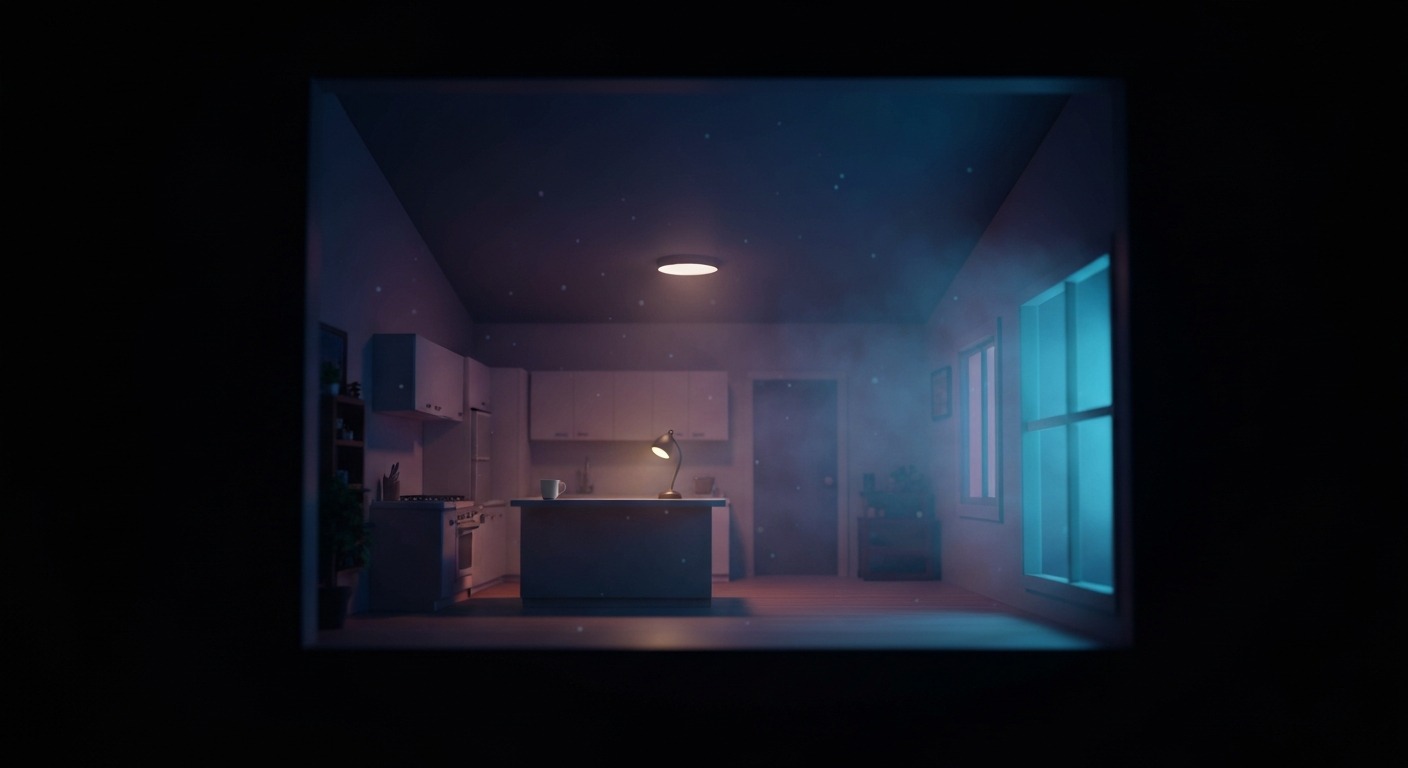
There is a moment in The Sims 4, usually around hour forty, when you zoom in close on a kitchen you spent too long decorating and think: I want to stand right there. The game is basically a dollhouse simulator with weather and heartbreak. VR feels like it should be the obvious next room over. Lower your headset in, walk around the living room you just furnished, watch your Sim burn toast from eye level.
That is not what actually happens.
What actually happens is that EA never shipped VR support, the community mod that tried to add it got stranded by a graphics API change, and the only other option is an injection driver that currently fights the same change. If you want The Sims 4 in a headset today, you are not playing a VR version of the game. You are troubleshooting a compatibility problem while the base game sits there, perfectly playable, on a monitor.
The Two Ways In — and Why Both Fail Right Now
There are two unofficial routes, and they share one problem: The Sims 4 switched its Windows renderer from DirectX 9 to DirectX 11.
EA previewed DX11 in the May 2024 patch and made it the standard for Windows in the September 2024 patch. That single change broke the main community VR mod and degraded the injection-driver profile that had kept the dream alive.
The first route is convexvr’s sims4-vr, a free GitHub mod. It is a Python script mod paired with a DLL that hijacks the game’s camera and replaces it with your headset’s position and rotation. In theory you get full 6DOF head tracking and motion-controller input. In practice the mod’s own README now says it “won’t work properly anymore” because the DX9 camera and render functions it hooks are gone. The last real release was a “more patch-resilient” update in June 2024, which is mod-speak for we tried to keep it alive. The author is essentially asking for a debug build of The Sims 4 to continue, which is not something EA hands out.
The second route is VorpX, the stereoscopic injection driver. VorpX has had an official Sims 4 profile for years, and for a while it delivered genuinely nice geometry 3D. You could play in immersive screen mode for the dollhouse management view, or switch to FullVR and take a first-person stroll through the neighborhood. It was never motion-controlled, never had a VR UI, and required you to manually juggle FOV and head-tracking settings, but it made the world feel spatial in a way the flat game does not.
Now VorpX users report that the DX11 version of The Sims 4 will not attach at all. You can still force the game back into DX9 through the in-game settings, and some people do that, but by late 2024 and into 2025 the reports say geometry 3D either produces visual corruption or simply does not appear as an option anymore. The profile exists on paper; on a modern install it is at best unreliable.
What Playing It Felt Like, Back When It Worked
I need to be honest here: I did not test this live. But the community trail is consistent enough to paint the picture.
The convexvr mod, when it functioned, was clever but never elegant. You toggled VR mode with a quick press of the Oculus B button, locked the camera to your active Sim with A, and used the trigger as a mouse click. A laser-pointer cursor let you click doors, counters, and other Sims. That sounds fine until you remember The Sims 4 is a menu game. Build/Buy, CAS, the needs panel, the relationship panel, the moodlet tooltips — all of it assumes a mouse hovering over tiny icons at desktop distance. In a headset those menus are either unreadable or require you to stand unnaturally close to a virtual screen. The mod also had a known stereo-rendering defect: each eye’s frame was rendered sequentially, so any movement between frames caused artifacts.
VorpX, in its working era, was the better fit. Immersive screen mode kept the UI legible and added depth to the isometric camera. The dollhouse fantasy worked because the dollhouse already existed in 3D; VorpX just let your eyes see the depth. First-person mode was a novelty, not a practical way to play: head tracking had noticeable lag, the FOV needed manual nudging, and walking around as a Sim is not really what The Sims 4 is designed for. The game wants you to pause time and queue actions, not strafe around a kitchen looking for the fridge.
Why the Base Game Does Not Save It
The Sims 4 is a good life sim. It is not a game whose core loop benefits enormously from being inside it. The pleasures are architectural, narrative, and logistical: designing rooms, steering little soap-opera arcs, keeping a dozen needs plates spinning. Those pleasures are mediated by UI. Put the UI in a headset and the friction multiplies.
The one thing VR genuinely adds is scale presence. A bedroom you built looks different when you are standing in it. That is real, and it is why people keep trying to make this work. But presence without usable interaction is a tech demo, not a play experience. Neither current option solves interaction.
Performance and Setup
The mod, when it ran, asked you to push the game’s render resolution up to your headset’s per-eye panel size and run at twice your headset’s refresh rate. That is a heavy ask for a game that was never optimized for VR stereo rendering. A mid-range PC could manage it with compromises; a budget build would struggle. VorpX is lighter, but you still need enough GPU headroom to run the game at headset resolution with VorpX overhead on top.
Setup burden is advanced either way. The mod requires enabling script mods, installing a Visual C++ redistributable, editing an INI to lock resolution and refresh, and hoping the DLL hooks still find something to grab. VorpX requires a paid driver, overlay troubleshooting, DX9 rollback, and forum-diving when geometry 3D refuses to engage.
Comfort
Comfort is mixed. The Sims 4 itself has no fast camera motion, no combat, no jumping. That should make it comfortable. But the mod detaches the camera from the Sim and lets you move it freely, which can cause disorientation. The injection driver’s head tracking has historically been a bit laggy. Neither option offers comfort vignettes, teleport locomotion, or snap turning. If you are sensitive to motion, this is not a relaxing VR sandbox.
The Bottom Line
The Sims 4 in VR is a wish, not a product. The community mod that came closest is broken by the 2024 DX11 update and shows no sign of a clean fix. The VorpX profile that used to deliver a pleasant stereoscopic dollhouse now fails to attach or render proper 3D on current installs. The base game remains excellent on a monitor, where its menus make sense and its life-sim loop shines.
If you are already deep into The Sims 4 and curious about VR, the honest answer is to wait. Wait for EA to add native VR support — which seems unlikely — or for a new mod project to emerge with a fresh approach to the DX11 renderer. Until then, put the headset down and let your Sims burn the toast in 2D.