
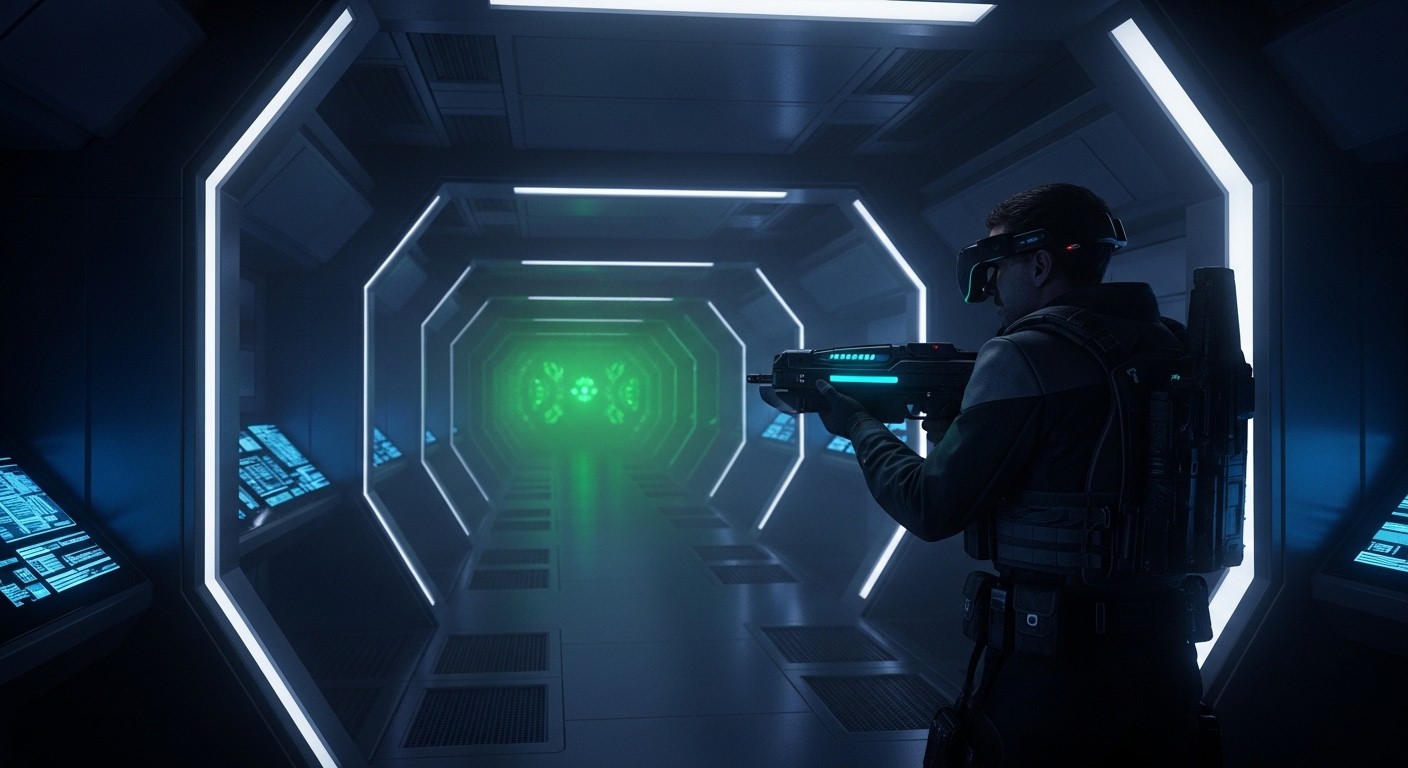
Star Trek Voyager: Elite Force in VR: A Starship Corridor Run That Stays Flat
Star Trek: Voyager — Elite Force is a 2000 first-person shooter from Raven Software, built on the Quake III Arena engine (id Tech 3). It casts you as Ensign Alex Munro of Voyager’s Hazard Team, fighting through derelict ships, Borg cubes, and hostile alien environments across roughly 30 linear levels. It was widely praised at release — and still holds up as one of the best Star Trek games ever made.
The only VR option available is VorpX, which provides stereoscopic 3D injection and head tracking. There are no community VR mods, no native VR versions, and no active projects to bring motion controls or VR-native interaction to the game.
What This VR Option Actually Is
VorpX is an injection driver — it intercepts the game’s rendering pipeline and outputs a stereoscopic 3D image to a VR headset. For Elite Force, which runs on id Tech 3 (an OpenGL/DirectX hybrid from the Quake III era), VorpX offers:
- Geometry 3D rendering — true stereoscopic depth via dual render passes
- Head tracking — look around by moving your head, with low-latency DirectVR support possible for id Tech 3 titles
- EdgePeek and ImageZoom — VorpX features that let you see UI elements at screen edges and zoom into details without breaking immersion
- VR controller mapping — VorpX can map basic game controls to VR controllers, displaying the mapping in-headset
What VorpX does not provide:
- Motion controls — no hand presence, no weapon aiming with controllers, no physical interactions
- VR-native UI — menus and HUD remain flat screen elements, not spatially placed
- Proper world scale — injection drivers approximate scale but cannot guarantee correct proportions
- 6DOF weapon handling — your “hands” in-game are fixed to the crosshair, not tracked independently
This is fundamentally playing a flat game inside a headset with added depth. The experience is closer to sitting inside a 3D movie of the game than being present inside its world.
How It Plays
Controls
Keyboard and mouse, or gamepad. VorpX can map controls to VR controllers, but this is button mapping to a gamepad abstraction — not motion control. You aim with a mouse (or thumbstick), not by pointing a controller. There is no hand presence.
For a corridor FPS like Elite Force, KBM remains the superior input method. The game’s weapon switching, crouching, and interaction mechanics were designed for fast flat-screen play and don’t translate meaningfully to VR controller mapping.
Comfort
Moderate intensity. Elite Force is a fast corridor shooter with frequent combat encounters, sudden enemy spawns, and scripted sequences that force camera movement during cutscenes. VorpX’s EdgePeek helps with cutscene camera control, but the fundamental locomotion — standard FPS walking/running with no VR comfort options — will challenge motion-sensitive users.
The game’s linear level design means no open-world wandering, which somewhat constrains the motion sickness problem. But corridor turns, ladder climbing, and scripted camera movements are present and uncomfortable.
Performance
Efficient. Elite Force runs on a 25-year-old engine. Any modern VR-capable PC will run this at well above the framerate threshold with headroom to spare. VorpX’s geometry 3D mode renders the scene twice, but the rendering load is trivial by contemporary standards.
Stability
Stable. The game itself is well-tested across decades of Windows versions (GOG release runs cleanly on modern systems). VorpX profiles for id Tech 3 games are mature and well-supported. Crashes or major bugs are uncommon. The main fragility point is the VorpX injection itself — if VorpX updates break compatibility, the VR option goes down until fixed.
What Works Well
- The game itself holds up. Elite Force is a genuinely good corridor FPS with strong Star Trek atmosphere, varied environments, and satisfying weapon feedback. The underlying quality matters — you’re injecting a good game, not propping up a bad one.
- Borg encounters in VR scale. Walking through a Borg cube with stereoscopic depth is atmospheric in a way flat-screen play isn’t. The claustrophobic corridors and eerie green lighting gain weight when you feel present inside them.
- Performance is a non-issue. No compromises needed. The game runs flawlessly at full framerate.
- VorpX setup is straightforward for this title. id Tech 3 is well-profiled. Auto-configuration via DirectVR handles resolution and FOV adjustments with minimal manual tuning.
What Doesn’t Work
- No motion controls or hand presence. This is the defining limitation. You’re looking at a 3D world through a headset but interacting with it through a mouse and keyboard. The disconnect between visual immersion and flat input is the core compromise of all injection drivers, and it’s especially noticeable in a fast FPS where you’re constantly aiming, shooting, and switching weapons.
- HUD and menus remain flat. The game’s UI — health, armor, ammo, weapon indicator, mission text — sits on a 2D plane. It doesn’t exist spatially in the world. This is distracting in VR, where your eyes expect diegetic UI placement.
- Cutscenes force third-person camera. Elite Force uses third-person cinematic cameras for story sequences. In VR, these are jarring — your head tracking fights the camera, or you’re pulled out of your body. EdgePeek mitigates this but doesn’t solve it.
- No VR comfort features. No vignetting on sprint, no snap-turn option (you’d need VorpX-level configuration for that, and it won’t feel native), no teleport locomotion. You’re using the game’s original flat locomotion inside a headset.
- Weapon models clip the view. The first-person weapon view models were designed for a flat 4:3 screen at specific FOV values. In VR, they can appear oversized or incorrectly positioned.
Platform Differences
PCVR only. Elite Force was released on Windows and PlayStation 2, but the PS2 version has no VR option. The GOG release is the recommended PC version for VorpX — it runs on modern Windows without DRM complications.
There is no Quest, PSVR, or PSVR2 version. No standalone VR option exists for this title.
Who This Is For
Good for:
- VorpX owners who already have the software and want to revisit a classic Star Trek FPS with added depth
- Players specifically seeking the novelty of walking through Voyager’s corridors and Borg cubes in stereoscopic 3D
- Anyone curious about what id Tech 3 games look like through VorpX injection
Not for:
- Anyone expecting motion controls, hand presence, or VR-native interaction — this doesn’t have it
- Players sensitive to motion sickness from fast locomotion without VR comfort options
- Those looking for a “real” VR game experience — this is a flat game viewed through a headset, not a VR adaptation
- Anyone who doesn’t already own VorpX — buying a paid injection driver specifically for a 25-year-old game is hard to justify
The Verdict
Tier: C
Game Quality: B+ Elite Force is a genuinely good Star Trek FPS — one of the few licensed games that transcends its IP. Strong atmosphere, varied mission design, and solid gunplay that still works decades later. It’s not genre-defining, but it’s competent and fun.
VR Implementation Quality: D+ VorpX injection provides stereoscopic depth and head tracking, but nothing else. No motion controls, no VR UI, no comfort features, no interaction fidelity. The injection works as advertised — it’s functional and stable — but it doesn’t transform the game into a VR experience. It adds depth to the view without adding presence to the interaction.
Overall Tier: C The game is worth playing; the VR option adds novelty without substance. If you already own VorpX and Elite Force, firing it up for a Borg cube run is a reasonable way to spend an evening. But this is not a VR recommendation — it’s a flat game recommendation with a VR viewing mode attached. On the absolute scale where native VR games with full motion controls compete for the same Saturday afternoon, Elite Force via VorpX sits firmly in the “interesting curiosity” tier, not the “must-play” tier.