
Portal 2 VR
Last verified 2026-04-03

Portal 2 VR

A community VR mod transforms Valve's puzzle masterpiece into a fully playable room-scale experience. The portal gun in your hand changes everything.

Original Release
April 19, 2011
VR Release
April 1, 2022
Platforms
PCVR
Setup
Moderate Setup
Input
Full Motion Controls
Comfort
Moderate Intensity
Performance
Efficient
Tier
A
PuzzleFirst-PersonStory-DrivenSource EngineSteamVRMotion ControlsSteam WorkshopSingle-PlayerComplete CampaignCommunity ModCo-op Available

Verdict

Portal 2 in VR is a remarkable conversion that makes one of gaming's greatest puzzle experiences feel new again. Motion controls transform the portal gun from an abstract cursor into a physical tool, and Aperture Science gains genuine spatial presence. Minor UI limitations and the indirect installation path are the only barriers between this and a higher tier.

Portal 2 in VR: The Portal Gun Was Always Meant to Be in Your Hand

There’s a moment in Portal 2 when you step through one of your own portals and emerge in a completely different part of the test chamber. On a monitor, this is a clever transition. In VR, it’s a small act of spatial sorcery. You physically point the device, fire, and step through. The disorientation is real. The satisfaction is immediate.

The Portal 2 VR Mod, developed primarily by Gistix, transforms Valve’s 2011 puzzle masterpiece into a complete room-scale VR experience. This isn’t a rough injection or a proof of concept — it’s a full conversion with motion controls, hand presence, and support for the entire single-player campaign, plus co-op. The same team that proved Half-Life 2 could work in VR has turned their attention to Aperture Science, and the results speak for themselves: over 100,000 downloads, active development, and a mod that keeps getting better.

Portal 2 was always about understanding three-dimensional space. The puzzles require you to think about where you are, where you need to be, and how portals connect those points. In VR, that understanding becomes visceral. You don’t just see the spatial relationships — you physically inhabit them.

What This VR Route Actually Is

The Portal 2 VR Mod is a community-built full VR conversion available through GitHub. It requires Portal 2 ownership on Steam and works with SteamVR-compatible headsets. The mod injects full motion control support into a game that was designed for mouse and keyboard, rebuilds the UI for VR viewing, and adapts Portal 2’s mechanics for room-scale play.

What it provides:

  • Full motion controller support with portal gun aiming
  • Complete single-player campaign playable start to finish
  • Co-op mode functional with two VR players
  • Steam Workshop content support for community chambers
  • Comfort options including vignette, snap turning, and smooth locomotion
  • Seated and standing play options
  • Physical interaction with cubes, buttons, and environmental objects

What it doesn’t provide:

  • A Steam store page (manual installation required)
  • True roomscale walking (player position locked to playspace center)
  • Hand tracking support
  • Official support from Valve

The installation process is more involved than a native VR game but simpler than most community mods. You download the mod files from GitHub, extract them to your Portal 2 directory, and add a launch parameter to Steam. The entire process takes about 10-15 minutes and is well-documented by the community.

How It Plays

The Portal Gun in Your Hand

The core of Portal 2 — the portal gun — transforms from an abstract cursor into a physical object. Pointing your controller, looking down at the device in your virtual hand, and firing at walls feels natural in a way that mouse aiming never quite matched. There’s a tactile satisfaction to the motion. You’re not clicking. You’re gesturing.

The haptic feedback when portals fire reinforces the sense that you’re holding something. The placement of portals follows your controller orientation precisely, which means physical aiming replaces the abstract cursor positioning of the original. Some players report that this actually makes certain puzzles easier — the spatial relationships become more intuitive when you can physically point and see the arc of your shot.

Movement and Scale

Movement uses smooth locomotion with snap or smooth turning options. You travel via joystick while your physical body remains in place. The player’s position in the game world is locked to the center of your playspace rather than tracking actual roomscale movement. You can look around freely, crouch, lean, but physically walking won’t translate to in-game movement.

This limitation is more noticeable in some test chambers than others. Large spaces feel genuinely expansive — Aperture Science’s industrial architecture has real weight when you’re standing inside it. But you can’t physically walk over to examine a detail or lean around a corner for a better view. The game compensates with full controller-based movement, but the absence of true positional tracking is felt.

Interaction

Objects can be picked up and manipulated naturally. The Weighted Companion Cube becomes something you physically carry. Buttons can be pressed with your virtual hand. Turrets — those chirping, ominous machines — have physical presence that makes them more unsettling when they actually track your movement.

The gels, a major mechanic in Portal 2, work as expected. Propulsion gel speeds you up. Repulsion gel bounces you. Conversion gel lets you place portals on any surface it covers. These mechanics translate cleanly to VR because they’re fundamentally about physics and momentum, which the Source engine handles consistently.

Co-op Mode

Portal 2’s two-player co-op campaign works in VR, provided both players are using VR. You can’t mix VR and non-VR players — both participants need the mod installed. The experience of solving cooperative puzzles with another person actually standing in the virtual space adds a social dimension that flat-screen co-op couldn’t provide. You can gesture, point, and physically show your partner what you’re thinking.

What Works Exceptionally Well

Spatial Puzzle Design

Portal 2’s puzzles were designed around three-dimensional thinking. In VR, that design philosophy pays dividends. You can look up at a portal placement and understand the trajectory without mentally rotating a 2D perspective. Chambers that required careful observation on a monitor become immediately readable when you’re standing inside them.

The scale of Aperture Science hits differently. Those massive chamber ceilings, the industrial catwalks, the vertiginous drops — they always looked impressive. Now they feel real. When GLaDOS addresses you from a ceiling-mounted screen, you’re actually looking up. When you’re falling through a portal, your vestibular system may not register the drop, but your eyes absolutely do.

The Writing Still Lands

Portal 2’s script remains one of the most acclaimed in gaming. GLaDOS’s passive-aggressive testing directives, Cave Johnson’s increasingly unhinged recorded messages, Wheatley’s bumbling narration — all of it works in VR. If anything, being physically present in the test chambers makes the environmental storytelling more effective. The deterioration between facility sections, the hidden areas showing Aperture’s history, the propaganda posters — these details gain new weight when you can turn and examine them at your own pace.

Workshop Content

The Portal 2 VR Mod supports Steam Workshop content, which means thousands of community-built test chambers become playable in VR. After finishing the main campaigns, the puzzle potential extends indefinitely. The motion control aiming works identically in workshop chambers, and the same physics interactions apply.

Visual Clarity

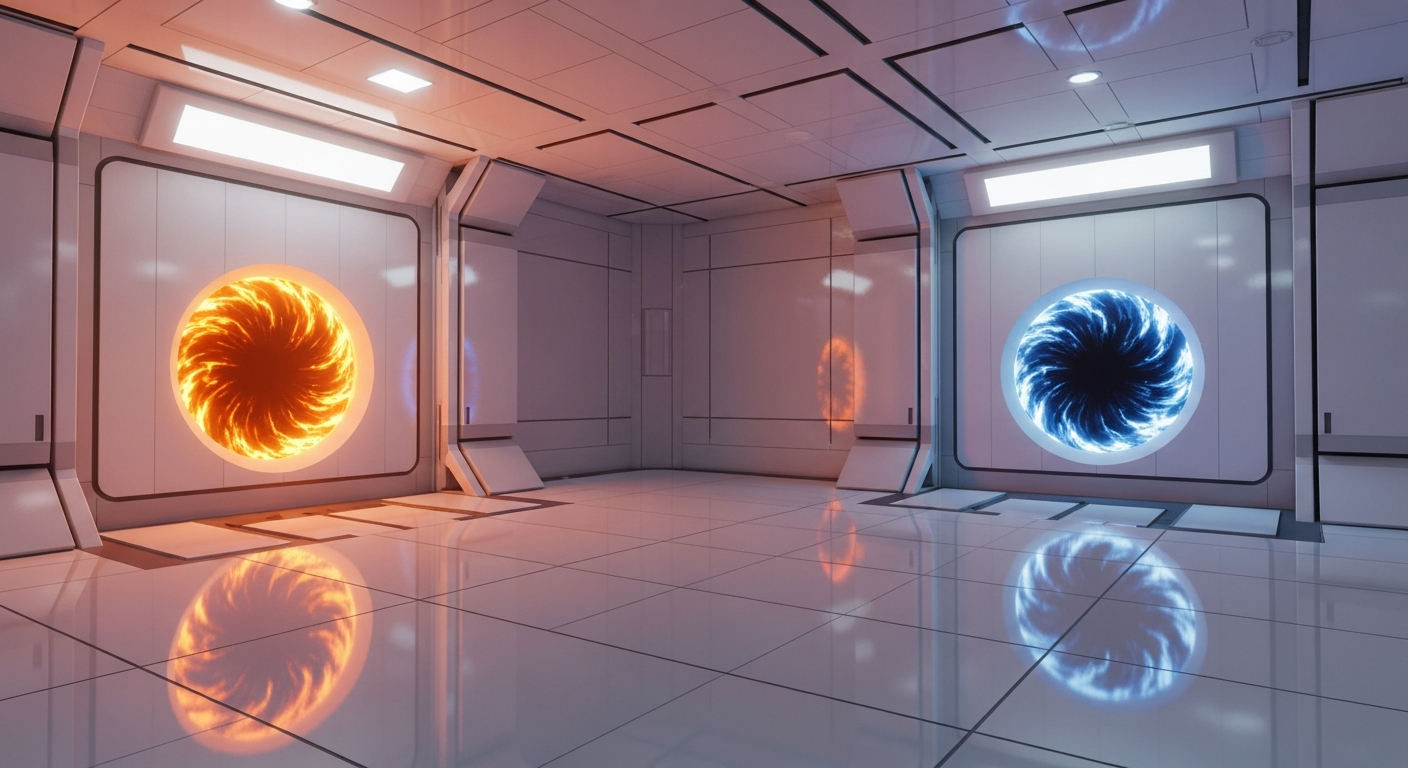
Portal 2’s clean visual aesthetic has aged well. The test chambers with their white surfaces and bold orange and blue portal colors translate cleanly to VR. The art style was always somewhat abstract, which means lower-resolutionVR displays don’t reveal dated textures the way photorealistic games sometimes do. Important elements are visually distinct, puzzles read clearly, and the visual language holds up.

What Doesn’t Work

Installation Friction

This is not a Steam store download. You need to visit GitHub, download files, extract them correctly, and modify Portal 2’s launch parameters in Steam. Each step is documented, and community guides walk through the process. But the friction is real. Someone who’s never installed a mod before will need to follow instructions carefully. A single misplaced file means the mod won’t load.

UI Limitations

The in-game UI was built for a 2D screen. Menus, tooltips, and certain interface elements can be difficult to navigate in VR. The pause menu requires interaction through the SteamVR dashboard or a physical mouse in some cases. The mod team has addressed much of this with VR-adapted interface elements, but rough edges remain. It’s functional, not native.

Seated Play Complications

Portal 2 was designed for standing movement. In seated play, certain actions — looking up at a high portal placement, peering over edges, turning quickly for a momentum-based fling — become more awkward. The seated mode works, but the game clearly expects you to stand and physically turn your body. Players with mobility limitations or those who prefer seated play will have a less optimal experience.

Locked Player Position

The game tracks your headset rotation but not your physical position in space. You can’t walk across your room to approach a puzzle element. You’re anchored to the center of the play area. This is a technical limitation of how the mod interfaces with Portal 2’s engine. It doesn’t break puzzle solving — Portal 2 was never about walking long distances — but it removes some of the immersion that true roomscale would provide.

Momentum and Motion Sickness

Portal 2’s signature mechanic — building momentum by falling through portals and flying out at speed — translates to VR with full intensity. The sudden acceleration, the rapid reorientation, the moment of weightlessness before gravity reasserts itself: these are precisely the experiences that can trigger motion sickness. The mod includes comfort options like vignette overlays during fast movement, but there’s no way to fully smooth out portal-based momentum without breaking the puzzles themselves. Players with VR sensitivity should expect a tolerance-building period.

Platform and Performance

PCVR Only

Portal 2 VR requires SteamVR, which means PCVR headsets: Valve Index, HTC Vive, Oculus Rift/Rift S, Quest via Link or Virtual Desktop, Windows Mixed Reality. There’s no standalone Quest version — the Source engine requires a PC.

Quest users connecting via Link or Virtual Desktop can play, but with the inherent latency and compression of streamed PCVR. The game runs efficiently on modest hardware, making it accessible to mid-range PCVR setups.

Performance

The Source engine is undemanding by modern standards. Most PCVR-capable systems will run Portal 2 VR smoothly. The mod team notes that CPU performance can be a bottleneck in certain complex chambers, but for the majority of playtime, achieving a stable framerate is achievable on recommended VR specs.

Comparison: Portal and Portal 2

Worth clarifying: Portal (2007) plays in VR through this same Portal 2 VR Mod combined with Portal 1 Remastered workshop content. That’s covered in our Portal VR article. The Portal 2 VR article you’re reading now covers the native Portal 2 experience — the larger, longer, and more mechanically complex sequel.

Portal 2 works particularly well in VR because it was designed with greater environmental variety. The disused, decaying sections of Aperture Science, the old test chambers from the 1950s and 1960s, the massive underground facilities — these varied environments gain presence from VR’s scale. The game’s longer runtime and more diverse puzzle mechanics mean more opportunities for the VR conversion to shine.

Who This Is For

Recommended for:

  • Portal 2 fans wanting to revisit the campaign with new immersion
  • Puzzle game enthusiasts curious about VR spatial mechanics
  • Players comfortable with moderate technical setup
  • Anyone who wants a complete, content-rich flat-to-VR experience
  • Co-op partners who both own VR headsets

Not recommended for:

  • Players seeking instant, plug-and-play VR experiences
  • Those highly sensitive to sudden momentum changes and artificial movement
  • Users expecting native VR polish without any UI compromises
  • Anyone unwilling to follow mod installation instructions

The Verdict

Tier: A

Game Quality: S

Portal 2 is one of the best games ever made. The puzzle design is masterful. The writing is sharp, genuinely funny, and surprisingly emotionally resonant. The mechanical escalation — introducing new elements at exactly the right pace — demonstrates a level of craft that few games achieve. Stephen Merchant’s Wheatley, J.K. Simmons’ Cave Johnson, Ellen McLain’s GLaDOS — the voice performances are iconic. The co-op campaign adds dozens of hours of additional content. Workshop support means the puzzle potential is effectively infinite. This is a game that holds up over a decade later and rewards replay.

VR Implementation Quality: A

The Portal 2 VR Mod is genuinely impressive. Motion controls feel natural. The portal gun translates beautifully to physical aiming. The complete campaign is playable start to finish. Co-op works. Workshop content works. Comfort options are comprehensive. Performance is solid. The rough edges — locked player position, UI limitations, installation friction — are real but minor compared to what this achieves. This is one of the most complete flat-to-VR conversions available.

Overall Tier: A

Portal 2 in VR delivers something rare: a complete, beloved single-player campaign fully playable with motion controls, plus co-op, plus workshop content. The spatial puzzles that defined the original gain genuine new dimension when experienced at scale. The portal gun feels like it was always supposed to be in your hand. The writing still lands.

The A-minus tier reflects minor friction — the manual installation, the locked player position, the inherited UI limitations — rather than any fundamental flaw. These are barriers to entry, not barriers to quality. Once you’re past them, Portal 2 VR is one of the most compelling reasons to own a VR headset.

If you own Portal 2 and a PCVR headset, the question isn’t whether to try this. It’s why you haven’t already.


Research Sources

  • Portal 2 VR Mod GitHub repository (github.com/Gistix/portal2vr)
  • Flat2VR Discord community knowledge and playtesting reports
  • YouTube coverage from Beardo Benjo, Gamertag VR, and VR enthusiasts demonstrating gameplay
  • Steam Community guides for Portal 2 VR mod installation and troubleshooting
  • Source VR Mod Team development updates and feature documentation
  • Portal 2 Steam Workshop community content compatibility reports