
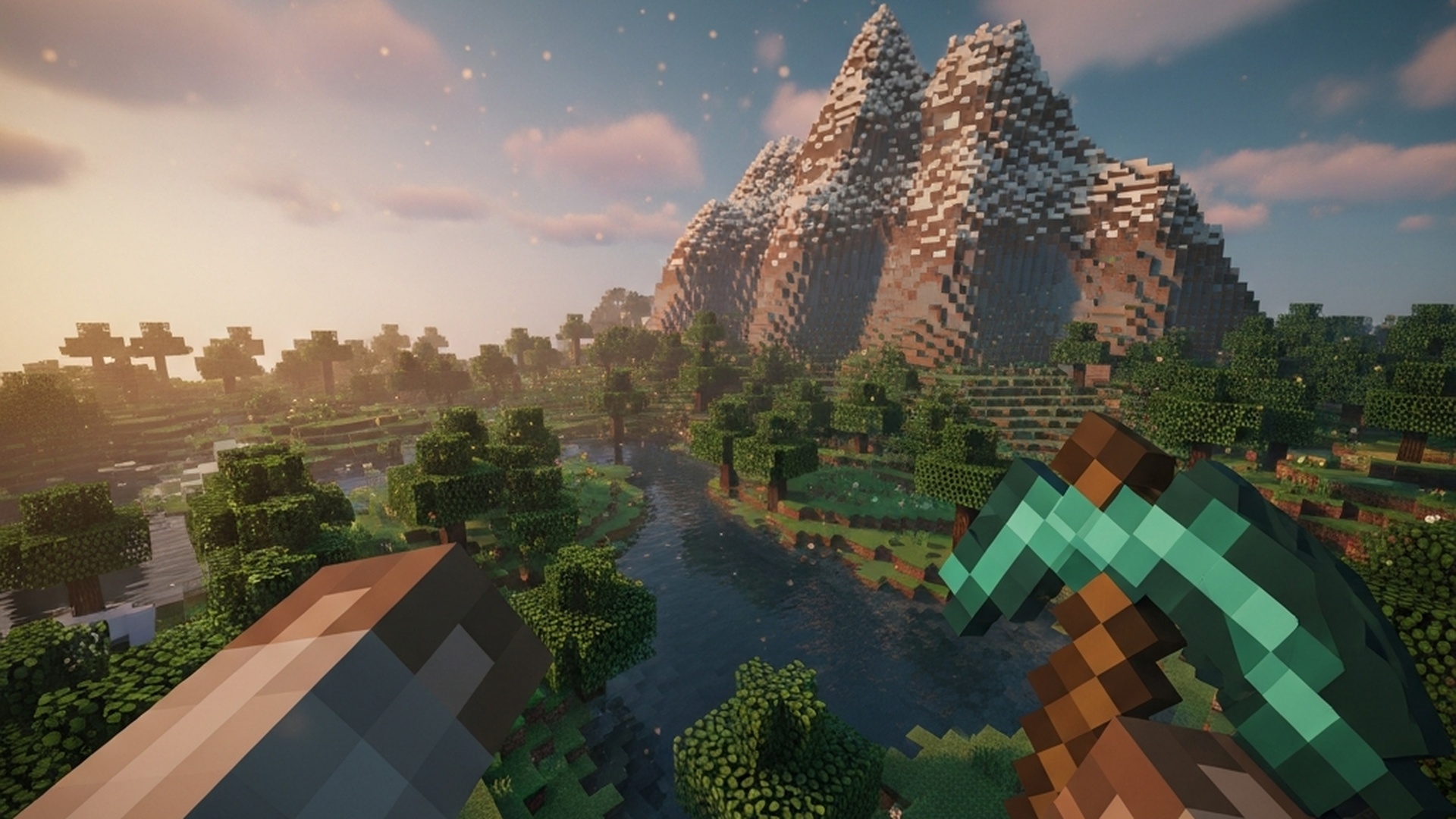
Minecraft VR Review
Game: Minecraft
Developer: Mojang Studios / Microsoft
VR Implementation: Official VR (Removed 2025) + Community Mod (Vivecraft — Only Viable Option)
Last Updated: March 2026 (Vivecraft actively maintained)
Verdict: Play Java Edition with Vivecraft. The official VR support across all platforms is now dead.
The One-Sentence Summary
Minecraft’s official VR support was killed in March 2025—but the community-made Vivecraft mod delivers one of the best room-scale VR experiences available, if you’re willing to run Java Edition on PC.
VR Route Type: Full VR Mod (Official VR Was Removed)
This game has had three VR paths, but only one remains viable:
Route A: Official Bedrock VR (Quest/PSVR/PCVR) — REMOVED
- Status: DEAD. Mojang removed VR support from Bedrock Edition in March 2025.
- Platforms affected: Quest native app, PSVR, PSVR2, Windows 10 Bedrock
- Reality: The Quest Minecraft app no longer functions in VR. PSVR support ended. PC Bedrock VR toggle is gone.
- What happened: Mojang announced VR discontinuation in September 2024, following industry trend of abandoning VR support in live-service games.
Route B: Vivecraft Mod (Java Edition — PCVR Only) — The Only Option
- Implementation: Community mod with full motion controls, room-scale support, and VR-native interactions
- Repository: vivecraft.org (standalone installer) or CurseForge/Modrinth (Fabric/Forge mixin)
- Supported Versions: Java Edition 1.7.10, 1.10–1.20.1
- Status: Active development, regularly updated for new Minecraft versions
- The Verdict: This is it. The only way to play Minecraft in VR is through Vivecraft on Java Edition.
What Vivecraft Actually Provides
Motion Controls
- Full room-scale support with tracked controllers
- Break blocks by swinging your hand
- Shoot bows by drawing and aiming two-handed
- Physical interactions: open doors, pull levers, pet animals, use buckets
- World scaling: play as an ant or a giant
VR-Specific Features
- Multiple locomotion options: teleport, free movement, walkabout rotation
- Mixed reality support for streamers
- Non-VR companion mod lets flat-screen players see your VR movements
- Full multiplayer compatibility (works with any server, VR or non-VR)
- Optifine integration for shaders and performance
- Forge and Fabric mod compatibility
Platform Support
- SteamVR: Perfect (Vive, Index, Rift S, WMR)
- Oculus/Meta Quest: Works via Link/AirLink with SteamVR
- PSVR: Possible via PC connection
- Linux: Supported through Wine/Proton
How It Plays
Controls
Vivecraft supports multiple input methods, but motion controllers are the intended experience:
| Input Method | Support Level | Notes |
|---|---|---|
| Motion Controllers | Excellent | Intended input; swing, point, grab naturally |
| Keyboard + Mouse | Good | Seated play; standard Minecraft controls |
| Gamepad | Adequate | Works but loses the VR advantage |
The magic is in motion controls. Mining by swinging your hand, building by placing blocks in 3D space, shooting arrows by physically drawing the bow—this is transformative. Minecraft’s 1-meter blocks feel genuinely massive when you’re standing next to them.
Comfort
Vivecraft offers a spectrum of comfort options:
- Teleport locomotion: Arc teleport with optional survival-mode limitations
- Free movement: Direction controlled by controller or head
- Walkabout rotation: Full roomscale without artificial movement
- VR comfort settings: Vignette options, snap turning, height adjustment
Intensity ranges from comfortable (teleport only) to intense (free movement in combat). New VR users should start with teleport.
Performance
| Hardware Category | Performance |
|---|---|
| Potato (older GPUs) | Playable with Optifine, reduced render distance |
| Mid-range (GTX 1060/RTX 3060) | Good performance with moderate settings |
| Super computer (RTX 3080+) | Excellent; can run shaders |
Minecraft is CPU-dependent. Shaders and high render distances will tank performance regardless of GPU. Optimized Vivecraft installs include Optifine for performance tuning.
Stability
Vivecraft is mature software (development started 2013, room-scale since 2016). Crashes are rare. The mod gracefully handles Minecraft version updates. Setup requires following instructions carefully—skip steps and you’ll see black screens or missing hands.
What Works Well
Room-Scale Mining and Building
Standing inside your Minecraft world changes everything. The scale feels real. Building becomes an act of physical creation rather than abstract placement. The 1-meter block size, which seemed arbitrary on a monitor, suddenly makes visceral sense when you’re standing next to a wall of stone.
Physical Combat and Interaction
Swinging your pickaxe at ore, drawing your bow to shoot a skeleton, physically reaching down to pet a wolf—these interactions feel natural and satisfying. Vivecraft interprets your hand velocity for mining speed; swinging harder mines faster.
Multiplayer Without Friction
Vivecraft works with any standard Minecraft server. Non-VR players see your VR avatar’s head and hand movements. You can play with friends regardless of their setup. Server plugins add VR-specific features, but aren’t required.
Mod Compatibility
Vivecraft runs as a Fabric or Forge mod for modern versions (1.18+), meaning it coexists with other mods. This includes technical mods, content mods, and shaders. The Java Edition modding ecosystem is fully accessible.
What Doesn’t Work
Java Edition Only
No cross-play with Bedrock friends. No official server access (Hypixel works, but Realms doesn’t). You need a PC VR setup and a separate Java Edition purchase. Quest standalone users are out of luck entirely.
Setup Friction
Vivecraft requires downloading files, understanding game directories, and possibly editing launch options. It’s not “install and play”—it’s “follow the guide carefully.” Less technical users will struggle.
No Official Support
Mojang won’t help you. Microsoft won’t help you. If something breaks, you’re relying on Vivecraft’s Discord community and documentation.
Bedrock VR Is Dead
Official VR support was removed. If you bought the Quest app for VR play, you can’t use it. No refunds. PSVR players are similarly stranded. This is the new reality of platform-dependent VR support in live-service games.
Platform Differences
This is no longer multiplatform in any meaningful sense:
| Platform | Status |
|---|---|
| Quest Standalone | VR REMOVED. App no longer functions in VR. |
| PSVR / PSVR2 | VR REMOVED. Official support ended March 2025. |
| Windows 10 Bedrock | VR REMOVED. Toggle removed from game. |
| Java Edition (PCVR) | ACTIVE. Vivecraft mod required. |
The only path to Minecraft VR is Java Edition on PCVR with Vivecraft. All other platforms are dead ends.
Who This Is For
Good for:
- Creative builders who want to stand inside their creations
- Survival players seeking genuine immersion
- VR enthusiasts who’ve graduated from teleport and want free movement
- Groups with mixed VR/non-VR setups (everyone can play together)
- Mod users who want shaders, technical mods, and VR
Not for:
- Quest standalone users (no VR option remains)
- PSVR/PSVR2 owners (official support discontinued)
- Bedrock cross-play users (Java can’t connect to Bedrock)
- Players who want plug-and-play without setup
- Those expecting official support or updates from Mojang
The Verdict
Tier: A
Game Quality: A- Minecraft needs no introduction. The best-selling game of all time is a creative and survival masterpiece with infinite replayability. The base game is an A- on its own—sandbox perfection with a few rough edges.
VR Implementation Quality: A Vivecraft is the gold standard for community VR mods. Full motion controls, room-scale support, seamless multiplayer, shader compatibility, active development, and years of stability. This isn’t a proof-of-concept—it’s production-quality VR.
Overall Tier: A Minecraft in VR with Vivecraft is genuinely transformative. Standing inside your world, reaching out to place blocks, physically drawing your bow—these interactions elevate an already-great game into something special. The setup friction is real, and Java Edition’s limitations (no Bedrock cross-play, no portable/standalone option) hurt accessibility. But for anyone with a PC VR headset willing to follow instructions, this is essential VR.
The death of official VR support is a blow to accessibility—but Vivecraft was always the superior implementation anyway. It’s the platform Mojang should have built but never did.