
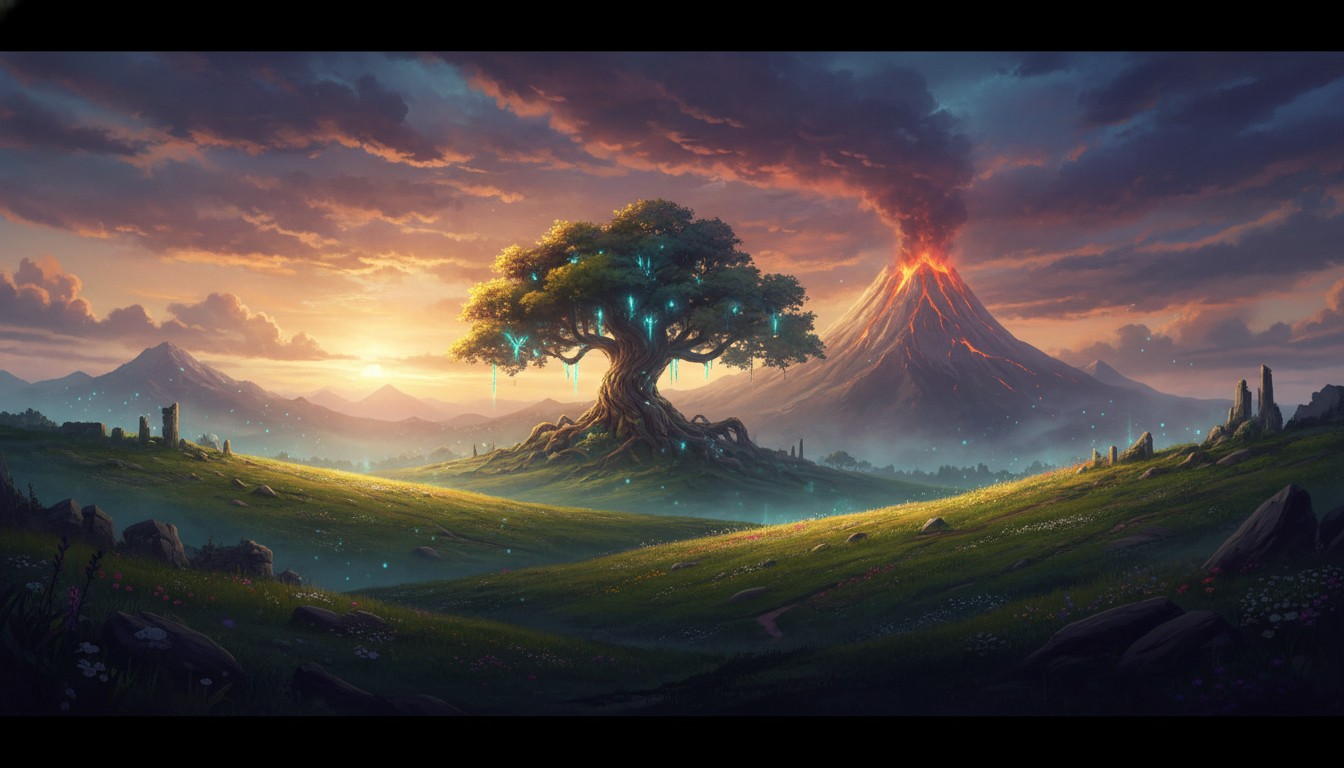
The first time you look up through the canopy of Kokiri Forest and realize you can actually see the sky between the branches — this time with a sword in your hand — something settles. This isn’t emulation anymore. This isn’t an injection driver strapping depth onto a game that never asked for it. This is Ocarina of Time, the full campaign, built for VR from the renderer up, and you’re holding the Master Sword before you’ve even left the tutorial area.
Shipwright VR changed what it means to play this game in VR. Everything before it was preparation.
What Shipwright Actually Is
Ship of Harkinian is the native PC port of Ocarina of Time — not an emulator, not a wrapper, but the actual game compiled for modern hardware with its own renderer, its own settings, its own memory. Shipwright VR builds on that foundation: OpenVR support injected directly into the SoH renderer, giving you 6DOF head tracking and motion controls inside a faithful port of the complete game. No ROM hacking, no Action Replay codes, no fork-of-a-fork maintenance terror. Starburst and ShinyWindow ship it as an open-source project on GitHub, free, with a release cadence that suggests someone actually cares.
The install is almost suspiciously painless. Extract the zip, run the executable, point it at a legally dumped ROM. The OTR file generates automatically. If your ROM is incompatible, the ship.equipment compatibility checker tells you before anything breaks. The whole process — download to standing in Kokiri Forest — took me under fifteen minutes. For a VR mod targeting a game from 1998, that’s remarkable.
There are catches. You need DirectX11; OpenGL won’t work. You need a VR-ready PC — this is PCVR only, no Quest standalone. Motion controls cover sword swinging — confirmed and genuinely good — plus 6DOF aiming for ranged weapons. Menus still want a gamepad, and the control mapping is still being refined. It’s not the Alyx-level fantasy where you sheathe a blade on your hip and draw it over your shoulder — but swinging, aiming, and striking are all motion-driven, which is the part that matters when a Skulltula drops behind you.
But here’s the thing: it’s the complete game. Every dungeon, every temple, every horseback sequence across Hyrule Field, every screwball side quest, the entire Water Temple that made you miserable in 1998 and will make you miserable again, but now you’re there. That distinction matters more than the motion-control gaps.
What Standing in Hyrule Feels Like
The stereoscopic depth that Dolphin VR approximated, Shipwright delivers natively. When you ride Epona across Hyrule Field, the scale registers in a way that flat screens — even big ones — can’t touch. The field isn’t just wide; it’s deep. You can feel the distance to the horizon. Death Mountain doesn’t loom in the background; it towers above you. Zora’s River cascades with a verticality that makes you tilt your head up and actually watch the water fall.
Dungeon design benefits in ways I didn’t expect. The spatial puzzles in the Shadow Temple, the fire-dodging in the Fire Temple, the room-scale navigation that OoT always demanded of your imagination — it all clicks when your brain processes depth naturally. The first-person sword swinging adds something I hadn’t anticipated: intentionality. In a flat-screen playthrough, you mash B and the sword does its thing. In Shipwright, there’s a physical motion behind every strike. You wind up differently for a Deku Nut spin than you do for a quick jab. It’s subtle, but it changes the rhythm of combat.
Performance sits in a manageable range. The N64-era geometry is lightweight by modern standards, and the SoH renderer is optimized for current hardware. A mid-range PC handles it comfortably at 90Hz with supersampling turned up. The occasional stutter when loading a new area shows up — common to PC ports — but nothing that derails the experience.
The comfort profile is dramatically better than any emulation route. First-person with native 6DOF and a gamepad is where VR sickness lives or dies, and Shipwright’s head tracking is smooth enough that the vestibular mismatch mostly stays manageable. I spent two-hour sessions without the headache that third-person Dolphin VR gave me in forty minutes.
The Routes That Got Us Here
Shipwright VR is the premiere experience, but the older routes still serve audiences Shipwright can’t reach. If you’re on Quest standalone — no PCVR setup, no gaming rig — CitraVR gives you Ocarina of Time 3D with its native stereoscopic 3D and cleaner models. Henriko Magnifico’s 4K texture pack pushes the visuals further. It’s third-person, locked to the 3DS camera, so the comfort tradeoffs return. But for Quest owners who don’t want to tether to a PC, it’s the standalone answer.
If you’re willing to wrestle with emulation, Dolphin VR plus BrianMP16’s first-person mod and an HD texture pack still works. The first-person mod eliminates the vestibular sickness that makes third-person Dolphin VR a nausea trap. It’s more setup — Action Replay codes, texture pack installation, graphics settings to tune — and it’s still gamepad-only with no motion controls. But it’s the fallback for anyone who can’t get Shipwright running on their hardware or wants to explore the GameCube Master Quest content.
Then there are the curiosities. The VRChat OoT 3D world recreates Hyrule Castle and Death Mountain with full motion controls — you can reach out and touch the grass in Sacred Forest Meadow — but it’s the world without the game. No combat, no puzzles, no progression. A museum piece you can walk through, genuinely moving for fans, but not a replacement for playing. CryZENx’s UE5 fan remake of Kokiri Forest and Hyrule Field looks stunning in VR, a glimpse of what a proper modern remake could be. But it’s a tech demo, not the game.
What’s Still Not There
Shipwright VR is excellent, but it’s not finished. Combat motion controls work well, but the full interaction model you’d want for items, menus, and context-sensitive actions isn’t there yet. The mod is young; the development pace is encouraging, but “young” means things might break with a renderer update. DirectX11-only means some users hit compatibility walls before they start. And if you want Quest standalone, Shipwright doesn’t reach you — CitraVR remains the only path without a PC tether.
No existing route gives you full hand tracking, item manipulation, or the kind of VR-native interaction design that makes something like Resident Evil 4 VR feel bespoke. Ocarina of Time in VR is the game you remember, elevated by spatial presence and motion-controlled combat — not a ground-up VR redesign. The sword swinging closes the gap meaningfully, but the gap is still there.
The Hyrule You Waited For
If you already know Ocarina of Time by heart, Shipwright VR delivers what every previous route could only approximate: the full game, in VR, with a sword in your hand and Hyrule stretching to the horizon. The nostalgia is potent, but the spatial presence is the actual reward. This isn’t a museum piece. It’s not a tech demo. It’s the game — every dungeon, every note of that score — playable the way it always deserved to be.
If you’re on Quest, CitraVR holds the line. If you’re willing to tinker, the Dolphin VR mod route still works. But the pilgrimage is open now, and Shipwright is the front door. The compromises haven’t vanished — they’ve shrunk to the size of an active development cycle and a still-maturing control map. For a game from 1998, that’s a miracle. For a VR enthusiast who’s been waiting twenty years to stand inside Hyrule Field, it’s enough. It’s more than enough.