
Left 4 Dead 2 in VR: The Co-op Classic That Refuses to Die
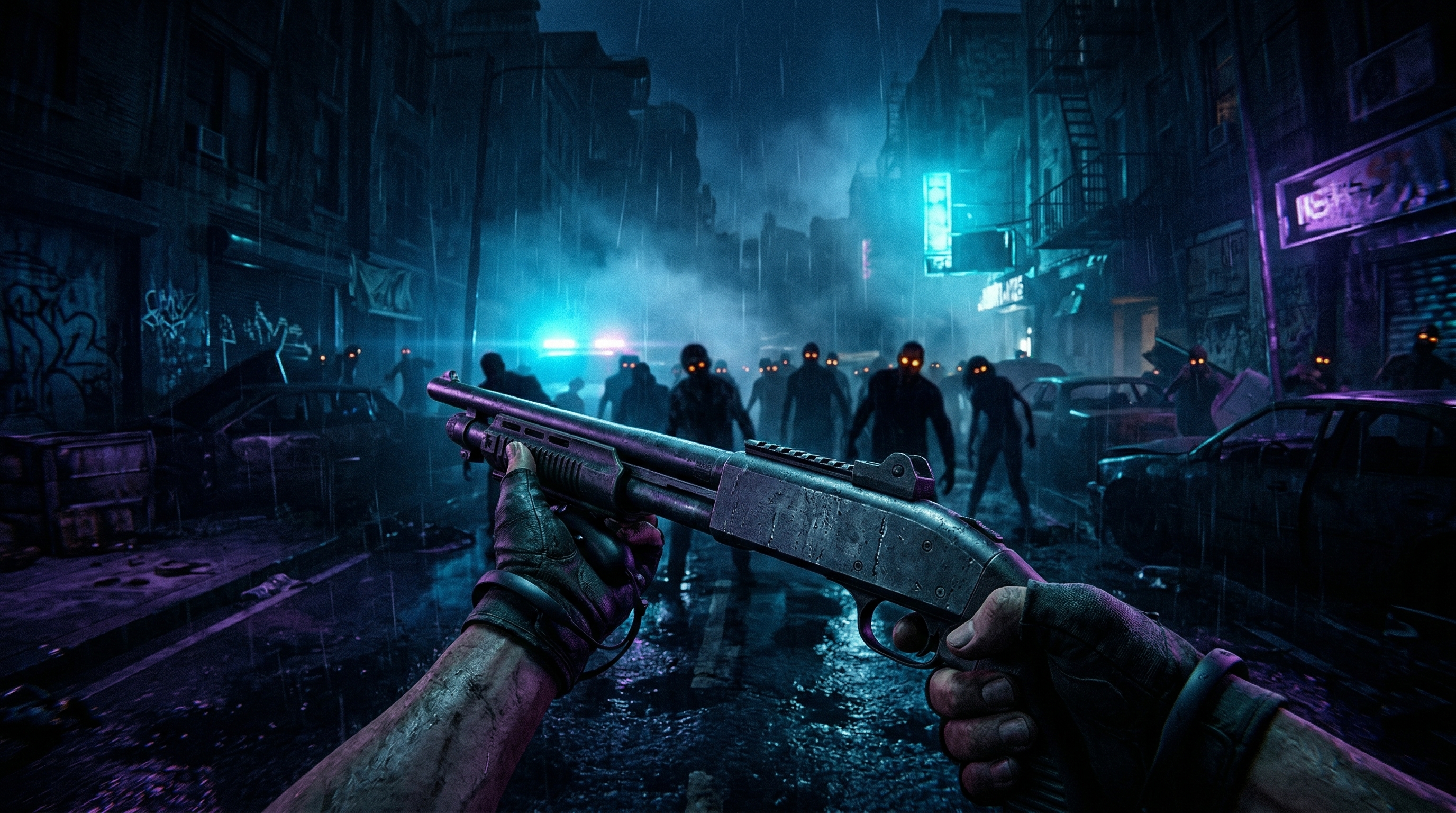
There’s something almost perfect about facing down a zombie horde in virtual reality. The panic of hearing a Hunter’s scream from above. The frantic reload as a Tank barrels through a concrete wall. The desperate communication with three friends who are equally overwhelmed. Left 4 Dead 2 was already one of gaming’s finest co-op experiences. In VR, it becomes something else entirely—a physical, visceral test of coordination under pressure that flatscreen simply cannot replicate.
The current VR mod does not just add head tracking. It delivers full 6DoF tracking, motion-controlled weapons, and native Steam Workshop support. The keyou91 fork, which has taken the lead on development, has meaningfully tightened the experience: proper aim-down-sights through Workshop weapon addons, a config tool that replaces manual file editing, and setup simple enough that you no longer need to wrestle with launch flags or worry about VAC bans. This is a community conversion, not a native VR product, and the Source engine still shows its age. But the friction that used to define this mod has dropped, and the payoff has only gotten louder.
What This VR Option Actually Is
The Left 4 Dead 2 VR mod is a full VR conversion built for the Source engine. Unlike universal frameworks such as UEVR or REFramework—which only work with Unreal Engine and RE Engine games respectively—this mod is purpose-built for Left 4 Dead 2.
It provides:
- Full 6DoF head tracking with roomscale support (though roomscale remains rough)
- Motion controls for both firearms and melee weapons
- Proper aim-down-sights through Workshop weapon models with ADS animations
- VR-native HUD positioning
- Full Steam Workshop compatibility
- Multiplayer support on any server
The mod is free, open-source, and requires only the base game to function. Development has continued through the keyou91 fork, with improvements to weapon handling, setup simplicity, performance, and menu stability.
How It Plays
Setup
Here is the part I used to dread. With the original mod, you needed the -insecure launch option, which disabled Valve Anti-Cheat and restricted you to local or unofficial servers. That flag is gone. The current version launches normally, so you can play on any server without a VAC ban risk.
Configuration now runs through L4D2VRConfigTool.exe instead of hand-editing a config.txt file. You pick your settings, launch the game, and go. A desktop mirror is included, which is a small but real quality-of-life upgrade if you are streaming, recording, or just want friends to see what is happening. The install is still download-and-extract, but the barrier has dropped from “tinkerer” to “basically plug-and-play.”
Controls
The mod maps VR controllers to Left 4 Dead 2’s action set with reasonable logic. Movement uses the left stick. Shooting is right trigger. Reloading is left grip. Melee attacks and shoves map to left trigger. Weapon switching uses the right stick. Flashlight toggles with right stick click. Jump is A button. Interactions and door opening use B button.
The big control upgrade is aim-down-sights. Workshop weapon models that include ADS animations now let you actually shoulder rifles and look through irons or optics. Vanilla weapons do not have ADS models built in, so you will want a Workshop addon that supplies them, but community ADS models exist for most of the arsenal. The change matters: long guns feel less like hand-attached wands and more like actual firearms, especially during the panic of a horde push.
The old limitation remains for throwables. Face-based aiming for molotovs, pipe bombs, and boomer bile is still the Source engine reality. You look at where you want it to go, then throw. It is not as natural as hand-tracked pointing, and it still stands out as a reminder that this was never built for VR.
Comfort
Left 4 Dead 2 was designed for fast, fluid movement. In VR, that translates to moderate intensity. Smooth locomotion is the default, and the game’s pace means constant motion. Players sensitive to motion sickness may struggle, particularly during horde sequences with rapid directional changes.
Strategies to improve comfort include:
- Increasing field of view to 105 or higher
- Disabling motion blur and grain filter
- Using snap turning instead of smooth turning
- Ensuring stable performance with no dropped frames
- Taking breaks when symptoms appear
Some users report rainbow artifacts and intense flashing during performance struggles, which may concern photosensitive players.
Performance
The Source engine is old, lightweight, and well-understood. With the improved DXVK/Vulkan backend in the current fork, the mod now runs efficiently on modest hardware. A budget PC in the GTX 1650–1660 range can handle it comfortably. Even a super potato GTX 1050 can push it with settings turned down.
The fork adds multi-core rendering support through L4D2VRConfigTool.exe, which helps CPU utilization. There is a tradeoff: enabling it causes ghosting when you move your head, so multi-core mode is effectively seated-play-only. For standing or roomscale play, leave it off. AntiAliasing is also configurable through the tool, and the DXVK integration has improved stability compared with earlier builds.
Common troubleshooting steps include lowering render resolution if black screens appear, disabling SteamVR theater mode, and allowing Steam’s background Vulkan shader processing. The game benefits from community texture packs and visual overhaul mods available through Workshop.
Stability
Stability has improved alongside setup simplicity. The config tool, better error handling, and the DXVK backend have made the mod more reliable than the early releases. Crashes during menu navigation still happen to some users, and Workshop weapon mods occasionally misalign in VR, but the experience is now solid enough to recommend without framing it as a science project.
What Works Well
The core combat loop translates beautifully. Shooting infected in VR is immediately satisfying, and proper ADS makes precision shots feel earned. The physical act of tracking targets, managing reloads under pressure, and shoving a Common off your shoulder captures what made Left 4 Dead 2 special. Distance and spatial awareness matter more when you are physically present in the space.
Multiplayer remains the highlight. Coordinating with friends while physically looking around corners, calling out threats, and reacting to panic events creates genuine social VR moments. Mixed lobbies still work, with VR and flatscreen players sharing the same campaign. Removing the -insecure barrier means you are no longer herding everyone onto a private server just to play together.
Workshop support extends longevity. Thousands of community campaigns, weapon skins, quality-of-life mods, and now ADS weapon models work in VR. The Steam Workshop integration means you are not limited to vanilla content.
The atmosphere intensifies. Horror moments hit harder in VR. The Witch’s crying, the Tank’s music cue, the sudden darkness of a power outage—all of it lands with more weight when you cannot look away.
What Doesn’t Work
The visual presentation shows its age. Textures designed for flatscreen viewing can appear muddy or low-resolution in VR. Character models lack detail in areas never intended for close inspection. The game looks better with community HD texture packs, but it never escapes its 2009 origins.
The control model still has limits. Face-based aiming for throwables feels unnatural after experiencing hand-tracked VR. The “arms attached to guns” approach improves dramatically with ADS, but it is still a simplification compared with dedicated VR shooters.
Roomscale needs work. While technically supported, the mod works best when standing in place or using seated play. Walking around your physical space can introduce tracking oddities, and multi-core rendering mode is explicitly seated-only because of head-movement ghosting.
Comfort is not universal. The fast pace and constant motion make this a poor choice for VR newcomers or players prone to motion sickness. Even experienced VR users report needing adaptation time.
A Full Conversion That Earns Its Place
Left 4 Dead 2 in VR has matured. The setup is simple, the aiming is tight, and the same relentless co-op campaign still delivers some of the best social VR shootouts on PCVR. It is still a Source engine game underneath, with 2009 textures and a few Source-shaped quirks, but the friction that used to define the experience has been stripped away.
I would recommend this to anyone who already loves co-op shooters, anyone with friends willing to install a mod together, and anyone with the stomach for fast movement. It is not the polished native VR experience of a purpose-built title, but it is one of the best community VR conversions I have seen for a co-op game. For the right player, this is exactly what you want from VR: the game you already loved, now physically present and more chaotic than ever.