
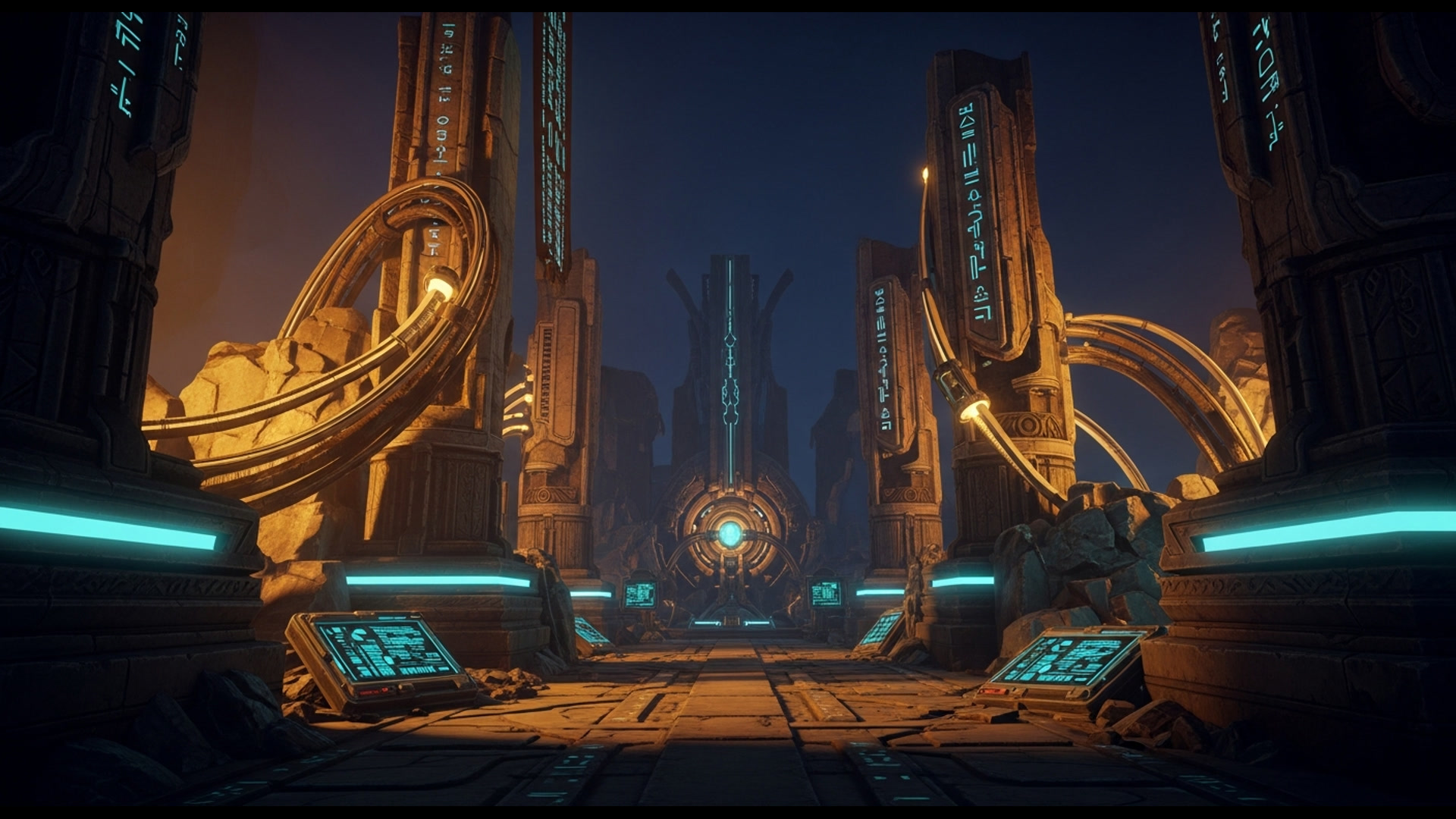
Star Wars: Knights of the Old Republic in VR
Knights of the Old Republic via VorpX injection offers a fascinating but compromised way to experience one of gaming’s greatest RPGs. The environmental presence is genuine — standing on Taris, exploring Dantooine, piloting the Ebon Hawk — but this is fundamentally a flat game wearing VR glasses, not a native adaptation.
What This Is (And Isn’t)
This covers the 2003 original KOTOR, playable through VorpX — a $40-50 commercial injection driver that adds VR support to flat games. This is not native VR, not a community mod, and not endorsed by BioWare or EA.
VorpX injection limitations:
- No motion controls (gamepad or keyboard-mouse only)
- Third-person camera (you see your character from behind)
- HUD designed for monitors, not VR headsets
- Geometry rendering through injection layer
- No official support for VR-specific issues
If you don’t already own VorpX, read carefully — the value proposition for a single older game is questionable.
The Legend
Knights of the Old Republic needs no introduction to anyone who has been gaming for more than a decade. BioWare’s 2003 masterpiece didn’t just set a new standard for Star Wars storytelling — it redefined what Western RPGs could achieve. The twist remains one of gaming’s most celebrated narrative moments. The companions — Bastila, Carth, Mission, HK-47 — are still discussed as benchmarks of character writing.
Playing KOTOR in VR through VorpX is not playing KOTOR as the developers intended. It is playing KOTOR through a lens — sometimes literally, sometimes metaphorically. The experience is impressive in moments, frustrating in others, and always carries the asterisk that comes with injection mods.
For the right player — specifically KOTOR devotees who want to step into rather than just look at the worlds they have visited dozens of times — this is a meaningful experience. For VR enthusiasts expecting native implementations, this will feel like watching a classic film through a modern filter: the source endures, the presentation changes, and the combination reveals both strengths and limitations.
VorpX Setup Requirements
Prerequisites
- VorpX License: $40-50 USD, purchased separately from the VorpX website
- KOTOR Version: Steam or GOG versions work; original CD versions may require additional patching
- VorpX Profile: KOTOR has community-created profiles available through VorpX’s cloud profile system
- Resolution Tweaks: Most users need to set custom resolutions before launching
Essential Configuration Steps
- Install VorpX and run the configuration wizard
- Download KOTOR profile from VorpX Cloud — search for “Knights of the Old Republic” in the profile manager
- Set KOTOR to windowed mode — full-screen exclusive mode causes issues with injection
- Adjust aspect ratio — 16:9 or 16:10 resolutions work best; ultrawide causes scaling problems
- Configure EdgePeek — VorpX’s solution for reading text outside the VR viewport
The first launch rarely works perfectly. Expect to spend 30-60 minutes on calibration, especially getting the HUD readable. VorpX’s internal adjustment menus help, but KOTOR’s interface was never designed for VR — text remains small, menus require cursor navigation rather than VR pointing, and inventory management becomes a squinting exercise.
Controller Options
KOTOR is fundamentally a game designed for mouse and keyboard or gamepad input. VR controllers do not add meaningful functionality here. Most players use:
- Xbox/PlayStation controller: Recommended for simplicity
- Keyboard and mouse: Works but tethers you to a desk
- SteamVR controller bindings: Possible but not worth the effort
This is not a game where motion controls make sense. Combat is menu-driven, real-time with pause. The VR layer adds immersion to the world, not the mechanics.
Gameplay in VR
What Works
Standing on the streets of Taris for the first time in VR delivers genuine awe. The towering cityscape, the ambient chatter of citizens, the way light filters through the Upper City architecture — these environmental moments are where VorpX excels. KOTOR’s art direction holds up remarkably well, stripped of the abstraction that flat presentation provides.
When you realize just how vertical Taris is, how oppressive the Undercity feels in its shadowed corners, the VR perspective adds texture to environmental storytelling that was always present but never visible.
Dantooine’s grasslands stretch to horizons that feel genuinely distant. The ancient ruins of the Jedi Enclave carry weight when you can look around the chambers rather than rotating a camera. The Star Forge’s industrial vastness becomes genuinely intimidating when you can perceive its scale.
Character models, while dated by modern standards, gain presence in VR. Seeing Bastila’s face fill your vision during conversations — as awkward as the camera positioning can be — makes companion interactions feel more intimate. The cinematics, rendered in-engine, translate surprisingly well.
What Struggles
The HUD is the primary friction point. KOTOR’s interface was designed for monitor viewing, not viewport positioning. Health bars, action queues, inventory screens — all require EdgePeek or uncomfortable leaning to read clearly. The text remains small regardless of VorpX scaling settings. Expect eye strain during extended inventory management sessions.
Third-person perspective in VR creates inherent dissonance. You control a character that you view from behind, but your head movements only affect the camera rotation, not the character’s facing. Every time you look around naturally, you are fighting the game’s combat positioning. The disconnect between “I want to look there” and “the game needs to see there” never resolves.
Combat clarity suffers. Real-time with pause combat in VR is particularly challenging. Enemy positioning, ability ranges, and tactical awareness all require map awareness that flat-screen play abstracts elegantly. In VR, you lose the peripheral information that makes combat manageable. Reading enemy health bars while managing your party’s ability queues taxes patience.
Conversations present uniquely. The close-up conversation camera becomes strange in VR — you are suddenly inches from NPC faces, which can feel invasive or awkward. The cinematic framing wasn’t designed for stereoscopic viewing, and it shows.
Technical Performance
Hardware Considerations
KOTOR is an older game, and VorpX’s injection layer adds minimal overhead. Most modern VR-capable systems handle this combination easily:
- GPU: GTX 1060 / RX 580 minimum; RTX 2060 / RX 5700 recommended for higher resolutions
- CPU: Any modern mid-range processor handles KOTOR without issue
- RAM: 16GB system RAM is sufficient with VR overhead
The bottleneck is less about raw performance and more about VorpX optimization. Injection mods require specific rendering paths, and KOTOR’s dated engine doesn’t always cooperate smoothly.
Common Issues and Fixes
- Geometry clipping: Some environmental geometry shows Z-fighting or rendering errors; these are VorpX edge cases with older engines
- Shadow flickering: Dynamic shadows may flicker or disappear; setting shadows to “Simple” in-game often resolves this
- Cutscene aspect ratios: Pre-rendered cutscenes may distort; these are brief
- Save game loading screens: Extended black screens during loads are normal — VorpX needs to re-inject post-load
Frame Rate and Comfort
Target 90fps for smooth movement. KOTOR’s relatively simple geometry means most systems maintain this easily, but any drop below 72fps becomes immediately noticeable in the periphery. Motion sickness risks are lower than most VR experiences — this is slower-paced, third-person, with no fast camera movements initiated by the game. Comfort settings (snap turn, vignette) are largely unnecessary due to the control scheme.
The KOTOR Experience in Context
For Veterans
If you have played KOTOR multiple times, know every companion’s arc, memorized every planet’s layout — VR through VorpX offers a fresh perspective on familiar content. The “I am actually standing in the Sith Academy” moments hit differently. Exploring Manaan’s ocean facility in VR adds presence that flat play never provided. The game does not change, but your relationship to its spaces does.
However, the friction of VorpX setup and HUD navigation may frustrate players who just want to experience the story again. If you have played KOTOR within the last two years, the VR novelty may not justify the setup overhead.
For First-Time Players
Do not play KOTOR for the first time through VorpX VR. This is an injection mod with interface compromises, technical hiccups, and the inherent abstraction layer of third-person VR. You will miss environmental details, struggle with text readability, and potentially tire of the calibration before reaching the narrative payoffs.
KOTOR deserves your first playthrough on a monitor, where the UI works, the cutscenes hit cleanly, and the pacing remains under your control. Return with VorpX after you know the story — the VR experience is a victory lap, not an introduction.
Who Is This For
For:
- KOTOR superfans who want to be in their favorite Star Wars locations
- Players who already own VorpX for other games and want to expand their library
- VR enthusiasts specifically interested in injection mod capabilities
- Those comfortable with technical setup and interface compromises
Not for:
- Players experiencing KOTOR for the first time
- Anyone expecting native VR functionality (motion controls, VR-optimized UI)
- VR users sensitive to HUD scaling issues or small text
- Those without existing VorpX licenses — the $40 entry fee for a single older game is difficult to justify
Verdict
Knights of the Old Republic is an S-tier game. The VorpX VR experience is a B-tier implementation. The distinction matters.
When the combination works — standing on the Ebon Hawk’s ramp, watching Taris disappear behind you, the stars filling your entire field of vision — there is genuine magic. These are moments that VorpX enables, where the injection layer fades and the source game’s brilliance shines through a new lens.
But for every transcendent moment, there are minutes of struggling with menu navigation, adjusting EdgePeek settings, or wondering why your character’s positioning doesn’t match where you are looking. The technical overhead never disappears. KOTOR was never designed for VR, and VorpX cannot fully bridge that gap.
The verdict must account for both components: the game itself, which remains essential, and the VR implementation, which is impressive within its constraints but ultimately limited by the fundamental tension between flat-game design and VR presentation. VorpX deserves credit for making this work at all; the fact that it works as well as it does is a technical achievement. But achievement is not the same as recommendation.
For existing VorpX owners who love KOTOR: B+ tier — a worthwhile weekend experience that adds new dimension to familiar content.
For everyone else: The flat game is essential. The VR mod is optional. Play KOTOR regardless. Return to VR only if you are the specific audience who will tolerate setup friction for environmental presence.
Quick Reference
| Category | Rating |
|---|---|
| Game Quality | S-Tier Classic |
| Visual Presence | Good |
| HUD/Interface | Poor (unoptimized) |
| Setup Process | Moderate-Difficult |
| Comfort | Good (third-person) |
| Value (for VorpX owners) | High |
| Value (VorpX purchase required) | Low |
Overall: B-Tier (Game: S+, VR Implementation: B-)
Note: VorpX configuration profiles change frequently. Consult the VorpX forums for current best settings before setup.