
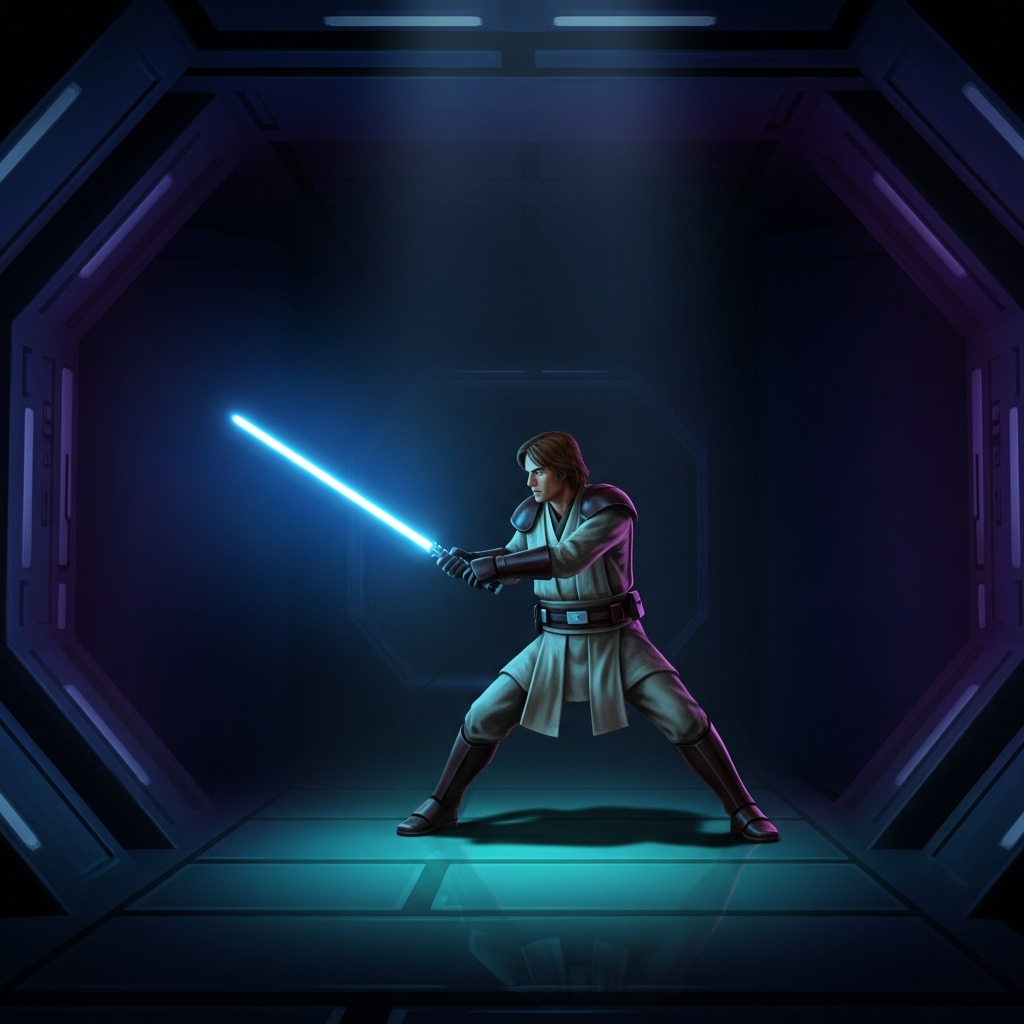
Star Wars Jedi Knight II: Jedi Outcast in VR: A Jedi’s Journey Reborn
Few games capture the fantasy of being a Jedi like Star Wars Jedi Knight II: Jedi Outcast. Released in 2002 by Raven Software, it remains one of the most satisfying Star Wars action games ever created — a perfect blend of ranged blaster combat, acrobatic lightsaber duels, and Force powers that made you feel genuinely powerful.
In VR, that power fantasy reaches its apex. Thanks to Team Beef’s JK XR port, Jedi Outcast isn’t just playable in VR — it’s transformed into something that rivals native VR experiences.
What VR Routes Exist
The Primary Path: JK XR by Team Beef
JK XR is a standalone OpenXR port based on the OpenJK source code. It’s not an injection mod or a wrapper — it’s a genuine engine adaptation built for VR from the ground up. Released in April 2023, it represents Team Beef at their finest, delivering a complete VR conversion that respects the original while adding meaningful VR-native enhancements.
The port supports:
- Quest 2/3/Pro via SideQuest
- Pico 4 via SideQuest
- PCVR (Index, Vive, Meta via Link/AirLink/SteamLink, Windows Mixed Reality)
Important: JK XR requires you to own the original game. The port is free, but you’ll need to provide the game assets from a Steam, GOG, or original CD installation.
The Alternative: VorpX
VorpX added DirectVR support for Jedi Outcast in a past update, offering a 3D injection method for PCVR users. While functional, it lacks the motion controls, weapon interactions, and native VR integration that make JK XR special. Consider this a fallback option only.
How JK XR Plays
Motion Control Implementation
JK XR doesn’t merely map gamepad inputs to VR controllers — it rebuilds the interaction model around your hands.
Lightsaber Combat: The core fantasy finally delivers. Hold the controller like a lightsaber hilt, and your blade responds in real-time. Swing naturally, and the game registers direction and force. Gesture-based saber throws let you hurl your weapon at distant enemies and recall it with a flick. The physicality of blocking blaster bolts — watching them spark off your raised blade — never gets old.
Force Powers: Push, Pull, and Grab are mapped to intuitive gestures. Reach toward an object or enemy and “pull” to activate Force Pull. Push outward for Force Push. The system feels immediately understandable and appropriately empowering.
Blasters and Ranged Weapons: Each weapon gets a fully modeled VR representation with proper hand poses. The Bryar Pistol, E-11 Blaster, and heavy weapons all handle distinctly. Weapon scopes bring distant targets into focus naturally.
Gameplay Systems
The Complete Campaign: Every level, cutscene, and boss fight from the original game works in VR. Kyle Katarn’s journey from mercenary to Jedi Knight plays out in first-person immersion.
Multiplayer: Yes, the multiplayer component works in VR. While the player base is smaller than in 2002, dedicated servers and community events keep it alive.
Three Difficulty Modes:
-
TBDC Mode 1 (Default): Faithful enemy aggression with enhanced player weapons. Fast, arcade-style combat that matches the original’s twitch energy while preventing enemies from strafing out of blaster fire. Exaggerated knockback effects add cinematic flair.
-
TBDC Mode 2: Slower enemy movement with original projectile speeds. Recommended for VR newcomers or those who prefer tactical encounters. Lightsaber duels feel less frantic.
-
TBDC Mode 3: Pure vanilla experience. Original AI aggression with original weapon speeds — the hardest option and genuinely challenging in VR.
Companion App: Downloaded alongside the main port, this utility handles mod management, file verification, and launching options. It streamlines what could otherwise be a tedious setup process.
Mod Support
The Companion App includes built-in mod downloading. Install community maps, gameplay tweaks, and visual enhancements directly through the interface. The “Expanded Menu” mod enables sandbox mode, letting you spawn enemies and create custom Star Wars scenarios on any map.
What Works Well
Complete Campaign Functionality: This isn’t a tech demo or partial conversion. The entire single-player experience, from the opening levels without a lightsaber to the epic final confrontation, plays start-to-finish in VR.
Authentic Lightsaber Feel: The physics and collision detection feel right. Deflecting blaster bolts back at Stormtroopers using natural hand positioning delivers on a decades-old gaming promise.
Performance: Built on id Tech 3 (the Quake III engine), Jedi Outcast runs effortlessly on modern VR hardware. Even Quest 2 maintains solid framerates throughout.
VR-Native Enhancements: Weapon wheels, gesture controls, cheat menus, and sandbox modes aren’t tacked on — they’re thoughtfully integrated additions that improve the experience.
Accessibility Options: The cheat menu (hidden in the Datapad) lets players start with lightsaber and Force powers unlocked, bypassing the weapon-only opening levels if desired.
What Requires Adjustment
Setup Complexity: Installing JK XR involves multiple steps — installing the port via SideQuest, copying specific asset files from your PC game installation to the correct folder, and using the Companion App to verify everything. It’s manageable but not plug-and-play.
Permission Issues: On Meta firmware v59+, some users encounter infinite permission dialogs requiring a workaround (force-restarting the headset after granting permissions).
Motion Sickness Potential: The game’s fast movement, Force jumps, and acrobatic lightsaber combat can induce discomfort for sensitive users. The id Tech 3 engine’s quick strafing and jumping weren’t designed with VR comfort in mind.
Dated Visuals: This is a 2002 game running in modern VR. Low-polygon models, flat textures, and simple lighting are more noticeable when viewed up close. The art direction holds up, but technical limitations are obvious.
AI Behavior: The original game’s aggressive, strafing AI can feel overwhelming in VR’s wider field of view. Enemies move fast and flank constantly — authentic to the original but potentially frustrating for VR newcomers.
Who This Is For
Star Wars Fans: If you’ve ever wanted to feel like a real Jedi, this is the closest gaming has come. The lightsaber combat alone justifies the installation.
Retro Gaming Enthusiasts: Jedi Outcast is a genuine classic. Experiencing it in VR offers a new appreciation for Raven Software’s level design and pacing.
Quest Owners: One of the best standalone VR experiences available on Meta’s platform. No PC required (once assets are copied).
Action Game Players: The blend of shooting, melee combat, and supernatural powers creates varied, engaging gameplay loops that hold up decades later.
This May Not Suit:
- Players sensitive to fast movement or rapid perspective shifts
- Those unwilling to troubleshoot file transfers and permission settings
- Anyone expecting modern graphical fidelity
- Players seeking purely seated or teleportation-based locomotion
The Verdict
Tier: A
Game Quality: A Jedi Outcast remains one of the best Star Wars games ever created — tight gunplay, satisfying lightsaber combat, excellent level design, and a story that understands its universe. The campaign builds perfectly, withholding the lightsaber just long enough that earning it feels momentous.
VR Implementation Quality: A- Team Beef’s JK XR is a masterclass in flat-to-VR porting. Motion controls are intuitive, the conversion is complete, and the VR-specific additions enhance rather than dilute the original design. Minor setup friction and occasional permission quirks keep it from perfection.
Overall Tier: A
JK XR doesn’t just make Jedi Outcast playable in VR — it makes it essential. The combination of one of the finest action games of its era with thoughtful, complete VR implementation creates something special. Wielding a lightsaber with your own hands, deflecting blaster bolts, and Force-pushing Stormtroopers off platforms delivers on promises that Star Wars gaming has been making since the 1980s.
For Quest owners, this is a showcase title that demonstrates what standalone VR can do with classic games. For PCVR users, it’s a reminder that excellent ports can rival native experiences. For Star Wars fans, it’s arguably the best Jedi simulator available.
The setup requires some patience, and the 2002 visuals won’t impress anyone focused on graphical fidelity. But the core experience — becoming Kyle Katarn, lightsaber humming in your virtual hand, Stormtroopers scattering before your Force powers — transcends those limitations.
This is what flat-to-VR modding should aspire to: complete functionality, thoughtful VR integration, and genuine enhancement of what made the original special.
Installation Quick Reference
- Purchase Jedi Outcast on Steam (or GOG/original CD)
- Install JK XR via SideQuest (Quest/Pico) or GitHub releases (PCVR)
- Copy asset files (assets0.pk3, assets1.pk3, assets2.pk3, assets5.pk3) from
Jedi Outcast\GameData\baseon PC to\JKXR\JK2\baseon headset - Launch via Companion App to verify files and start playing
PCVR Note: Ensure your headset uses the correct OpenXR runtime (SteamVR for most headsets, Oculus for Link/AirLink, unofficial PimaxXR for Pimax devices).