
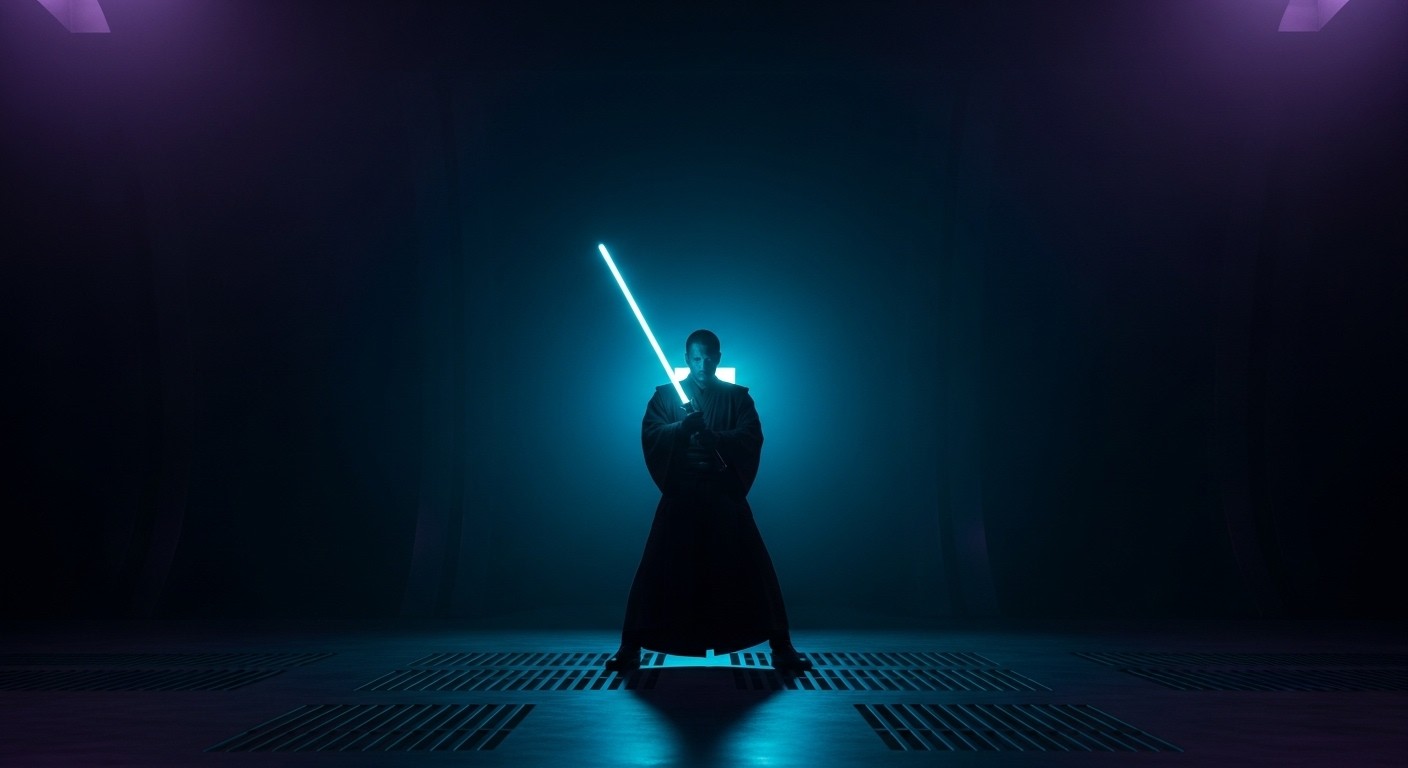
Star Wars Jedi Knight: Jedi Academy in VR: Build Your Own Jedi, For Real This Time
Jedi Academy always had a pitch that other Star Wars games couldn’t match: you’re not playing as a named hero on a scripted path. You’re a new student at Luke Skywalker’s Jedi Academy, and you choose your missions, your lightsaber style, your Force powers, even whether to walk the light or dark side. It’s the Star Wars power fantasy with actual agency.
In VR, that agency gets physical. You’re not pressing a button to swing a lightsaber — you’re swinging your arm. You’re not selecting Force Push from a menu — you’re pushing your hand forward and watching stormtroopers ragdoll backward. Team Beef’s JK XR port, the same OpenXR conversion that brought Jedi Outcast to VR headsets, also fully supports Jedi Academy. And the result is the most complete Star Wars VR experience available from the pre-Disney era.
What This VR Option Actually Is
JK XR is an OpenXR-based engine port built on top of the OpenJK project, which itself is an open-source continuation of Raven Software’s original id Tech 3 (Quake III Arena engine) code [Documentation]. Team Beef — the same group behind QuestDoom, QuakeQuest, Return to Castle Wolfenstein VR, and the Jedi Outcast port — handles the VR adaptation. The project is available on SideQuest for Meta Quest and Pico headsets, and via GitHub releases for PCVR [Documentation].
This is an engine port, not a mod layered on top of the original executable. JK XR runs the game natively through OpenXR, meaning it handles head tracking, stereoscopic rendering, and motion controller input at the engine level. You must own the original game assets — the port does not include them. Steam is the most straightforward source [Documentation].
Jedi Academy support shipped alongside Jedi Outcast in the same JK XR package. Both games share the same engine foundation, so the VR feature set is essentially identical between the two.
How It Plays
Controls and Combat
JK XR provides full motion controller support with weapon and Force power selection via radial wheels. The lightsaber is the star: you swing it with your physical arm motion, and the game uses real collision-based laser deflections [Documentation]. When a stormtrooper fires at you and you angle your blade correctly, the bolt reflects back. It’s not scripted — it’s physics-driven. This alone makes Jedi Academy in VR feel fundamentally different from playing it flat.
Force powers are gesture-based. Push your hand forward for Force Push, pull it back for Force Pull, reach out for Force Grip [Documentation]. These gestures map cleanly to the original game’s Force system and feel more natural than pressing number keys. The weapon scope feature works for ranged weapons, and there’s a gesture-based saber throw that feels exactly as satisfying as it sounds.
The combat design matters here more than in Jedi Outcast, because Academy gives you more variety. You choose dual sabers, saber staff, or single saber. You allocate Force points between light and dark side abilities. In VR, each of those choices has a different physical feel. Dual sabers mean two controllers active simultaneously. The saber staff requires different grip and swing patterns. Single saber with strong style rewards precise, heavy swings. The game was built to accommodate these variations, and the VR port respects all of them.
Comfort
Comfort sits at moderate intensity. Locomotion is smooth by default, with snap and smooth turning options available. The third-person perspective that Jedi Academy uses for certain saber combat sequences — a departure from Jedi Outcast’s first-person-only approach — adds a layer of comfort since you can see your character’s body orientation. However, some of the more acrobatic Force powers (Force Speed in particular) produce rapid camera shifts that can challenge sensitive users.
The Team Beef Directors Cut toggle deserves attention. When TBDC is on (the default), enemy speeds and aggression match the original game’s notoriously twitchy difficulty. When off, enemies are toned down for a slower, more tactical pace [Documentation]. This isn’t just a difficulty slider — it changes the feel of the game substantially in VR, where fast-moving enemies in your peripheral vision can trigger discomfort.
Performance
Jedi Academy runs on id Tech 3, a lightweight engine by modern standards. On Quest headsets, performance is efficient and stable for the single-player campaign. PCVR users with mid-range hardware should expect smooth framerates without significant tuning [Community Report]. Multiplayer, which Jedi Academy still has a small but active community for, can be more demanding depending on server configuration and player count.
What Works Well
The lightsaber combat is the reason to play this. Full motion-controlled dueling with collision-based deflections, multiple saber styles, and gesture-based Force powers creates a Star Wars experience that native VR games still haven’t matched at this depth. Jedi Academy’s mission structure, which throws varied scenarios at you across different planets, gives the combat enough variety to stay engaging for the full campaign.
Character customization translates better in VR than you’d expect. Choosing your saber type, Force power allocation, and mission order all feel more consequential when you’re physically performing the actions rather than clicking through menus. The dark side ending — which Jedi Academy handles better than most Star Wars games — hits differently when you’ve spent hours physically swinging the saber you chose.
The mission-based structure is VR-friendly. Unlike Jedi Outcast’s continuous campaign, Academy breaks into discrete missions with a hub. This makes it easy to play in VR sessions of 30-60 minutes without losing narrative momentum. You complete a mission, return to the Academy, choose the next one, and step away if you need to.
Multiplayer still works. Jedi Academy’s multiplayer has always been its own ecosystem — a mix of dueling, free-for-all, and siege modes that developed a dedicated community. In VR, the lightsaber dueling mode takes on a different character entirely. The community is small, but it exists [Community Report].
What Doesn’t Work
The third-person transitions can feel awkward. Jedi Academy shifts to third-person when you equip a lightsaber, unlike Jedi Outcast which stays first-person for everything. In VR, the third-person camera is functional but not as immersive as first-person combat. You’re watching your character swing a saber rather than feeling yourself swing it. The disconnect is most noticeable during tight corridor fights where the camera clips walls.
The original game’s design shows its age. Mission objectives can be obtuse. Level design relies on era-typical key hunting and switch puzzles. Enemy AI, even with TBDC adjustments, oscillates between surprisingly competent and obliviously stationary. None of this is the VR port’s fault, but it’s what you’re signing up for.
Asset quality limits presence. This is a 2003 game. Textures, models, and animations were designed for CRT monitors at resolutions below what modern VR headsets display. Up close, everything looks like what it is: a game from two decades ago. The VR port doesn’t upscale or remaster anything. Whether this reads as charmingly retro or distractingly rough depends on your tolerance.
Who This Is For
Good for:
- Anyone who wants to physically swing a lightsaber and have the game respond meaningfully
- Players who enjoyed Jedi Outcast in VR and want more with greater variety
- Star Wars fans who value player choice and customization over scripted spectacle
- Quest owners looking for a substantial single-player campaign that doesn’t require a PC
Not for:
- Players who need modern visual fidelity to stay immersed
- Anyone sensitive to fast movement in VR, especially with TBDC enabled
- Those expecting a native VR game’s level of polish in cutscenes and camera work
- People who don’t already own Jedi Academy (you need the assets)
The Verdict
Tier: A
Game Quality: A Jedi Academy remains one of the best Star Wars games ever made — a smart blend of shooter mechanics, lightsaber combat, and meaningful player choice that hasn’t been replicated since. The mission structure, customization depth, and dark side path give it replay value that most licensed games lack.
VR Implementation Quality: A JK XR’s port is feature-complete: full motion controls, gesture-based Force powers, collision-based deflections, radial menus, and support for all saber styles and Force configurations. It runs well on Quest and PCVR. The third-person camera transitions aren’t ideal, but they’re a design inheritance from the original game, not a port failure.
Overall Tier: A Jedi Academy in VR is the Star Wars fantasy delivered. It’s not a tech demo or a proof of concept — it’s a full, completable, variable game that gives you real agency over how you play your Jedi, and then makes you physically perform every choice. Until someone makes a native VR Star Wars game with this much mechanical depth, this is the standard.