
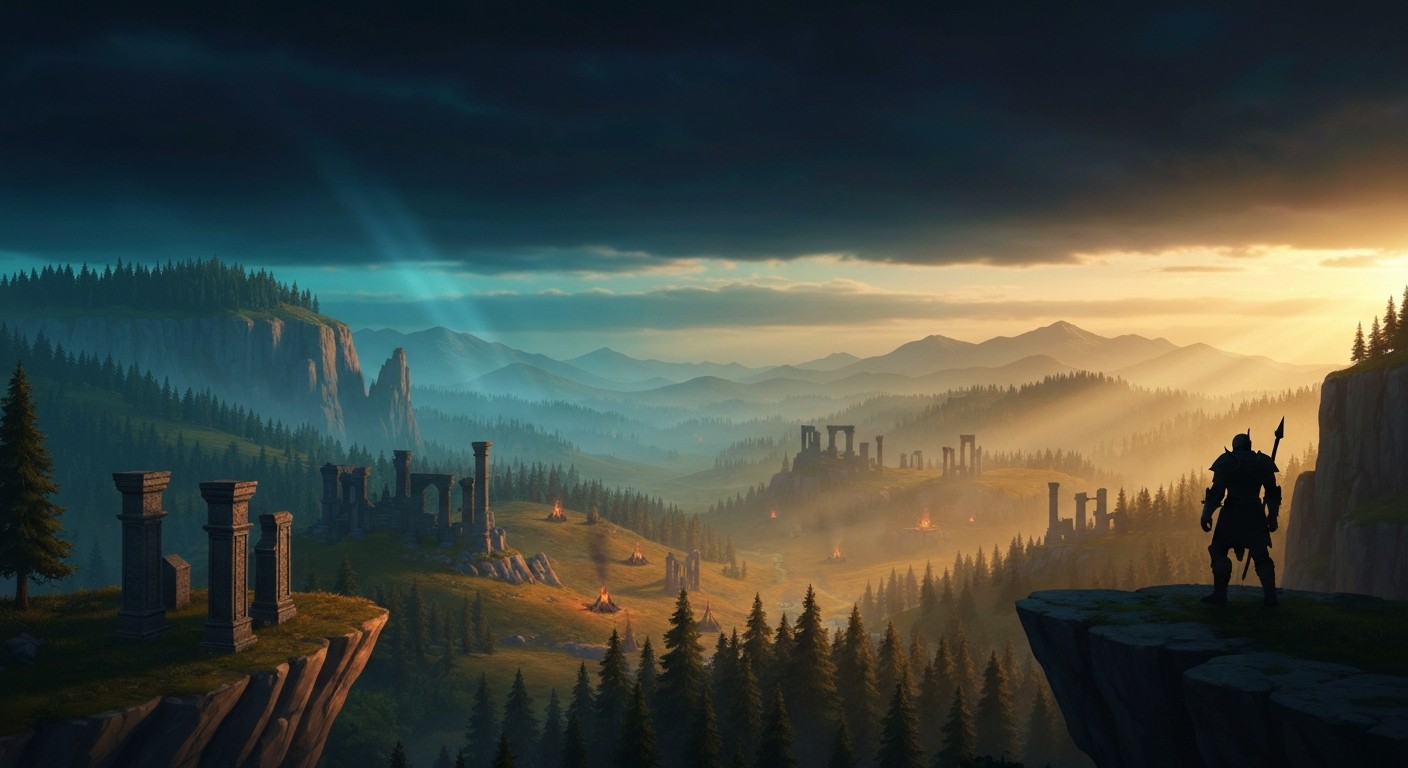
There is a particular sadness to seeing a world this ambitious trapped inside an engine this broken. Myrtana, the continent at the heart of Gothic III, is one of the more vividly realized fantasy settings of its era — hand-crafted valleys, sun-drenched Orc camps, forests that actually feel like forests. In stereoscopic 3D, with your head replacing a mouse-driven camera, those valleys gain a sense of scale that the flat version never quite conveyed. You feel the drop-off from a cliff. You sense the density of a pine line. For about thirty seconds, it is genuinely something.
Then the engine streams a new zone and the whole thing hitches hard enough to remind you why this experiment stays on the fringe.
The only way to play Gothic III in a headset is through VorpX, the stereoscopic injection driver that hooks into the game’s DirectX 9 renderer and outputs split stereo frames to a VR display. There is no community VR mod — the much-discussed GothicVR project targets the first two games, not this one. There is no official support. There is no UEVR route because Piranha Bytes built the Genome engine from scratch; it has nothing in common with Unreal. If you want Gothic III in a headset, VorpX is the door, and it is the only door.
That door opens into a mixed bag. VorpX’s official profile for the game supports both Geometry 3D and Z-Buffer rendering. Geometry 3D is what you want — it constructs actual stereo scenes by duplicating geometry per eye, giving real depth to the world. But Gothic III breaks it in a specific and frustrating way. The engine renders distant landscape elements on a separate background layer that VorpX cannot reliably intercept. In Geometry 3D mode, that background splits into a doubled, ghostly image hovering behind the properly rendered foreground. It looks like the skybox is trying to escape the world.
The community found a workaround, because of course it did. By editing ge3.ini and cranking the high-detail render distance to its maximum value, you can push the low-detail background renderer far enough away that it becomes a minor nuisance rather than a constant distraction. The tradeoff is performance — roughly a twenty percent hit — and the reality that you are now asking a 2006 single-threaded engine to do even more heavy lifting than it was designed for.
That single-threaded architecture is the real villain here. Piranha Bytes had to disable multi-threading in a post-launch patch after it proved unstable. The result is a game that lives or dies on one CPU core, and when the Genome engine streams new world data — which happens constantly in an open world this large — it stutters. In flatscreen, these hitches are annoying. In VR, where your inner ear is trying to correlate head movement with visual feedback, they are a nausea minefield. If you are prone to simulator sickness, this is not a recommendation with caveats. It is a warning.
Z-Buffer mode avoids the skybox doubling entirely, but it replaces real geometry-based depth with a post-process depth approximation that feels flatter and less convincing. It is the safer option for comfort and stability, but it also undermines the entire reason you are bothering with this in the first place. You are here for the sense of standing inside Myrtana, and Z-Buffer mode only half-delivers.
Controls are exactly what you expect from a 2006 third-person action RPG mapped through an injection driver: gamepad or keyboard-and-mouse, no motion controls, no hand presence. You are not swinging a sword with your own arm; you are pressing a button and watching the Nameless Hero swing his. The camera head tracking works well enough for exploration, but combat — already one of the game’s weaker systems — feels even more disconnected when you are physically inside the space but still operating the hero by remote control. The UI, designed for a monitor, is readable on a large virtual screen but requires some VorpX tweaking to center and scale comfortably.
So why would anyone do this?
Because Gothic III, for all its flaws, has something that still hasn’t been replicated cleanly in modern VR: a dense, reactive open world where factions war over territory, where NPCs have schedules and opinions, and where the player’s choices ripple across a map this size. There is no native VR RPG that offers this specific cocktail of scope and consequence. Seeing it in stereoscopic 3D, even through the imperfect lens of VorpX, is a compelling novelty for the truly devoted. A GameStar writer who experimented with the setup on an Oculus Rift S described it as transformative enough that flatscreen felt like a downgrade afterward — but that writer also acknowledged the setup friction and the tolerance required.
Here is the honest breakdown. The VorpX profile is real, it works, and with the INI tweak it is mostly visually coherent. The sense of place in Geometry 3D mode is genuinely enhanced. But the engine stutters are baked in, the controls are flatscreen-era, the skybox fix costs performance, and there is no path to motion controls or a proper VR UI on the horizon.
This is for the person who has already played Gothic III three times, who knows the community patch installation by heart, and who simply wants to see Myrtana with depth. It is not for the curious VR newcomer looking for their first RPG, nor for anyone who values comfort over novelty. If you want a fantasy open world in VR, there are native options that run smoother, look better, and actually use your hands. This one is a time capsule — fascinating to crack open, but not a place to live.