
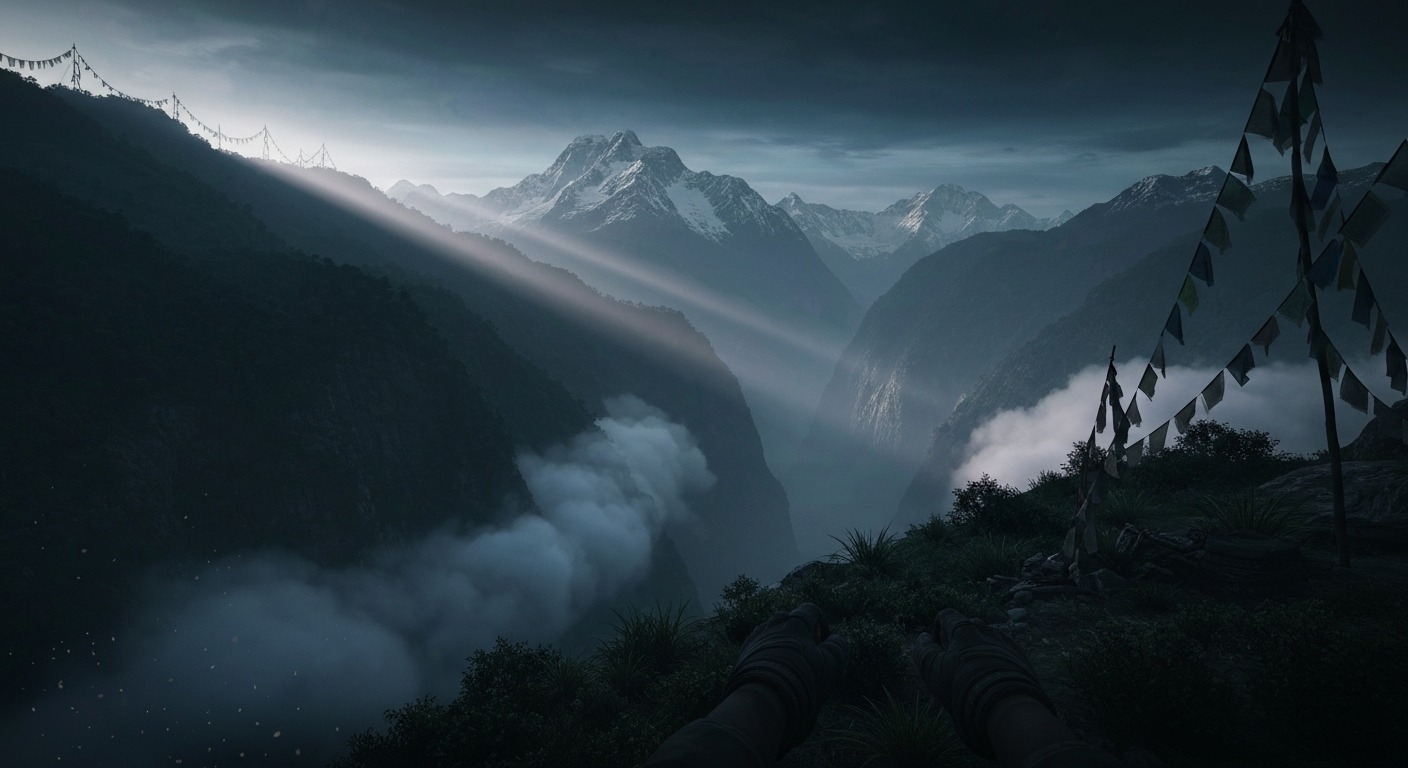
Far Cry 4 VR
There is a moment in Far Cry 4, maybe twenty minutes after you land in Kyrat, when the jungle opens up and you realize you can go basically anywhere. A lake glitters below a ridge, a propaganda truck rumbles along a dirt road, and somewhere a honey badger is definitely planning your death. In flat mode, that moment is why the game works. In a headset, you want it to feel like you are standing on that ridge. With VorpX, you kind of are — through a window.
That is the whole story of Far Cry 4 in VR. The game underneath is excellent: a dense Himalayan sandbox full of outposts, radio towers, wildlife, and one of the most memorable villains Ubisoft ever wrote. The VR implementation, however, is not a transformation. It is an injection driver profile. You get stereoscopic 3D, you get head tracking, and you get the undeniable presence boost of seeing Kyrat with depth. You do not get motion controls, VR-native menus, or anything resembling a port. If you go in expecting a full VR reimagining, you will be angry. If you go in as a Far Cry fan who just wants to inhabit the world more directly, there is enough here to justify the headache.
What This Actually Is
Far Cry 4 never got an official VR mode. Ubisoft made a location-based Far Cry VR attraction for Zero Latency, but that is a different product set on the Far Cry 3 islands and is not something you run at home. There is no community full VR mod for Far Cry 4 either. The celebrated Far Cry VR mod by Holger Frydrych is for the original 2004 Crytek game, not this one. Do not install it expecting Kyrat.
The only real path is VorpX. The profile has existed in some form since roughly the game’s launch window, and it wraps the Dunia 2 engine’s first-person view into a stereoscopic VR image. Geometry 3D can give genuine depth to the world, while Z3D offers a lighter alternative. Head tracking maps to the camera so you can look around naturally. It is still the flat game, though: the HUD floats in its original position, the menus are flat, and your hands are still a mouse-and-keyboard or gamepad.
Getting It Running
This is where the dream starts to fray. Far Cry 4 uses Uplay, and Uplay does not love memory hooks. VorpX users have reported crashes, black screens, and repeated launch attempts going back to 2014. Going offline in Uplay, disabling the overlay, and retrying the hook are recurring recommendations. Some users have had it work almost immediately; others have spent an hour toggling compatibility settings and cursing. Your mileage will depend heavily on your exact store version, Windows build, and patience.
The FOV needs manual tweaking through the game’s XML profile or via VorpX’s DirectVR scanner. Without that, the view feels cramped. Vehicle interiors are especially rough because the dashboard, weapon, and hand models are often FOV-locked independent of the world view, so driving can feel zoomed-in and disorienting. Some players settle for cinema mode or an immersive screen pulled back, which sacrifices presence for comfort.
How It Plays
When it works, the appeal is immediate. Kyrat is a gorgeous sandbox, and seeing it with depth makes the scale land differently. The Himalayas feel huge. The verticality of the towers and cliffs reads better in 3D. Firefights gain a small but real tactical boost because you can judge distances and cover more naturally. It is still fundamentally the flat game, but the window is clearer and closer to your face.
The cost is comfort and control. Far Cry 4 was built for rapid mouse turning, fast vehicles, wingsuits, and elephants. None of that was designed for VR. Smooth turning with a gamepad can be nauseating if you do not have strong VR legs. Driving is the worst part, partly because of the FOV lock issue and partly because the camera bounces around in ways that your vestibular system will protest. Shooting from a buzzer or a quad bike is a recipe for a break.
Performance is also demanding. Far Cry 4 was a heavy flat game in 2014, and rendering it twice for VR while driving the engine through an injection layer does not make it lighter. You will want a high-end PC to hold a steady frame rate at a decent supersampling level. Reprojection is not your friend in a fast shooter with quick camera motion.
What Still Holds Up
The base game is the star. The outpost infiltration loop is still one of the best in the genre. Pagan Min’s opening monologue is still chilling. The co-op and map editor are still generous. None of that changes in VR. If anything, the headset makes the world more convincing, which is exactly what an open-world shooter wants. For players who already love Far Cry 4, VorpX offers a way to revisit it with a fresh sensory layer.
What Does Not
Everything else is compromised. Menus are unreadable without leaning in. On-screen prompts and HUD elements sit at the wrong depth. There are no motion controls, so you are aiming with a thumbstick or mouse while your head does the looking, which splits your attention in a way native VR shooters do not. The DRM dance at launch is annoying every single time. And the lack of comfort options means this is not a game you can marathon casually in a headset.
The Bottom Line
Far Cry 4 deserves better than VorpX, but VorpX is what it has. The game itself is A-tier open-world shooting; the VR implementation is C-tier by the standards of what a modern VR player expects. If you already own Far Cry 4, already own VorpX, and already know how to troubleshoot Uplay, it is worth an evening to see Kyrat with depth. For everyone else, the flat version is the better way to experience one of Ubisoft’s strongest shooters. The headset does not transform this one — it just lets you look at it from closer up.