
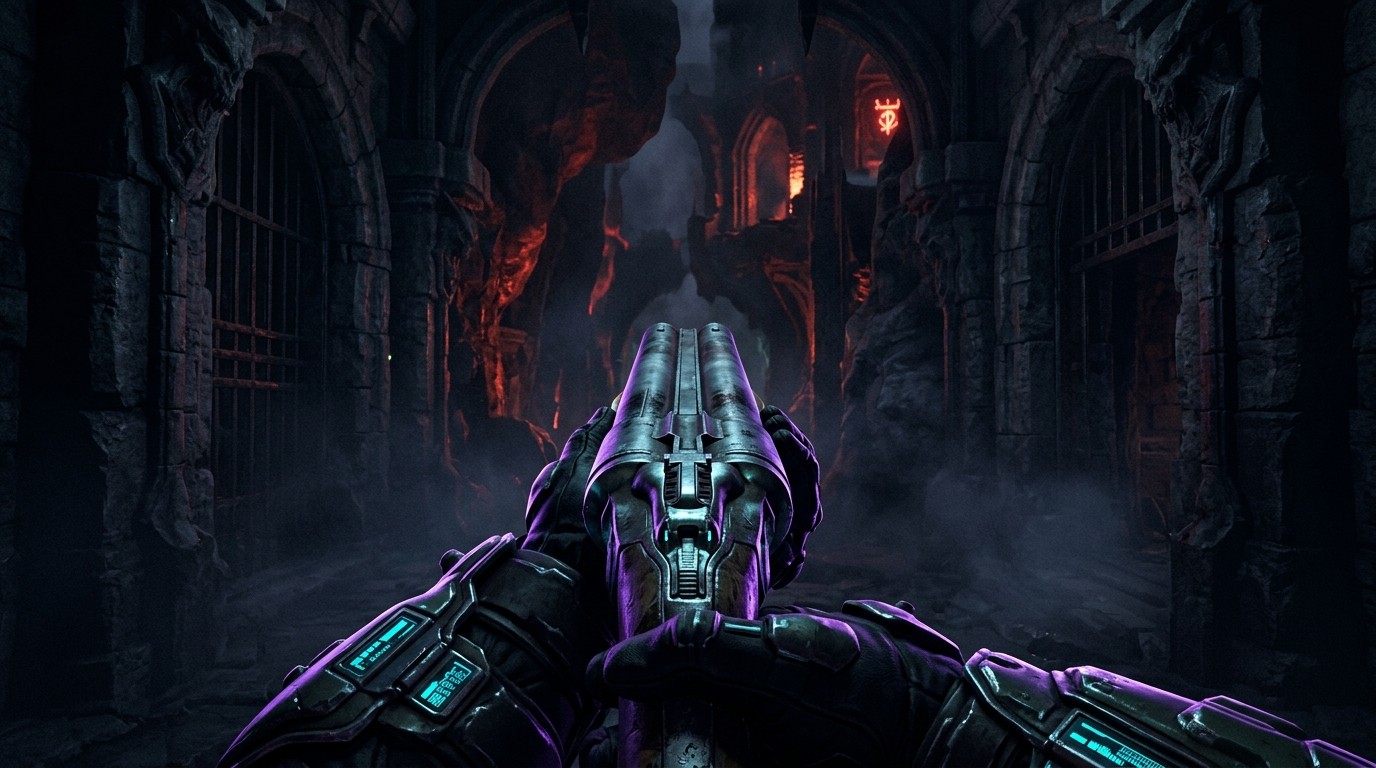
Doom VR: The Original FPS in Your Hands
Doom in VR is not a single mod but a category. The 1993 classic that defined the first-person shooter has been ported to VR through community source ports built on the GZDoom engine. Two primary routes exist: QuestZDoom for standalone Quest headsets, and gzdoom-VR for PCVR.
This is a framework coverage—the engine port that makes Doom playable in VR, not an official release.
The Routes
QuestZDoom (Quest Standalone)
Developed by Dr. Beef’s team (same group behind Quest ports of Half-Life, Quake, and other classics), QuestZDoom brings the full GZDoom engine to Quest headsets without requiring a PC. The QuestZDoom Launcher handles mod discovery and installation entirely within the headset.
gzdoom-VR (PCVR)
A VR fork of GZDoom built on OpenVR, supporting SteamVR-compatible headsets. Developed and tested primarily on Quest via Virtual Desktop, it should work with any OpenVR setup. Offers similar 6DoF weapon handling and mod support, but requires a PC.
Setup: Not Frictionless
QuestZDoom requires sideloading via SideQuest—installing two APKs (engine and launcher), accepting permissions, and transferring WAD files for commercial games. The launcher simplifies mod installation, but first-time users face:
- SideQuest installation and headset connection
- Permission dialogs for storage access
- Manual WAD file transfer for owned games (or FreeDoom for free content)
- Understanding load order for mods
The PC route requires compiling or obtaining the VR fork build, understanding OpenVR controller bindings, and managing mod files manually. Neither path is frictionless, but both are documented and achievable for users comfortable with basic modding.
VR Implementation: Functional, Not Transformative
Both ports deliver convincing 6DoF VR:
- Head tracking is native and smooth
- Stereoscopy and world scale work well for Doom’s blocky aesthetic
- Weapon handling uses tracked dominant-hand controllers with two-handed grip support
- Haptic feedback for weapon fire
- VR weapon packs replace flat sprites with 3D models
The sprite-based enemies and items remain 2D billboards, which is jarring in VR but historically accurate. This is Doom in VR, not Doom reimagined for VR.
Playability: Complete Engine Port
This is not a demo. Users can play:
- Doom (Ultimate Doom)
- Doom II
- Final Doom
- Hexen
- Heretic
- Thousands of community WADs and mods
The QuestZDoom Launcher categorizes mods by type (Core Games, Map Packs, Gameplay Mods, Weapons, Textures/Sounds) and includes curated recommendations. Save/load works. The automap is accessible. Cheats are available if desired.
No known progression blockers specific to VR—if a WAD works in GZDoom, it generally works in QuestZDoom.
Controls: Good with Minor Awkwardness
Default bindings follow VR FPS conventions:
- Movement: Off-hand thumbstick (smooth or teleport)
- Turning: Dominant thumbstick (snap or smooth)
- Fire: Dominant trigger
- Two-hand weapon: Off-hand grip
- Menu: Menu button
All buttons are remappable. Doom’s original weapon designs (no iron sights) make precise aiming harder than modern VR shooters. Community mods add laser sights and VR-specific weapon packs to address this.
Comfort: Fast but Manageable
Classic Doom is fast. The VR ports respect that speed:
- Smooth locomotion at Doom’s pace can cause vection
- Snap turn available (recommended)
- Teleport option exists but slows the game significantly
- No forced camera movement—cutscenes handled traditionally
The ports include comfort options (vignette settings), but the experience remains fundamentally intense due to the source material.
Performance: Vanilla Fine, Mods Vary
Vanilla Doom: Runs fine on Quest and modest PCs.
Modded Doom: Performance varies dramatically. GZDoom is resource-hungry, and heavy mods (Brutal Doom, high-resolution texture packs, complex gameplay mods) can cause frame drops during busy scenes.
Quest tuning: Recommended to set supersampling to 0.9 and force 60Hz refresh rate for stability.
The Bottom Line
Doom in VR is one of the most complete framework experiences available for classic PC gaming. The combination of full game compatibility, extensive mod support, and competent VR controls makes it a genuinely worthwhile way to revisit the foundational FPS.
Caveats: Requires comfort with sideloading and file management. Performance demands rise with mods. The 2D sprite aesthetic is authentic but dated. Fast movement may challenge VR newcomers.
Best for: VR enthusiasts who want to experience gaming history with full motion controls; Doom mod veterans curious about their library in VR; anyone seeking a content-rich standalone Quest experience.
Skip if: You need native iron sights without mods; you want guaranteed smooth performance regardless of mod load; setup complexity is a dealbreaker.
Setup: QuestZDoom requires SideQuest sideloading. gzdoom-VR requires PC VR setup and manual WAD management.
Content Note: Supports Doom, Doom II, Final Doom, Hexen, Heretic, and thousands of community WADs. Own the original games or use FreeDoom.
Performance Tip: Set Quest supersampling to 0.9, force 60Hz for stability. Heavy mods may require PCVR.
Last Verified: March 2026