
Dishonored in VR: Corvo’s Hands, Your Living Room
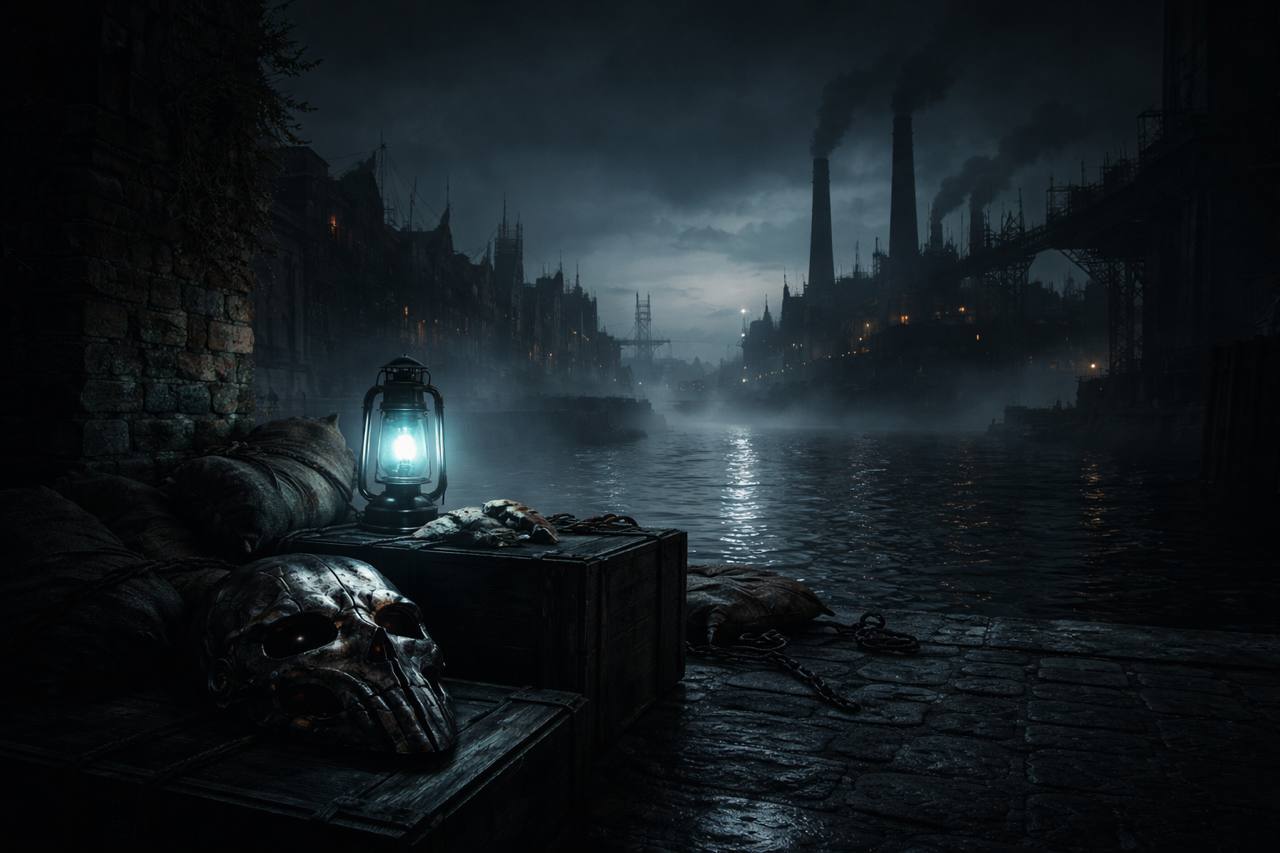
The whale oil lamps flicker at eye level. A guard mutters a few meters away, unaware. You are standing on a rooftop in Dunwall, and the industrial decay of the plague-stricken city wraps around you in a way a monitor never conveyed.
Then you look down. Corvo’s hands are your hands. The sword moves when you swing. Blink fires where you point. The mask is right there, close enough to touch.
This is no longer the VorpX route. This is a full community VR port with real stereo drawn per eye, full 6DoF, tracked hands, and motion controls that turn Dishonored into the kind of stealth-action VR game I assumed we’d never get.
The Thing That Finally Works
The first time I saw footage of someone leaning around a corner, physically crouching at real eye height, then swinging the sword through a guard, I thought: of course this was always meant to be played this way. Dishonored was already first-person, already lean-friendly, already built around spatial awareness. The mod doesn’t bolt VR onto a game that resists it; it gives the game the body it always implied.
Leaning and peeking work naturally. Possession of rats, fish, and people stays in stereo. Health and mana sit on your wrists. Menus, books, and loading screens flatten onto a screen in front of you, each new menu opening where you are currently looking. Dialogue keeps head look. The world is at natural scale, the field of view matches the headset, and physical crouching holds the camera at your actual eye height. It is the same Dunwall, just finally in the room.
Combat and powers land. The sword attacks when you swing, though the game still chooses the actual strike. The pistol and crossbow are held in your hands and aim down their own barrels. Blink, Devouring Swarm, Possession, and Windblast can be aimed by hand. You can switch each item to head aim if you prefer, and the reticle can be resized, moved, and recolored. The Heart glows from your drawn hand. The power effects follow your hands rather than some abstract crosshair.
The default look is deliberately not the unmodified game. Camera bob, weapon kick, landing dips, and hit jolts are disabled out of the box; you can re-enable them in the F10 panel, but the project made the right call for VR comfort. Rain, blood, and the low-health vignette are drawn at comfortable depth, and the rain sheet can be hidden entirely.
The Handover That Built This
The project has already lived two lives. The first public alpha shipped on 2026-08-30 under GingasVRFO/Dishonored-VR from the YouTuber GingasVR. Two days later that repo was marked discontinued. The active continuation is VR-Stereo-Hub/Dishonored-VR, which hit v1.0.0 on 2026-09-23, a v1.0.1 hotfix on 2026-09-24, v1.0.2 on 2026-09-28, and v1.0.3 on 2026-10-03.
That is eleven days from 1.0 to the current build, three weeks from the first alpha. Early software. Worth knowing before you install.
What Running It Actually Looks Like
The launcher finds Dishonored in your Steam library by itself. You pick your headset and render quality, press Install, and launch through Steam. If you launch the .exe directly, it crashes at the menu; that requirement is annoying but it is the requirement.
Steam is mandatory; GOG support was added in v1.0.1, but there is no console or non-Steam path. Native SteamVR headsets work out of the box. Quest runs through Virtual Desktop, not natively. Any headset whose runtime offers 32-bit OpenXR should work.
Performance is the real caveat. The project was developed on an RTX 4090. You want a GPU comfortable rendering roughly 4K flat, and even then the game is CPU-bound in places. The v1.0.3 update added Alternate Frame Warping as an opt-in mode — it is off by default, enabled in the launcher or in game with L3+R3 under Display > Stereo rendering, and it switches live with no restart. It renders one eye per frame and rebuilds the other from depth, halving per-frame cost. The project reports full stereo ran at about 110 fps on their test PC, with DLAA jumping from roughly 50–70 fps up to about 120 fps; with AFW enabled they saw a full 144 fps. That is their own testing, not an independent benchmark, but the comparison is promising for anyone whose GPU was sweating.
Honest Limits
Arms are cut at the wrist by design. You see floating hands, not full arms, with the cut ends rounded and sleeve presets controlling where the cut falls. Full-body takedowns, choke holds, and climbing hand control to the game’s animation, then return your hands to the controllers when the move ends. Unmodeled sides of the pistol and crossbow are filled with mirrored geometry.
The v1.0.3 release also flags three known issues worth reading before you install. The mod’s own spacewarp is currently broken and left in Debug mode only; the project says it will be improved later. If you enable Alternate Frame Warping, held objects can flicker. And ReShade presets that need depth require the default ReShade mode, not the manual one. None of this breaks the fantasy, but none of it is hidden either.
The coverage matches the shift. VR DaD called the 1.0 release “INCREDIBLE”, Paradise Decay titled its video “INCREDIBLE Dishonored VR Mod”, and Headset-VR ran it as “Stealth And Blink In Full 6DOF”. Shakozi Studios, NotAGameAddict, PCVR Gamer, TheReclusiveGamer, and Darkghostterran all have first-impressions or test footage up. VRan covered the old VorpX route but has not published on the mod that replaces it — that is silence, not disapproval. Fourteen roster channels checked have no new-mod coverage found, which is also just absence, not a signal that something is wrong.
I would still not point a brand-new Dishonored player at this first. The game is cheap, the mod is free, but you need a strong PC, you need to be okay with early software, and you need to remember that this is a 2012 game being made to do things it was never built for. The difference from the VorpX days is that it now does them anyway. For anyone who already loves Dishonored, or anyone who has been waiting for a reason to finally stand inside Dunwall, this is the version worth the hassle.