
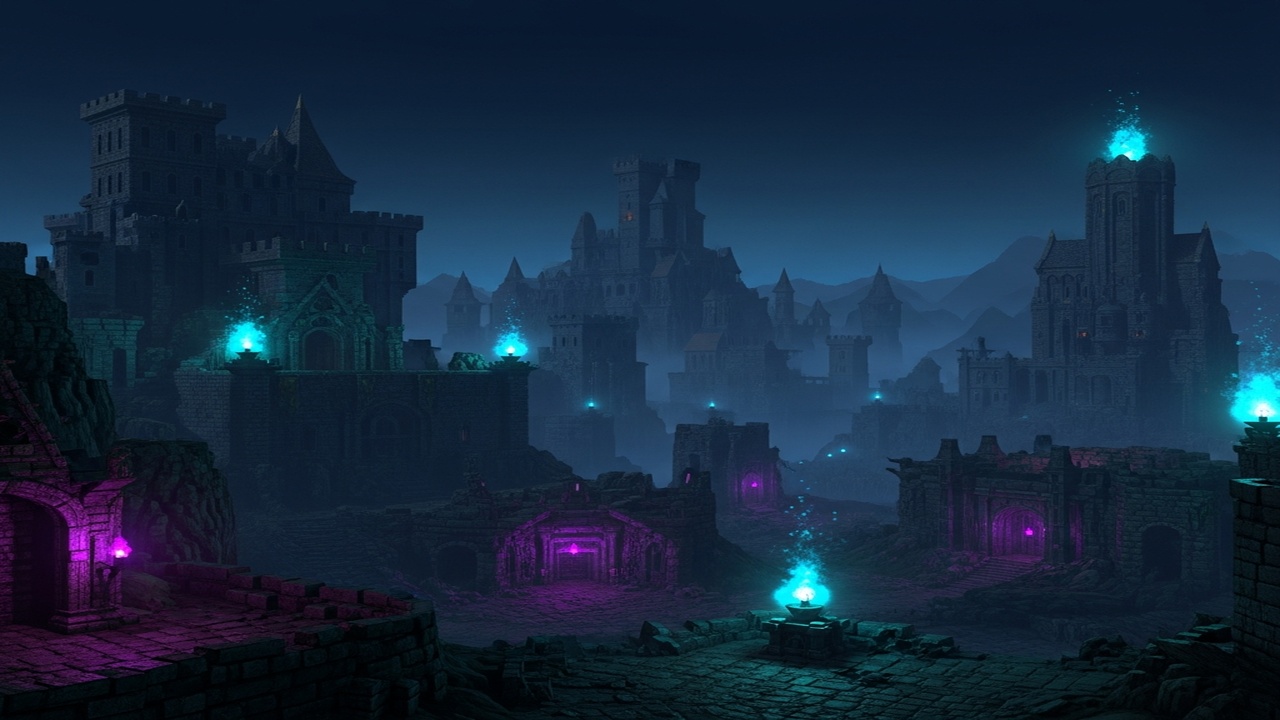
Daggerfall in VR: A 1996 RPG Unlocked
The Elder Scrolls: Daggerfall is a fascinating artifact. Released in 1996, it offered a game world roughly the size of Great Britain, with thousands of towns, dungeons, and NPCs. It was ambitious to the point of being broken — filled with bugs, obtuse systems, and procedurally generated content that often felt empty. Yet it remains a cult classic, the ur-Elder Scrolls experience that Skyrim players discover when they want to understand the series’ roots.
For decades, playing Daggerfall meant wrestling with DOSBox, outdated graphics, and interface design that predates modern usability standards. Then came Daggerfall Unity — a complete remake in the Unity engine that modernizes the tech while preserving the game underneath. And where there’s Unity, there’s VR potential.
Two paths exist to experience Daggerfall in virtual reality today: a dedicated VR mod with full motion controls, and VorpX injection for those who prefer the simplicity of gamepad or mouse-and-keyboard play.
What VR Routes Actually Exist
Daggerfall Unity VR (DFUVR) — Full Motion Controls
DFUVR is a dedicated mod by developer LokiusV that adds complete VR support to Daggerfall Unity. This is the real deal: 6DOF head tracking, motion-controlled weapon swinging, physical spell casting, and VR-native interaction with the game’s world.
What you get:
- Full motion control implementation with hand presence
- Physical weapon swinging and blocking
- Spellcasting through hand gestures
- VR-appropriate UI adjustments with laser pointer interaction
- SteamVR compatibility for all major PCVR headsets
- Support for Oculus Touch, Pico 4, and HTC Vive Wands
- Calibration system for player height and weapon sheath positioning
This isn’t a wrapper or injection — it’s a genuine VR conversion that reimagines how you interact with Daggerfall’s world. The mod is actively developed and maintained, with regular updates and a presence on the Flat2VR Discord for support.
VorpX — Injection
For players who prefer traditional input or want a simpler setup path, Daggerfall Unity works with VorpX. The injection method provides stereoscopic 3D and head tracking without motion controls.
What you get:
- Stereoscopic 3D rendering
- Head tracking for looking around
- Gamepad or mouse-and-keyboard controls (your choice)
- Compatibility with various Daggerfall Unity mods
VorpX users report that Daggerfall Unity works well in “Cinematic mode,” while full VR mode is described as “a novelty” due to the menu-heavy nature of the game and lower framerates. Still, for players who want to experience Daggerfall’s world at scale without learning motion controls, this is a viable option.
How DFUVR Plays
Controls: Full motion controls with physical weapon handling. Swing swords, block with shields, and cast spells using natural hand movements. The mod includes specific controller profiles for Oculus/Meta Touch controllers, Pico 4, and HTC Vive Wands. Index controllers and other hardware work but may require manual binding configuration.
Setup Requirements:
- A working Daggerfall Unity installation
- All monitors set to 1920×1080 (critical — the UI won’t render correctly at other resolutions)
- SteamVR installed and running
- The mod files extracted to your Daggerfall Unity directory
Calibration: Upon first launch, you’ll enter calibration mode to set your height and weapon sheath position. This is important — Daggerfall’s first-person view needs to match your actual standing position for comfort.
The UI Interaction Method: Here’s where things get quirky. The VR laser pointer works by moving your actual mouse cursor on your monitor. This means:
- The game window must stay in focus
- Precision degrades near UI edges
- You can’t click things outside the game window
It’s a functional workaround for a game built before VR UIs existed, but it requires some adjustment.
Content: This is the full Daggerfall experience — the main quest, guild questlines, infinite procedural dungeons, town exploration, spell creation, item enchanting, and everything else the base game offers. The mod doesn’t limit content; it just changes how you interact with it.
Mod Compatibility: The mod developer recommends playing without additional mods at first, but Daggerfall Unity’s robust modding scene means you can enhance the experience. Notable compatible mods include:
- D.R.E.A.M. — visual overhaul with improved models and textures
- Handpainted Models — alternative character models
- Post Processing Effects — modern visual effects
- Enhanced Sky, Hills and Mountains, Real Grass, Birds in Daggerfall — environmental enhancements
Performance: Daggerfall Unity is not demanding by modern standards. Even with VR rendering overhead, most PCVR-capable systems should maintain comfortable framerates. The original game’s procedural generation and relatively simple geometry keep things lightweight.
How VorpX Plays
Controls: Your choice of gamepad or mouse-and-keyboard. Head tracking provides look functionality, but you’re essentially playing the flat game with a VR display.
Visual Quality: Stereoscopic 3D adds depth to the world, though the UI-heavy nature of Daggerfall means you’ll spend significant time in menus that feel less natural in VR.
Comfort: VorpX’s full VR mode can induce discomfort due to the game’s framerate and menu density. Most users prefer Cinematic mode for extended play sessions.
Setup: Standard VorpX injection — no special configuration required beyond selecting the Daggerfall Unity profile from the cloud.
What Works Well
DFUVR:
- Full motion control implementation that genuinely transforms the experience
- Physical weapon combat feels satisfying
- Spellcasting through hand gestures adds immersion
- Complete game content — nothing is restricted
- Active development with responsive developer
- Solid SteamVR compatibility
- Low performance requirements by modern VR standards
- The sheer scope of Daggerfall becomes more impressive at VR scale
VorpX:
- Quick setup for players who already own VorpX
- Works with standard input methods
- Compatible with the full range of Daggerfall Unity mods
- Stereoscopic 3D gives the world genuine depth
- Cinematic mode provides a comfortable big-screen experience
What Doesn’t Work
DFUVR:
- Monitor must be set to 1920×1080 or UI becomes unusable
- UI interaction through mouse emulation is imprecise, especially near edges
- Game window must stay focused or inputs fail
- No left-handed mode currently
- Index controllers and non-standard hardware require manual binding
- Some features like climbing and levitation have reported quirks
- Character creation and initial setup are better done on flat screen
VorpX:
- No motion controls
- Full VR mode described as “too menu-heavy” for comfortable play
- Framerate in full VR mode can struggle
- You’re still essentially playing a flat game with head tracking
- Less immersive than native VR implementation
The Game Itself: Let’s be honest — Daggerfall is a 1996 RPG with all that implies:
- Procedurally generated content can feel repetitive
- Systems are obtuse by modern standards
- The main quest can be completed quickly, but the real game is the endless dungeon diving
- Bugs and jank are part of the authentic experience
- Combat is simple by modern standards
- No voiced dialogue — this is text-heavy, reading-intensive gaming
Who This Is For
DFUVR is for:
- Elder Scrolls fans curious about the series’ roots
- Retro RPG enthusiasts who want to experience a classic in VR
- Players who enjoy dungeon crawlers and exploration
- Those comfortable with work-in-progress mod software
- VR users who want full motion control immersion
- Anyone who’s ever wanted to physically swing a sword in a procedurally generated dungeon
VorpX is for:
- Players who already own VorpX and want quick VR access
- Those who prefer gamepad or M+KB controls
- Users who want stereoscopic 3D without mod complexity
- Players who find full VR implementation of menu-heavy games uncomfortable
Neither is for:
- Players seeking modern RPG polish and guided experiences
- Those who get frustrated by obtuse systems and retro interfaces
- Players expecting Skyrim-level production values
- Anyone unwilling to read quest text and figure things out
The Verdict
Tier: B
Game Quality: B+ Daggerfall is a historically significant RPG that offers unmatched scope and freedom for its era. It’s also buggy, obtuse, and very much a product of 1996. The Daggerfall Unity project has done remarkable work modernizing the technical foundation while preserving the game underneath. It’s not for everyone, but for those it clicks with, it’s a singular experience.
VR Implementation Quality: B (DFUVR) / C (VorpX) DFUVR is a genuine VR conversion with thoughtful motion control implementation. The UI workaround is inelegant but functional, and the core experience of physically exploring Daggerfall’s world is compelling. VorpX provides a simpler but less immersive alternative.
Overall Tier: B
Daggerfall in VR is a fascinating case study in how VR can breathe new life into classic games. DFUVR doesn’t just add head tracking — it reimagines how you interact with a sprawling RPG world. Physically swinging weapons, casting spells with hand gestures, and exploring massive dungeons at true scale transforms Daggerfall from a historical curiosity into a genuinely playable VR RPG.
The caveats are real: the UI requires specific monitor settings and the interaction method is quirky. The game itself is dense, text-heavy, and unapologetically retro. But for players willing to meet it halfway, Daggerfall VR offers something rare: a massive, open-world RPG with VR-native controls that’s completely free to play.
The base game is available for free from Bethesda. Daggerfall Unity is a free, open-source project. DFUVR is a free mod. The barrier to entry is low, and the experience is unique. For Elder Scrolls fans, retro RPG enthusiasts, or anyone curious about gaming history, Daggerfall VR is worth the setup time.
Just remember to set your monitor to 1920×1080 before you start.