
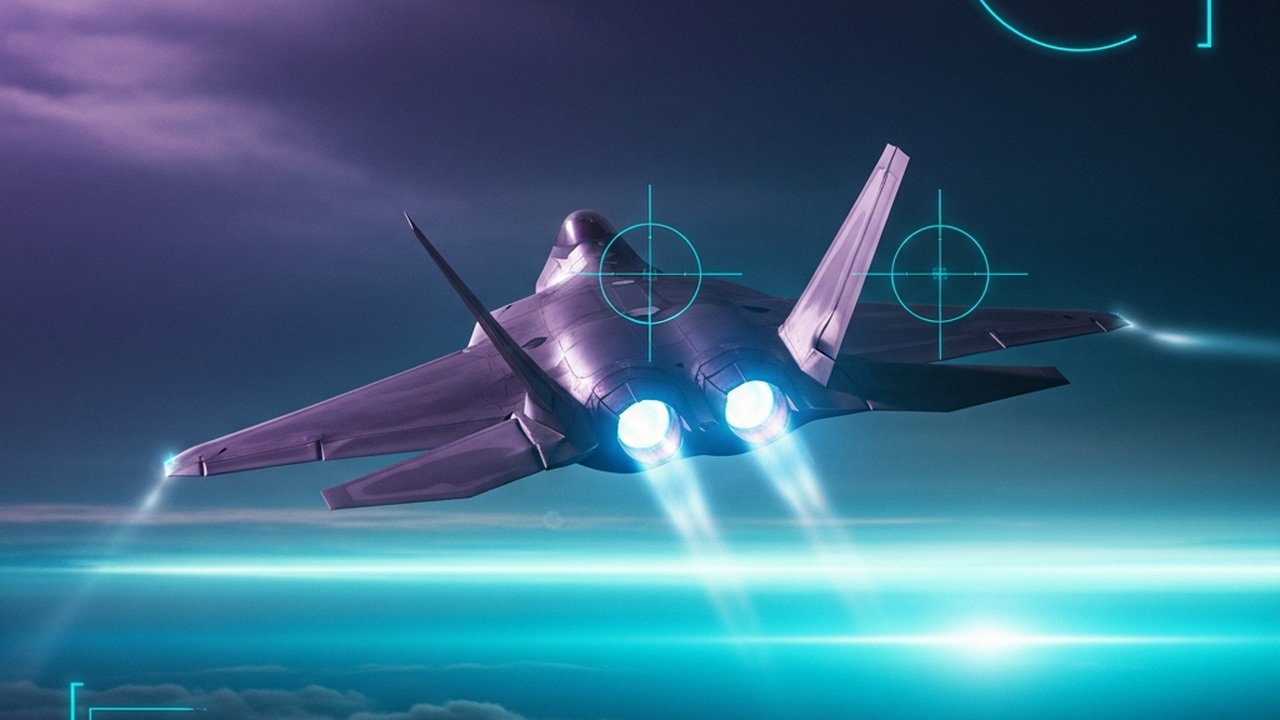
Ace Combat 7: Skies Unknown in VR
Last verified 2026-03-24

Ace Combat 7: Skies Unknown in VR

UEVR injection transforms Ace Combat 7 into a cockpit-level flight combat experience with full campaign playability, though HUD gaps and hardware demands temper the recommendation.

Original Release
January 18, 2019
VR Release
January 1, 2024
Platforms
PCVR
Setup
Moderate Setup
Input
Gamepad Preferred
Comfort
Intense
Performance
Heavy Demand
Tier
B
Flight CombatArcadeActionUEVRUnreal Engine 4Injection DriverCampaign CompleteHigh Hardware Demand

Verdict

B-Tier: Great arcade flight combat marred by uneven VR implementation. When everything works—Tier 1 aircraft with full HUDs, supported HOTAS hardware, and super computer-tier specs—the experience approaches native VR quality. But HUD gaps on most planes, limited HOTAS compatibility, and steep hardware demands create friction that keeps this from A-tier territory.

Ace Combat 7: Skies Unknown — VR Review

Route Type: Injection Driver (UEVR)
Platform: PC (Steam)
Mod/Tool: UEVR (Unreal Engine VR Injector) + Keton’s Compatibility Patch
Price: Free (UEVR), $39.99 (base game)
Reported Hardware Configurations: Super computer tier (reported community baseline)


Summary

Ace Combat 7 delivers one of the most compelling injection-driver VR experiences available, transforming a flat arcade flight combat game into a cockpit-level thrill ride that rivals native VR flight sims. The UEVR injection method works well enough that multiple community members have completed the entire campaign and SP missions in VR. However, the experience comes with notable caveats: incomplete HUD implementation across aircraft, missing cockpit elements in non-VR-native planes, and friction around HOTAS support that arcade-flight fans may not expect.

Verdict: B-Tier. Great arcade flight combat marred by uneven VR implementation. When everything works—Tier 1 aircraft with full HUDs, supported HOTAS hardware, and super computer-tier specs—the experience approaches native VR quality. But HUD gaps on most planes, limited HOTAS compatibility, and steep hardware demands create friction that keeps this from A-tier territory. Still, for flight combat enthusiasts with the right setup, the cockpit presence justifies the compromises.


Installation & Setup Complexity

The Tooling Reality

Critical distinction: The brief references VorpX, but the actual community solution uses UEVR (Unreal Engine VR Injector), a free open-source injection tool specifically for Unreal Engine titles. This is not a VorpX profile — UEVR is purpose-built for UE4/UE5 games and represents a different class of injection solution.

Setup Process

User reports describe the installation as “surprisingly painless” and “relatively easy” for injection-driver standards:

  1. Download UEVR from the official source
  2. Install Keton’s compatibility patch (available on Nexus Mods) — this addresses AC7-specific rendering issues
  3. Launch the injector when starting the game
  4. Configure UEVR profile settings for cloud rendering and stereo 3D

Documentation quality: Good. The Nexus Mods guide provides step-by-step instructions, and the community has iterated on best practices through Reddit threads and Discord discussions.

Common Setup Issues

IssueFrequencySolution
Cloud rendering artifactsCommonUse alternate UEVR profile settings per Nexus guide
”Cockpit stuck to face” effectOccasionalPress Select + Right Stick to recenter
Crash before Mission 20 cutsceneReportedDelay injection until after briefing/cutscene
Missing HUD on non-digital cockpitsUniversalAircraft-dependent; some planes lack functional radar/ammo displays

Setup complexity: Low-moderate for injection driver standards. Unlike many injection drivers that require extensive per-game tweaking, AC7’s UEVR implementation has reached a maturity level where community profiles handle most heavy lifting.


Controls & HOTAS Support

The HOTAS Problem

Ace Combat 7 has limited native HOTAS support on PC. The officially supported hardware list (as of 2020) includes:

  • Thrustmaster T.Flight Hotas 4
  • Thrustmaster T.Flight Hotas One
  • Thrustmaster T.16000M FCS series
  • HOTAS Warthog series
  • HORI HOTAS Flight Stick (PS4/Xbox variants)

The issue: Popular PC flight sticks outside this list are not natively supported. Users report the game detects the stick but provides no in-game binding options, leaving weapons and critical functions unmapped.

Workarounds

Community solutions exist but add friction:

  • vJoy + Input.ini editing: Map TrackIR or head tracking to vJoy as a virtual joystick, then bind camera controls
  • Steam Input overlay: Some users report partial success with Steam’s controller configuration
  • JoyToKey or similar: Map stick inputs to keyboard/gamepad commands

HOTAS support assessment: Fair. If you own a supported Thrustmaster stick, the experience works well. If you run an enthusiast-class HOTAS setup outside the supported list, expect configuration overhead that undermines the arcade accessibility that defines Ace Combat.

Head Tracking

UEVR provides 6DoF head tracking injection. Users report head tracking works well for cockpit viewing, though some note a “head recentering” limitation — push your head too far from center and the view snaps back, breaking immersion slightly.


Cockpit Visibility & HUD Readability

The Two-Tier Cockpit System

AC7’s VR implementation reveals an uneven cockpit quality hierarchy:

Tier 1 — VR-Native Cockpits (Fully Functional):

  • F-22 Raptor
  • A-10 Thunderbolt II
  • Su-30
  • F/A-18

These aircraft feature complete digital cockpits with working radar, ammo counters, damage readouts, and attitude indicators. Users describe these as “beautifully rendered” and “incredibly immersive.”

Tier 2 — Non-Native Cockpits (Incomplete):

  • MiG-21, MiG-29, and most other aircraft

These cockpits display analog gauges with missing or non-functional HUD elements. Specific gaps include:

  • No radar display (critical for missions requiring radar bubble avoidance)
  • No ammo/damage counters
  • No gunsight reference (must judge gun velocity/trajectory manually)
  • Russian-labeled gauges on Soviet aircraft (authentic but unreadable for non-Russian speakers)

HUD & UI Limitations

  • No radio subtitles or character portraits — users report difficulty following the story and distinguishing characters during first playthroughs
  • In-mission cutscenes can be jarring — sudden camera shifts break presence
  • Floating HUD elements — some users report stereo depth issues with HUD layering

HUD/Readability assessment: Moderate. When flying Tier 1 aircraft, the cockpit experience rivals native VR flight sims. When forced into Tier 2 aircraft (common in campaign progression), the missing HUD elements create genuine gameplay friction — particularly in missions requiring specific radar functionality.


Comfort & Motion Sickness

High-Speed Flight Dynamics

Ace Combat 7’s arcade flight model includes aggressive maneuvers that test VR comfort limits:

  • Barrel rolls and high-G turns — rapid rotation can trigger discomfort
  • High-speed low-altitude flight — ground rush at mach speeds creates visual-vestibular conflict
  • Weather effects — cloud penetration and turbulence add motion complexity

Community Comfort Reports

User experiences vary significantly:

  • Some report playing through the entire campaign without comfort issues
  • Others note the VR mode “lacks motion sickness safeguards” compared to native VR flight games
  • One user characterized the experience as: “if you’re easily motion sick in VR, I doubt you’d want to play a game like this anyways”

Comfort Recommendations

Based on community feedback:

  • Start with shorter sessions — 20-30 minutes initially
  • Use the “digital cockpit” aircraft when possible — the stable cockpit frame of reference helps with comfort
  • Consider comfort vignetting — UEVR provides comfort options; use them
  • Avoid aggressive maneuvers early — build tolerance before attempting full ace combat maneuvers

Comfort assessment: Below average. This is not a comfort-first VR experience. The combination of high speeds, rapid direction changes, and cockpit-level perspective creates genuine motion sickness risk for susceptible users. Enthusiasts with strong VR legs report no issues; newcomers to VR flight may struggle.


Performance & Hardware Requirements

The Reality Check

Ace Combat 7 is a demanding flat game that becomes significantly more demanding in stereo 3D. Reported hardware configurations and outcomes:

Super computer tier (reported):

  • Top-end GPU + CPU with current-generation headset via wireless streaming
  • Result: Minor compromises needed (reduced cloud effects, some resolution scaling)

Performance notes:

  • AC7 runs “slightly better” in VR than Project Wingman, another UEVR flight title
  • Cloud rendering is the primary performance bottleneck — users report turning down cloud quality for stable framerates
  • Full campaign completion is possible without major visual compromises on high-end hardware
ComponentMinimumRecommended
GPUMid-range (RTX 3070 class / RX 6700 class)Super computer (RTX 4070+ class / RX 7800+ class)
CPUMid-range (6-core)Super computer (8-core+ with strong single-thread)
RAM16 GB32 GB
HeadsetAny PCVR compatibleCurrent-generation PCVR (Quest 3, Index, or higher-end)

Performance assessment: Demanding. This is a high-end VR experience. Users with mid-range hardware should expect significant compromises or may find the experience unsatisfactory. The injection overhead compounds AC7’s already demanding Unreal Engine 4 baseline.


The Essential Question: Does It Justify the Friction?

The Case For

  1. Full campaign playable — Not a tech demo; users complete 20+ missions plus SP content
  2. Cockpit presence transforms the game — Users describe the experience as “peak” VR and “among the most polished VR mods”
  3. Tier 1 aircraft deliver native-quality VR — The F-22 and A-10 cockpits justify the setup alone
  4. Free tooling — UEVR is free; only the base game purchase is required
  5. Active community support — Patches, profiles, and troubleshooting resources are current

The Case Against

  1. HUD gaps create gameplay friction — Mission-critical radar missing on many aircraft
  2. HOTAS support is limited — Expect workarounds unless you own specific Thrustmaster hardware
  3. Performance demands are steep — Requires super computer-tier hardware for optimal experience
  4. Comfort concerns are real — Not suitable for VR newcomers or motion-sensitive users
  5. No motion controller support — Gamepad or HOTAS only; no hand presence in cockpit

Final Assessment

Ace Combat 7 via UEVR represents injection-driver VR at its most compelling — and its most frustrating. When everything works (Tier 1 aircraft, supported HOTAS, high-end hardware), the experience approaches native VR quality. When it doesn’t (Tier 2 aircraft, missing HUD elements, configuration battles), the gaps remind you this is still an injection solution.

The recommendation: Worth installing for anyone with:

  • A VR-capable super computer-tier rig
  • Either a supported HOTAS or tolerance for input workarounds
  • Existing VR flight experience (strong “VR legs”)
  • Willingness to accept HUD limitations as trade-off for cockpit presence

Not recommended for:

  • First-time VR users (comfort concerns)
  • Players expecting seamless HUD/functionality across all aircraft
  • Mid-range hardware owners unwilling to compromise on visual quality

Methodology Notes

Sources: Community reports from r/acecombat, r/virtualreality, r/MetaQuestVR, Nexus Mods documentation, and user testimonial videos (2024-2025).

Limitations: This assessment synthesizes community reporting rather than direct testing. Individual experiences may vary based on hardware configurations, UEVR version, and patch status. The UEVR ecosystem evolves rapidly; verify current compatibility before installation.

Disclosure: This review evaluates the UEVR injection method, not the PlayStation VR mode (which is officially supported but limited to three exclusive missions). PC VR via UEVR enables full campaign play.


The PlayStation VR Version

Bandai Namco released an officially supported PlayStation VR mode in 2019, separate from the flat campaign. It included three exclusive missions—“VR Mission 01: VR Training,” “VR Mission 02: VR Mission,” and “VR Mission 03: VR Mission”—designed specifically for VR from the ground up. These missions featured purpose-built encounters, redesigned cockpit interactions, and full 3D spatial audio, offering a polished showcase of what Ace Combat could be in virtual reality.

The VR mode was well-received for what it delivered. Critics and players praised the sense of cockpit presence, the scale of aerial combat when viewed from inside the canopy, and the production quality that came from first-party VR development. For many, it served as a compelling proof-of-concept—a glimpse of a fully VR-native Ace Combat experience that seemed to hint at broader possibilities.

However, the limitation was immediate and obvious: three missions, approximately 30-45 minutes of content. Community sentiment at the time reflected both appreciation for the quality and frustration at the scope. Players who wanted the full campaign in VR were left wanting. The mode was positioned as a premium bonus feature rather than a transformative way to experience the entire game.

Comparing PSVR to PC UEVR

The contrast between the official PSVR implementation and the PC UEVR injection illustrates the tradeoffs inherent in both approaches.

PlayStation VR (Official):

  • Polish, stability, and first-party optimization
  • Fully functional cockpits, HUDs, and mission design built for VR
  • Extremely limited content (3 missions)
  • No path to the full campaign

PC UEVR (Injection):

  • Unlocks the entire campaign, SP missions, and aircraft roster
  • Cockpit quality varies by aircraft; HUD gaps on non-native models
  • Requires injection tooling, compatibility patches, and hardware headroom
  • Some rough edges in stereo rendering, cutscene handling, and comfort

The PSVR version represents what an official, polished VR implementation looks like—when scope is constrained. The UEVR PC version represents what full-campaign VR accessibility looks like—when polish is variable. Neither is perfect. Both demonstrate that Ace Combat in VR has always had merit; the difference lies in whether you prioritize production quality or content breadth.


Quick Reference

CategoryJudgmentNotes
Setup ComplexityLow-moderateGood documentation; community profiles handle heavy lifting
Visual QualityGood-excellentTier 1 aircraft excellent; Tier 2 variable
HUD/ReadabilityModerateMissing elements on many planes
HOTAS SupportBelow averageLimited native compatibility; workarounds required
ComfortBelow averageHigh-speed flight = motion sickness risk
PerformanceModerateDemanding; requires super computer-tier hardware
Overall ValueGoodFree tooling + full campaign = compelling

Bottom Line: If you have the hardware and VR tolerance, AC7 in VR is a must-try experience. Just know what you’re getting into — and which aircraft to avoid.