
PPSSPP VR
A massive PSP library inside your headset sounds like a dream. Here's what the two competing emulators actually deliver — and which one is worth your time.
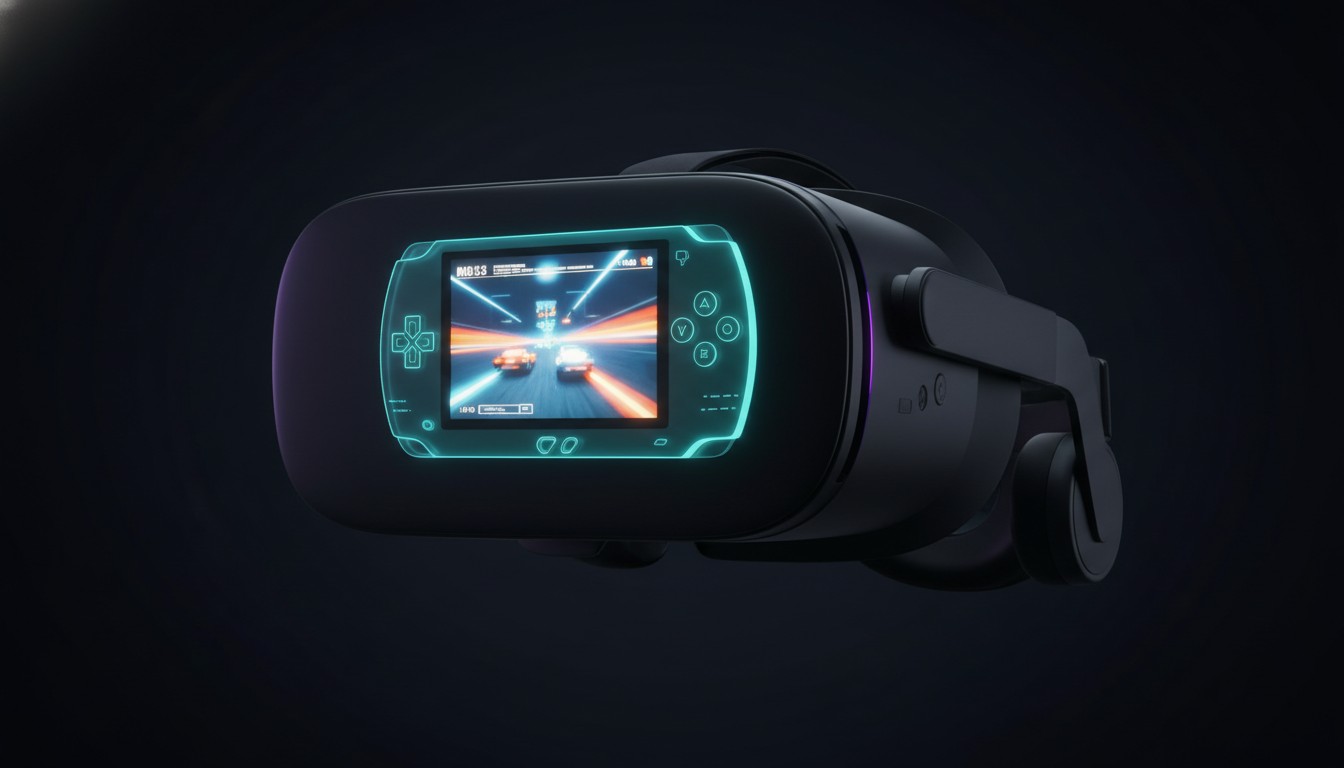
Look, I’m not gonna lie. When I first booted up PPSSPP VR on my Quest 3, I was expecting something closer to magic than what I actually got. The promise is intoxicating: your entire PSP library — thousands of games, from Monster Hunter Freedom Unite to Wipeout Pure to God of War: Chains of Olympus — floating inside your headset, ready to go. No cables to a PC, no hunting down old UMDs, no squinting at a phone screen. Just… everything.
Here’s the thing. It works. It absolutely works. But you need to know what “works” actually means before you spend an evening transferring ISOs and wondering why your favorite game looks like a cinema screen instead of a holodeck.
Same Developer, Same Dream, Ten Years Apart
PPSSPP VR isn’t one project. It’s two forks with the same origin story and wildly different fates.
The first one came from CarlKenner — the same person behind Dolphin VR — and landed back in 2015 for the original Oculus Rift. This was early-days VR, back when “presence” was a buzzword and everyone was still figuring out whether VR was a platform or a really expensive tech demo. CarlKenner’s version did the hard stuff: true stereoscopic 3D, head tracking, lens pre-warping. It was genuinely pioneering. And then it died. The PC version hasn’t seen meaningful updates in nearly a decade. If you go looking for it now, you’re doing archaeology.
The version that actually matters in 2026 is Luboš Vonásek’s Quest fork. Same developer lineage, same ambition, but built for standalone headsets and actively maintained. You install it through SideQuest, it supports Quest 2/3/3S/Pro and PICO 4, and it gets regular updates. This is the one you’re actually going to use.
Cinema Mode: The Reality Most People Will Live In
When you first launch a game, what you get is a virtual cinema screen — a big floating 2D display inside your headset. No depth, no spatial transformation, just… a screen. It’s comfortable, it’s crisp, and it works with virtually every PSP game ever made.
And honestly? For a lot of games, that’s fine. I spent three hours in Monster Hunter Freedom Unite last Tuesday night, hunched in my chair, tracking a Rathalos across the screen in front of me. Was I “inside” the game? No. Was I having a great time? Absolutely. The screen is big enough that you forget you’re in a headset after twenty minutes. For turn-based RPGs, visual novels, strategy games — anything where you don’t need spatial presence — cinema mode is perfectly pleasant. It’s how I imagine most people will spend their time.
But if you bought into VR expecting to feel like you’re hunting monsters instead of watching them on a screen, this is where you start to feel the gap between the fantasy and the reality.
Immersive Mode: Ambition Meets Compromise
The Quest fork also has a 360° immersive mode that wraps the game output around you in a sphere. This is where the project gets ambitious and where it starts to wobble.
Most games in this mode are still rendering flat 2D frames — you’re just viewing them inside a sphere. True stereoscopic 3D, where the emulator actually extracts separate left-eye and right-eye depth from the PSP’s rendering, only works in a tiny handful of titles. The confirmed list is brutally short: OutRun 2006, Soul Calibur, Wipeout, Indiana Jones and the Staff of Kings. Four games. Out of thousands.
I tried Wipeout in true 3D. It’s genuinely cool — you can feel the track depth, the ships have real separation from the background, and for about ten minutes you understand what CarlKenner was chasing back in 2015. Then I tried God of War in immersive mode and watched the UI flicker, textures glitch, and the spherical projection warp the top of the screen into something unreadable. I switched back to cinema mode and enjoyed the game more.
The immersive mode is labeled “experimental” for a reason. Graphical glitches aren’t uncommon. UI elements render wrong. The spherical projection creates distortion at the poles that makes the top and bottom of the screen hard to read. It’s ambitious, it’s occasionally impressive, and it’s mostly not worth the hassle.
The Honest Problems
Let’s talk about what using this thing is actually like.
There’s no text input. None. If you need to name a character, search for a game, or change any setting that requires typing, you’re editing configuration files manually. It’s not hard if you’re comfortable poking around file systems, but it’s exactly the kind of rough edge that makes this feel like enthusiast software rather than a polished product. I named my Monster Hunter character “AAAA” because I couldn’t be bothered to pull the headset off, plug into SideQuest, and edit a config file.
Performance depends heavily on your renderer choice. Vulkan is the recommended path on Quest, and the gap between Vulkan and OpenGL is often the difference between smooth gameplay and a stuttering mess. Some games push the Quest harder than you’d expect — the PSP was more powerful than people remember, and emulation overhead on a standalone headset isn’t trivial.
Then there’s Meta. OS updates have a habit of breaking compatibility with apps distributed outside the official store, and PPSSPP VR is no exception. An automatic update can turn a working emulator into a crash-on-launch headache until the developer pushes a patch. It doesn’t happen constantly, but it happens enough that you should treat this software as slightly fragile.
What’s It Actually Like?
Here’s what it’s like to boot up PPSSPP VR on a Tuesday night.
You put on your Quest. You navigate to the app — it’s not in the official store, so you’re launching it from unknown sources like some kind of digital outlaw. You pick a game. The screen materializes in front of you, big and crisp and slightly unreal in its flatness. You settle in. You play.
For Monster Hunter, it’s comfortable and engrossing. The screen is large enough that you stop noticing the headset. You track your prey, you craft your gear, you lose three hours. For Wipeout, if you’re one of the lucky four with true 3D support, there’s a genuine thrill to feeling the track wrap around you. For GTA: Liberty City Stories, it’s a perfectly fine way to revisit a classic — just a really big screen, really close to your face.
Comfort is a non-issue in cinema mode. No artificial locomotion, no snap turning, no motion intensity. You can play for hours. The immersive mode can introduce visual weirdness, but nothing that’ll make you queasy.
But here’s the fundamental truth: most PSP games gain almost nothing from being inside a headset. A great PSP game is still a great PSP game, but a 2D screen floating in black space isn’t inherently better than a 2D screen on a desk. The value here is portability and library scale, not VR transformation.
Who This Is Actually For
PPSSPP VR is for the person who already loves PSP games and wants a convenient, comfortable way to play them without digging out old hardware or squinting at a phone. If you have a Quest and a backlog of Monster Hunter, Final Fantasy, or GTA PSP titles you’ve been meaning to revisit, this is a genuinely useful tool. The library is enormous, the emulator is competent, and the cinema mode is a perfectly pleasant way to experience these games.
It’s not for someone seeking a native VR experience. It’s not for someone who expects VR to transform flat games into spatial ones. And it’s not for someone who wants plug-and-play simplicity without occasional manual config edits or compatibility hiccups.
The Bottom Line
PPSSPP VR is a B-tier tool doing a B-tier job, and I mean that with genuine respect. It doesn’t promise more than it delivers, and what it delivers — a massive retro library in a comfortable headset format — is legitimately valuable for the right audience. The CarlKenner PC fork is a fascinating historical footnote. The Vonásek Quest fork is what you should actually use.
Just know that “VR” here mostly means “inside a headset,” not “transformed by VR.” If you’re okay with that distinction, there’s a lot of great PSP gaming waiting for you. I spent my weekend in Monster Hunter Freedom Unite and I don’t regret a minute of it. But I spent it looking at a screen, not living inside a world. Go in with that expectation, and you’ll get exactly what you paid for.